The first update is out, and it's the one iPad people asked about first. The Bakery works on iPad now!
If you haven't used it yet, here's a quick refresher: the Bakery cuts your wallpaper into little squares that line up with where each icon sits on your home screen, then puts the icon on top. When it lines up right, the icons look see-through.
The tricky part is getting it to line up right, because the Bakery has to know exactly where iOS puts every icon, down to the pixel. iPhone only has a handful of screen sizes, but iPad has nine, plus two orientations, two icon sizes, and a grid that changes when you put a widget on the page.
So I measured all of it: every iPad in portrait and landscape, with and without widgets, in both icon sizes. That ended up being a lot of screenshots.
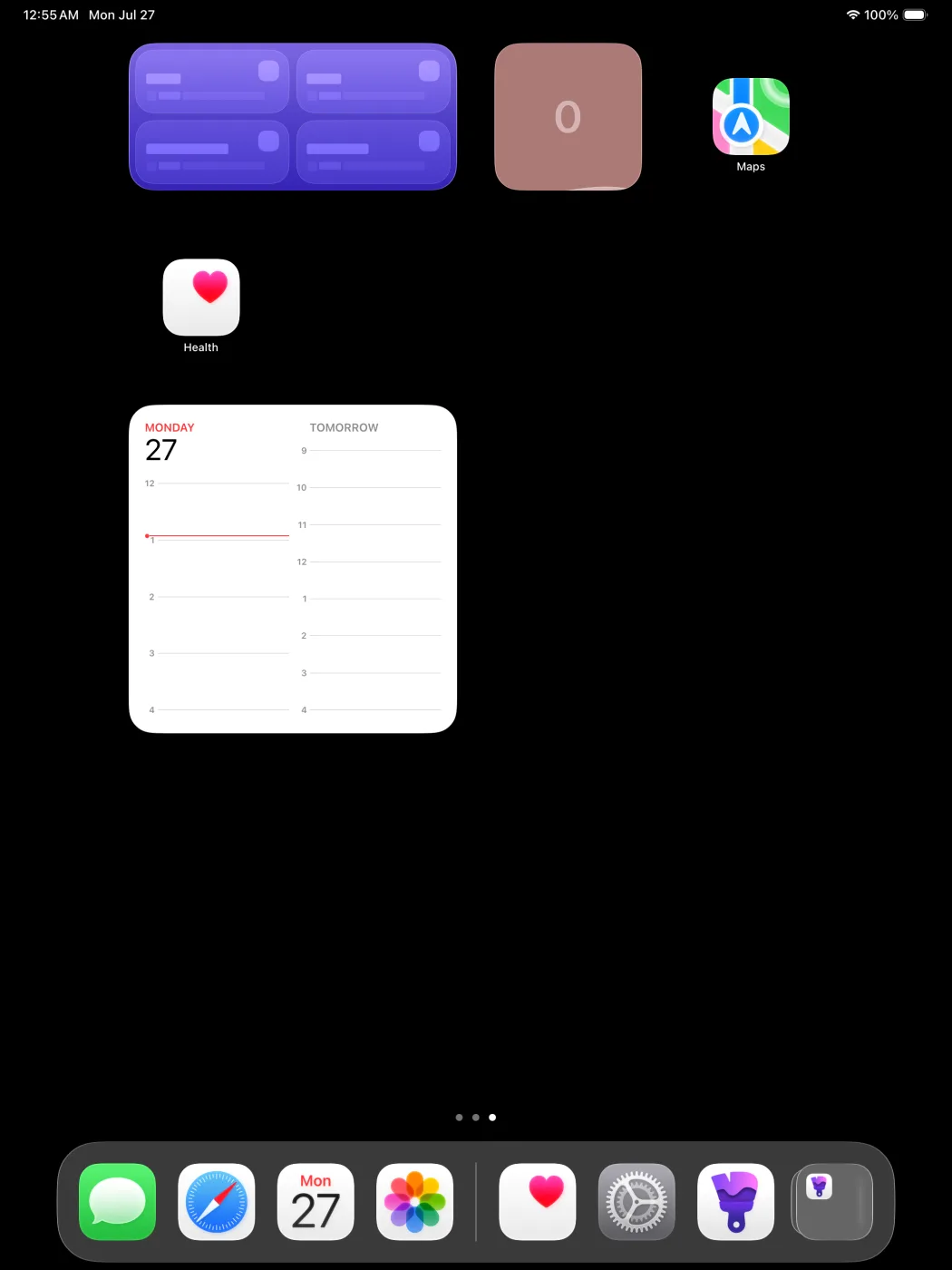
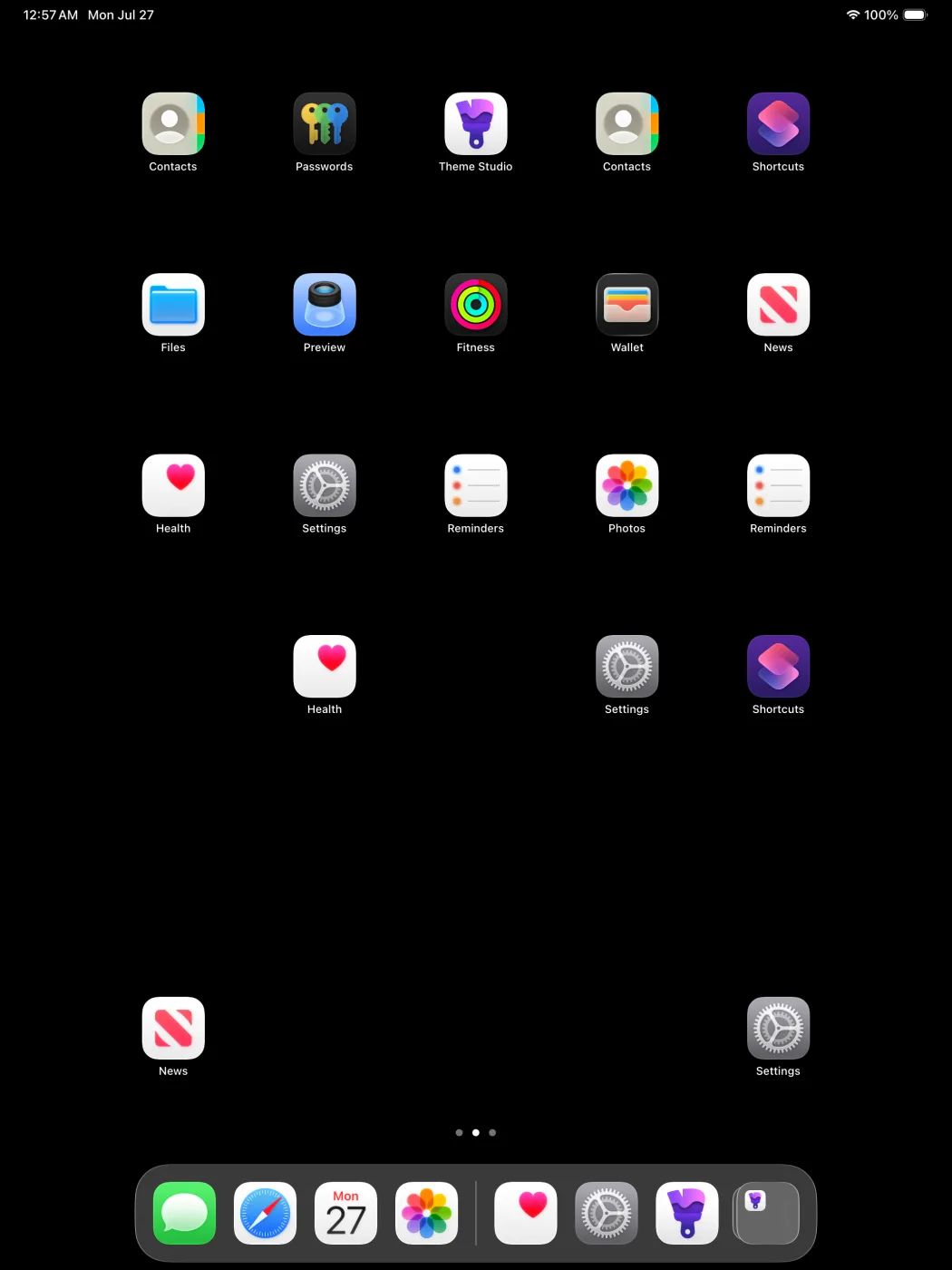
A couple of things surprised me along the way.
Pages with widgets use a different grid. Most iPads give you 5 columns of icons in portrait, but as soon as you put a widget on the page it drops to 4, and the Bakery now handles both.
Large icons on iPad can still have labels. On iPhone, large icons hide the app names, so the Bakery used to ask if your icons had labels to work out the layout. That doesn't tell you anything on iPad, so now it asks about icon size instead.
There was also one dumb mistake on my part. For a while every iPad bake was off by exactly half an icon, because my measurements were the top left corner of each icon and the code was treating them as the center. Thankfully I caught it in testing.
What you get on iPad
- Every iPad, in portrait and landscape
- Anywhere from 4 to 10 dock icons
- 19 layouts with widgets on the page, so your icons land in the right spots around them
- A layout check before you export. You pick your layout from a picture of its shape and confirm it, so a wrong layout can't quietly ruin a bake
Other stuff in 1.1
- New themes show up without an app update. The Themes tab loads from my server now, which is how the new Blinds and Fluid Glass packs got in.
- Better color palettes. Generating colors from a wallpaper always gives you the number of colors you asked for, and they're actually different from each other, even on wallpapers that are mostly one color.
- Share links open the app. Tap one in Messages or Safari and it goes right to the theme.
- A tutorial and a feedback button. Settings has both now, and feedback comes straight to me.
- The welcome screen doesn't slide in twice anymore. That was a real bug, believe it or not.
If something doesn't line up on your iPad, tap Send Feedback and tell me which iPad and which layout you used, and I'll get it fixed.