I'm starting to make short videos that show off Theme Studio themes, and I wanted an easy way for you to find the exact theme from a video. There are 2,478 themes in the app, so scrolling until you spot the right one isn't much fun. Starting with 1.5, every theme has its own short code.
Every theme has a code
Each code is four characters long, like FMDS, and I'll show it on screen in every video. The codes only use numbers and consonants, so you never have to guess whether you're looking at a 0 or an O, or a 1 or an I. Uppercase or lowercase both work.
Type it in the Themes tab
When you open the Themes tab, you'll see a new Have a theme code? box at the top. Type the code and tap Go.
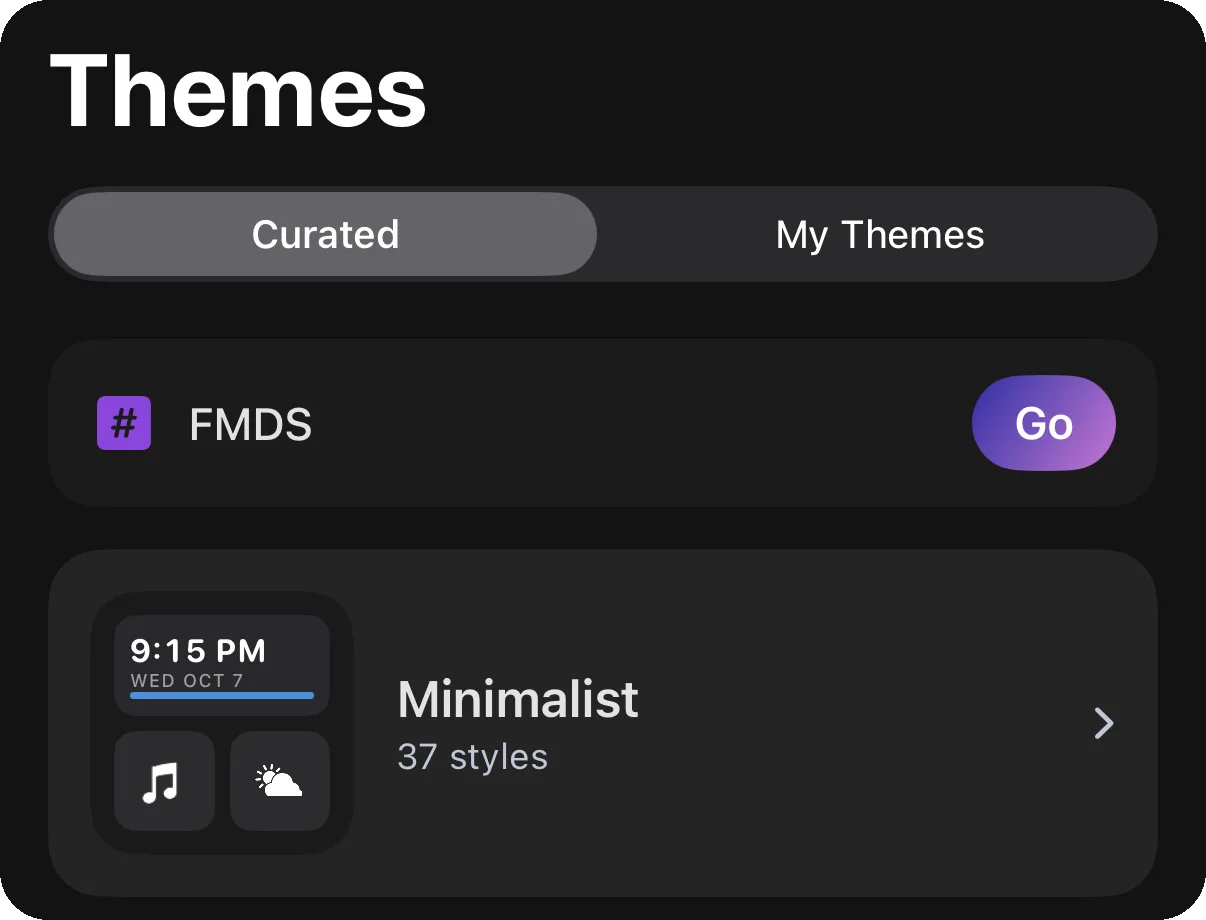
The app opens a preview of that theme right away, so all that's left is to tap Apply Theme.
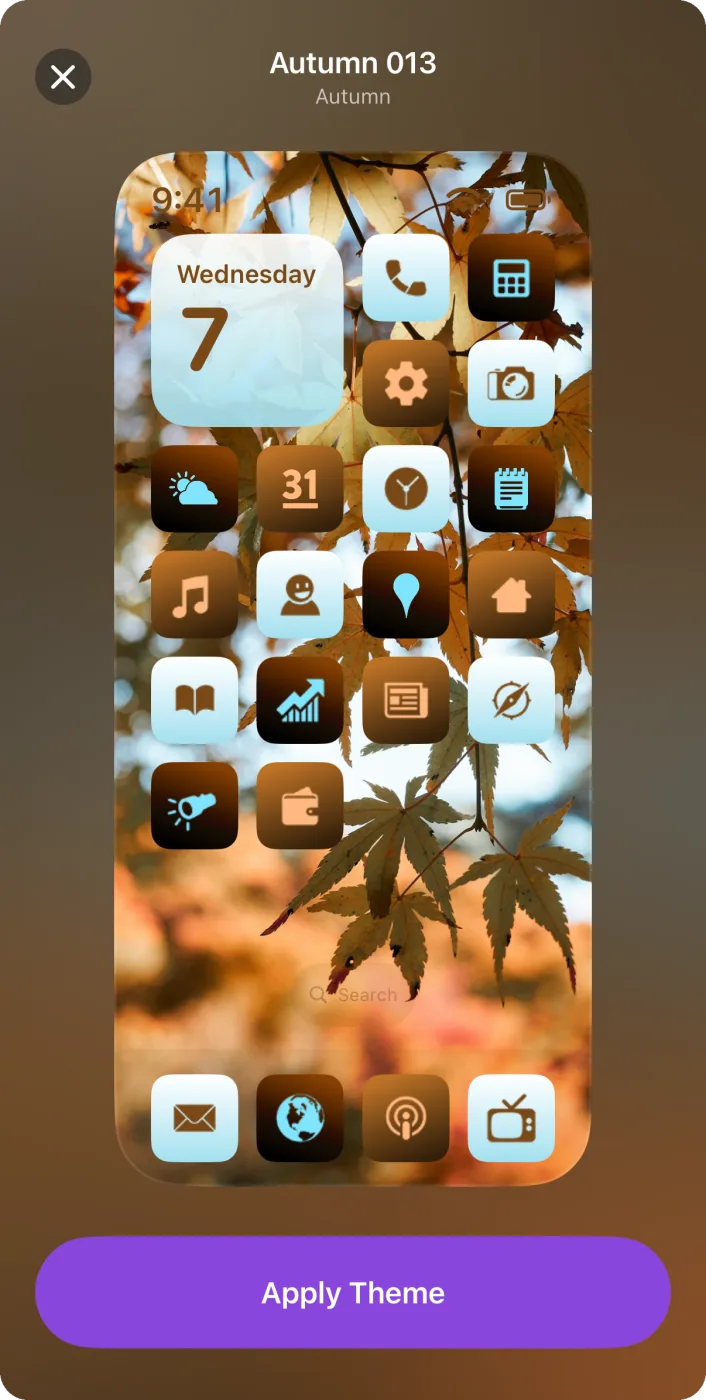
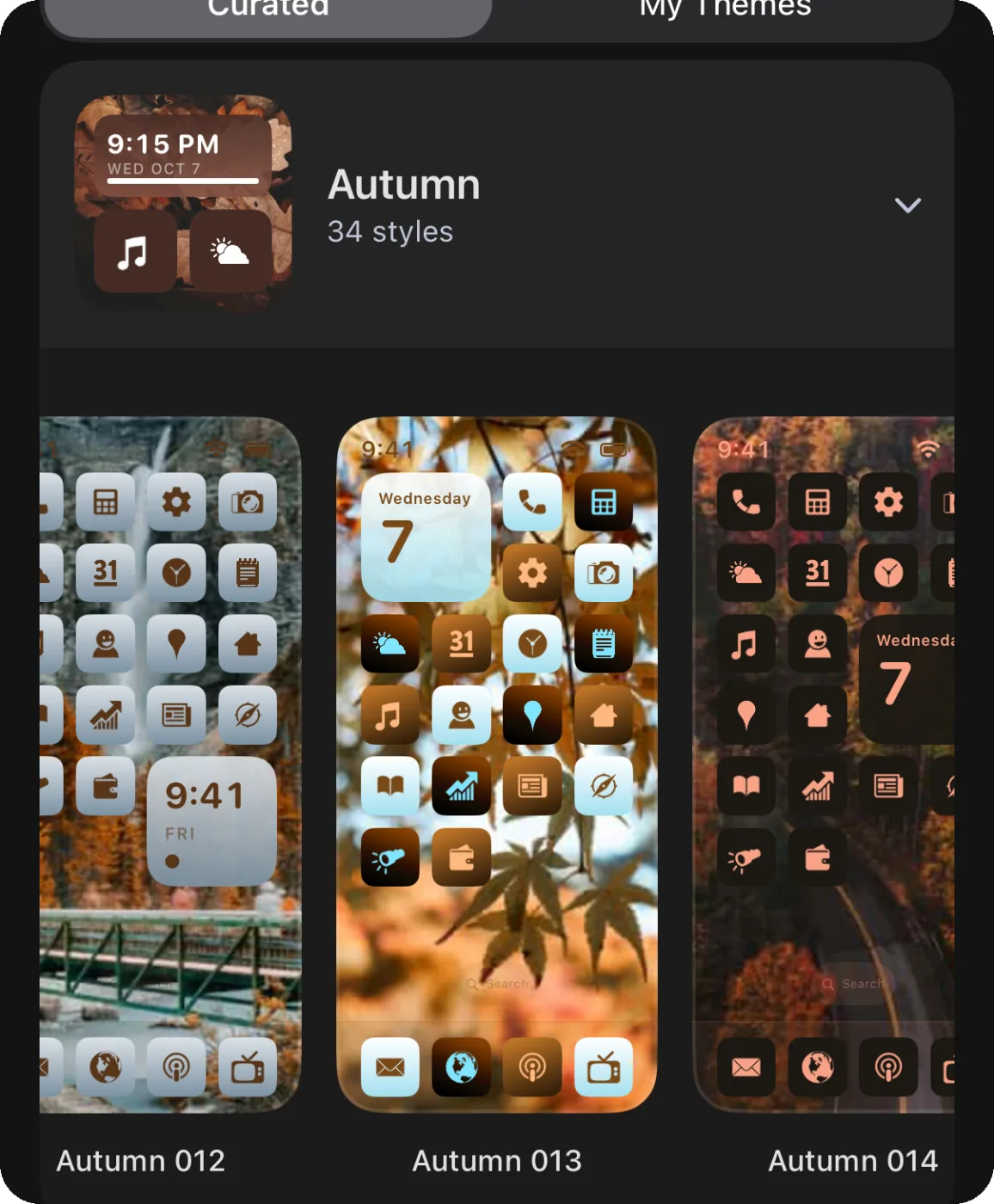
When you close the preview, the app leaves you on that theme inside its pack. That makes it easy to swipe through the other themes in the same pack in case you like one of those even more.
Or tap a link
Every code has a link too, like themestudio.co/t/FMDS. If you tap one on your iPhone or iPad, it opens the theme right in Theme Studio. You can also paste a link into the code box and it will work the same way.
If you don't have the app yet, the link shows the theme on the website along with a button to get Theme Studio. Once it's installed, open the Themes tab and type in the code. You can also look up a code on the Themes page of this site, or open it in the web editor to customize it.
Get it
Update Theme Studio from the App Store, open the Themes tab, and give FMDS a try!