Rad Pack is an 80s retro icon pack for iPhone and iPad. Every icon is rendered in shiny chrome, like lettering on an old arcade cabinet, and the themes pair them with synthwave sunsets, neon grids, cassette tapes, and hot pink and cyan skies. If you love the retrowave look, this is the pack.
80s and synthwave home screen ideas
These are real home screens made with the Rad Pack icons in Theme Studio. Tap one to see the theme, or type its code into the app's Themes tab to open it.
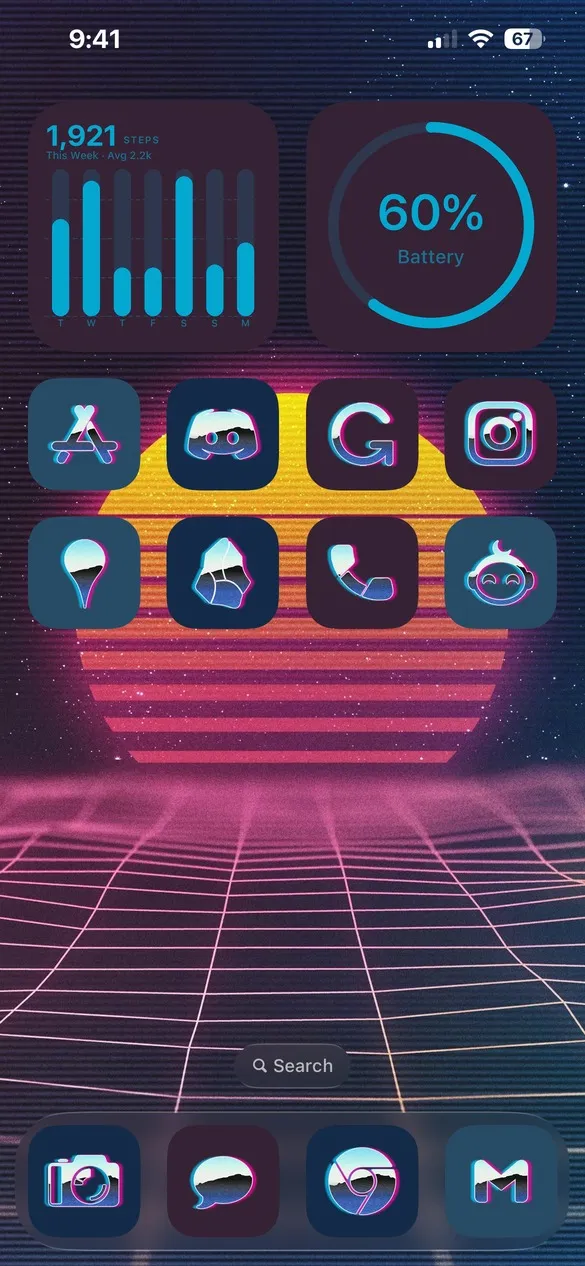 Rad Pack 001 · code 7NFN
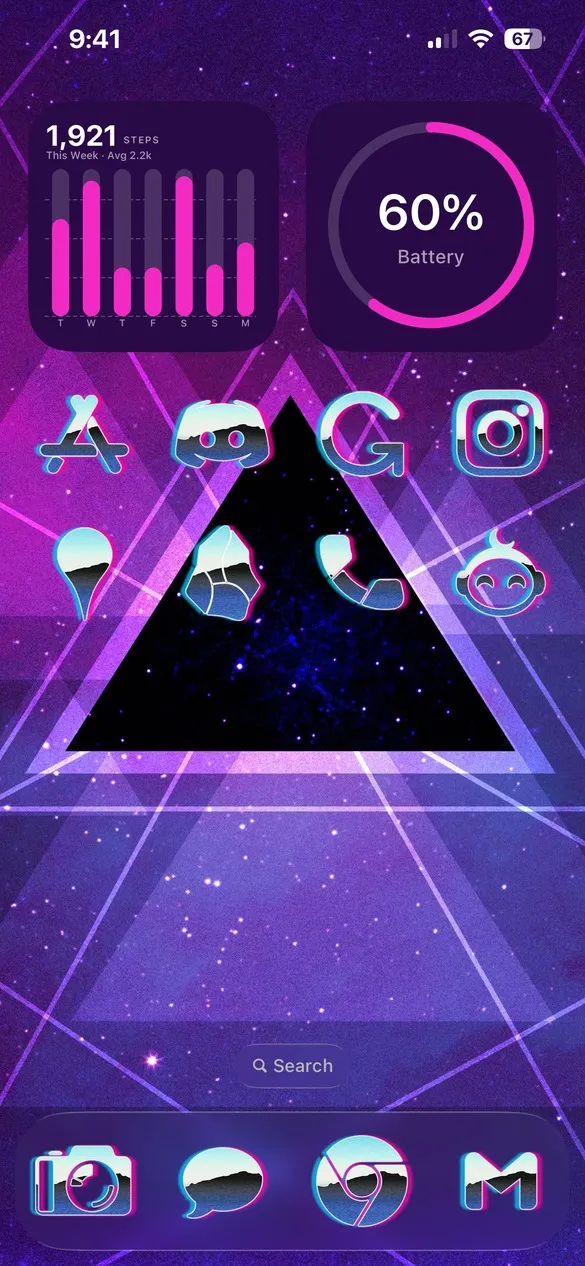 Rad Pack 016 · code HXC3
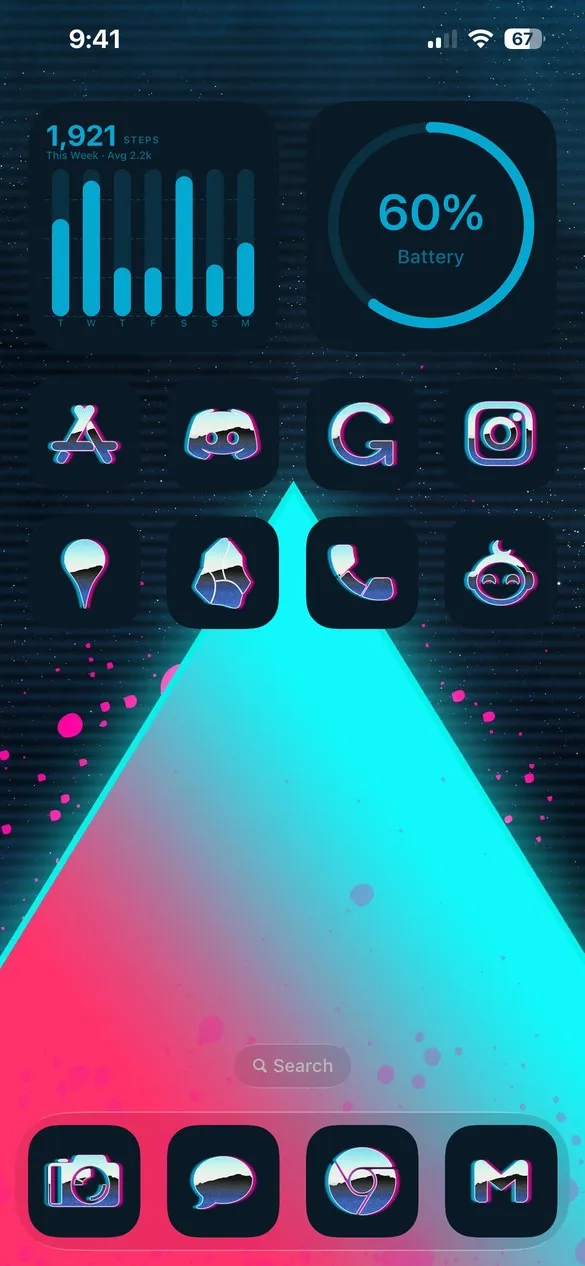 Rad Pack 022 · code 7J55
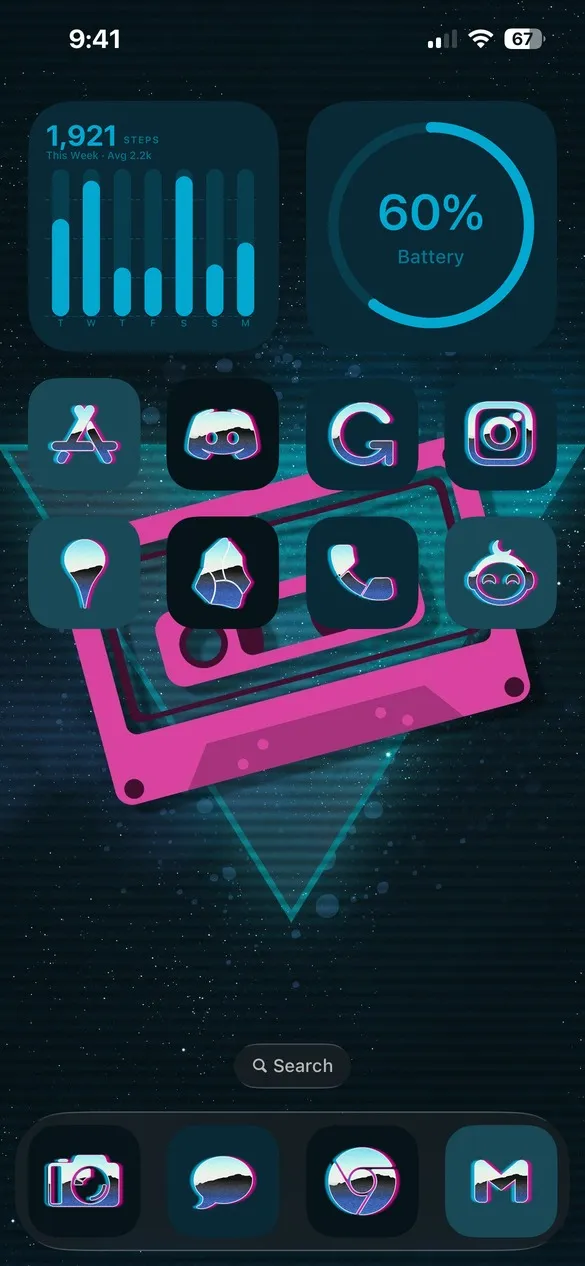 Rad Pack 031 · code 9K3H
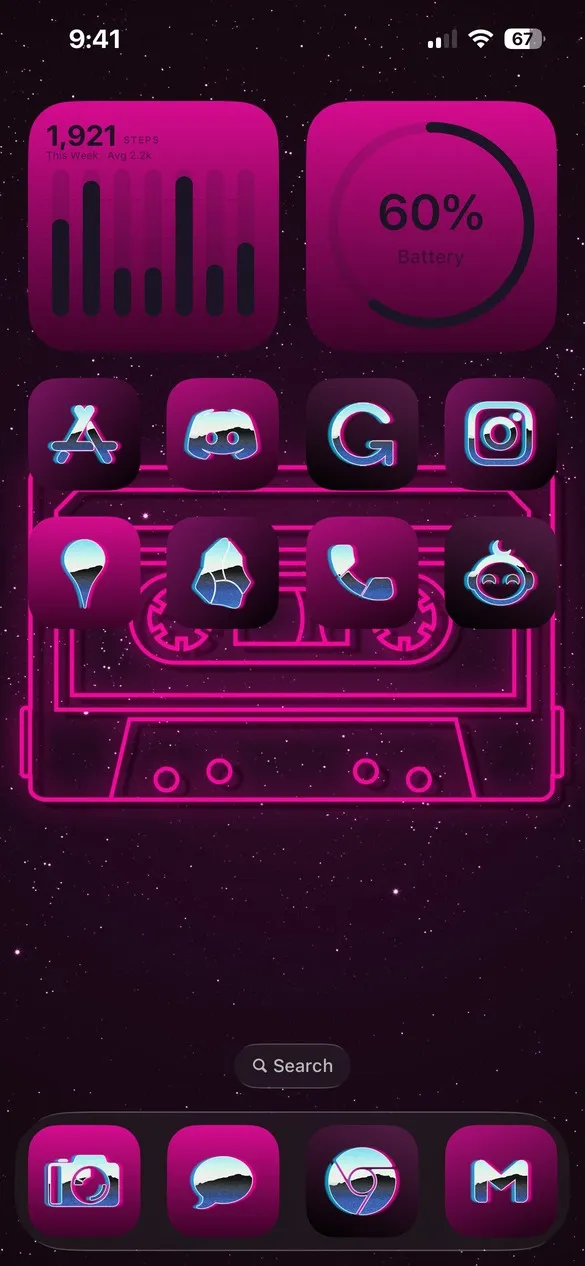 Rad Pack 043 · code KFQD
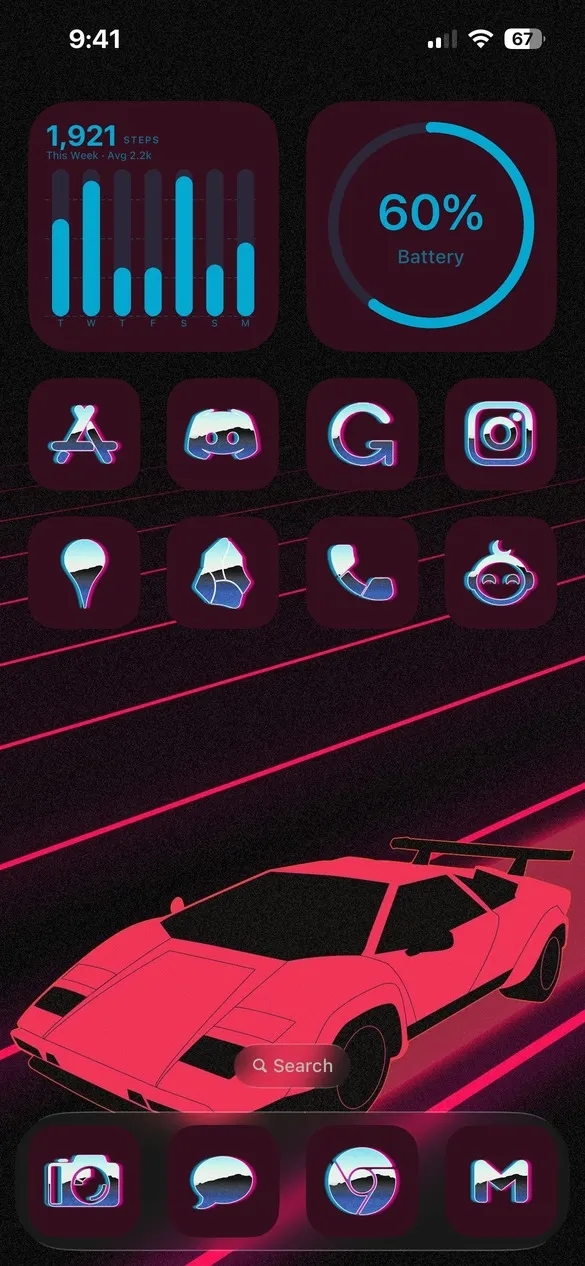 Rad Pack 052 · code 2GBN
Chrome 80s icons for the apps you use
Rad Pack covers the apps people use every day, from Instagram, TikTok, and Spotify to Apple's own apps like Photos, Messages, and Settings.


How to get Rad Pack icons on your iPhone
- Download Theme Studio from the App Store and open the Themes tab.
- Find themes that use Rad Pack, or type one of the codes above into the Have a theme code? box.
- Tap Apply Theme. Your icons, widgets, and wallpaper are set up together.
- Export your icons and add them to your home screen with Apple's Shortcuts app. The step-by-step guide walks through it.
Chrome icons look their best on dark purple, black, and hot pink wallpapers with neon accents. The matching widgets come in cyan and pink.
Frequently asked questions
Is the 80s icon pack free?
Theme Studio is free to download, and you can apply any Rad Pack theme and try the icons for free. Exporting Rad Pack icons is part of Theme Studio Pro. The Solid icon pack is free for everyone.
Are there 80s wallpapers too?
Yes. Every Rad Pack theme comes with a synthwave wallpaper, and the Walls tab has a whole Rad Pack collection.
Does it work on iPad?
Yes. Theme Studio works on iPhone and iPad.