Mello is a cute icon pack for iPhone and iPad, with soft, rounded app icons in bright, friendly colors. It has its own style, different from Theme Studio's other packs, and it looks great on pink clouds, candy colors, and dreamy gradients.
Cute home screen ideas
These are real home screens made with the Mello icons in Theme Studio. Tap one to see the theme, or type its code into the app's Themes tab to open it.
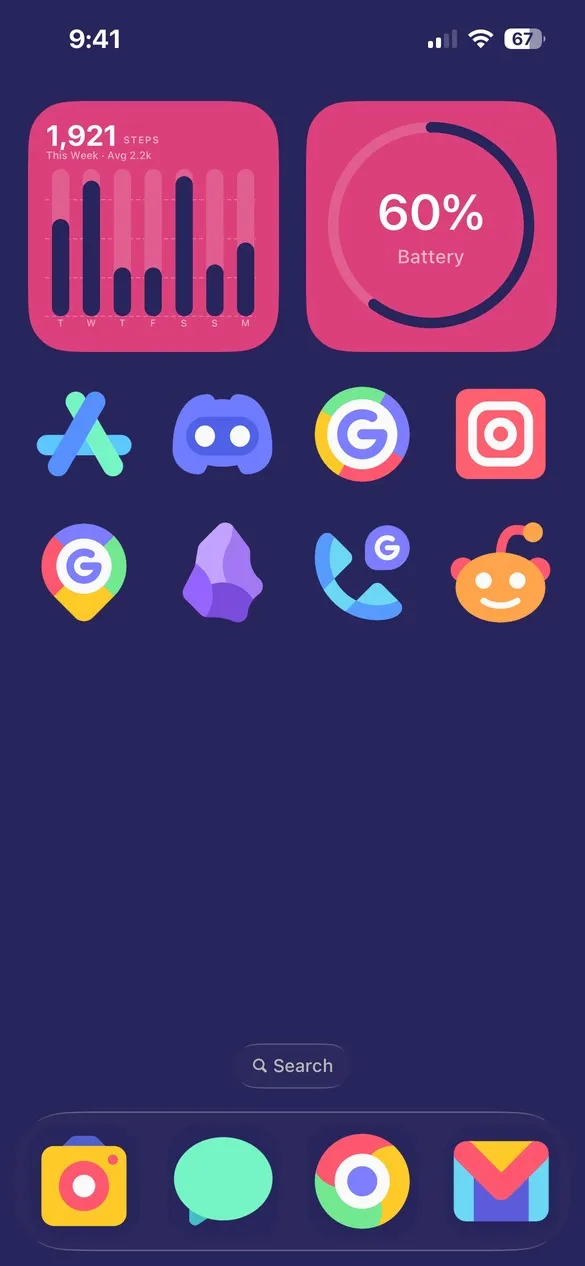 Mello Default · code G4JB
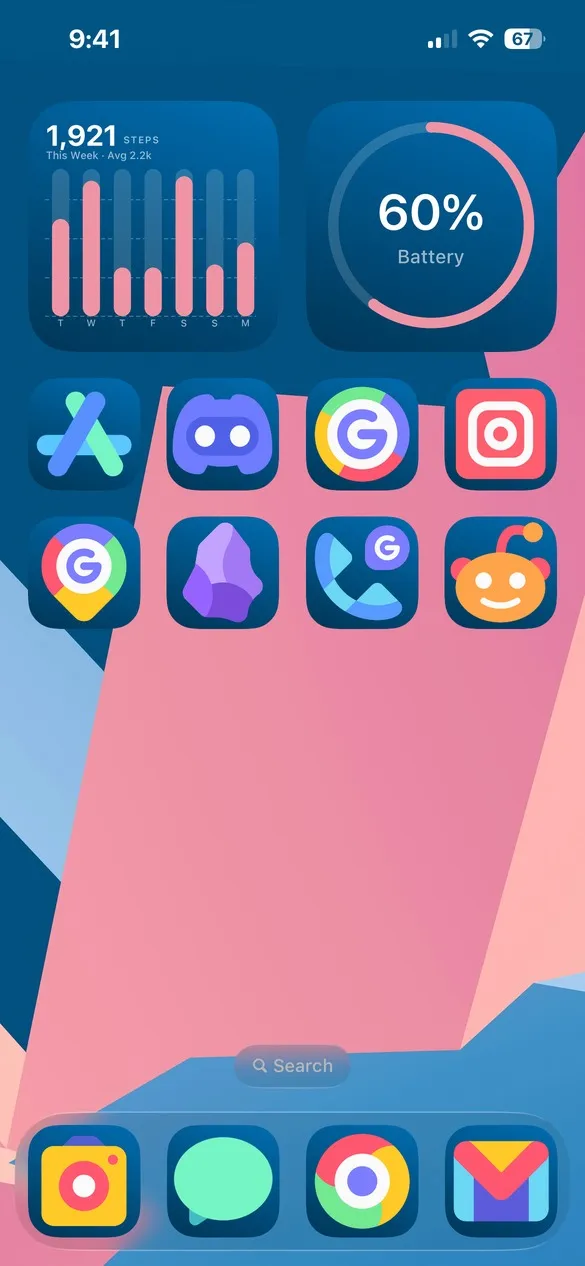 Mello 001 · code XF2B
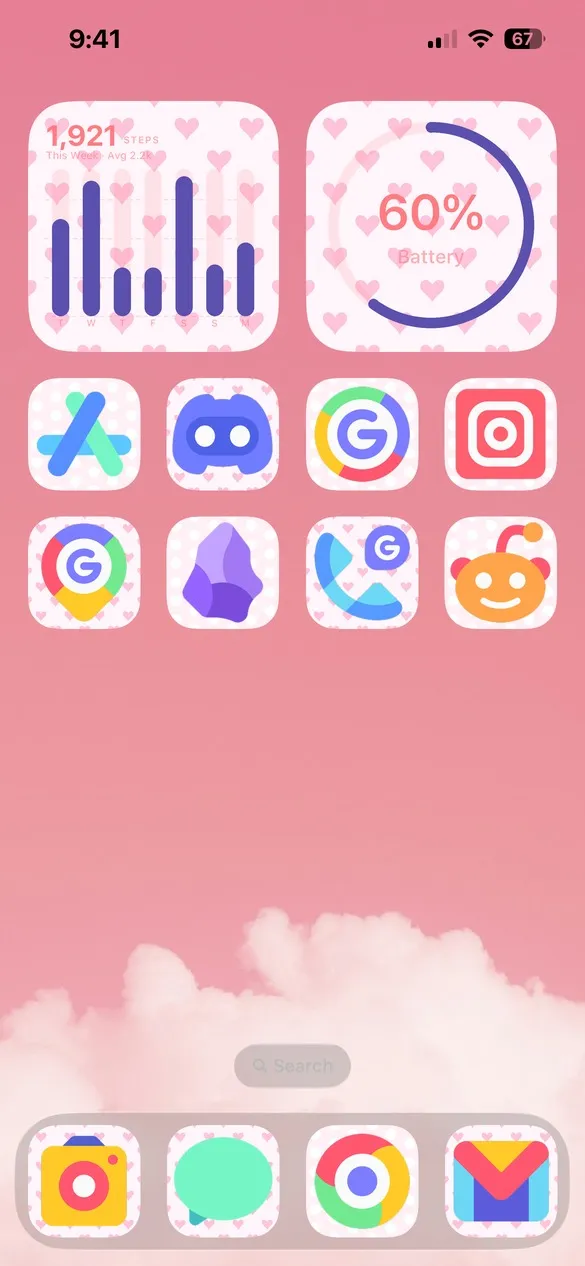 Mello Default 022 · code XDK3
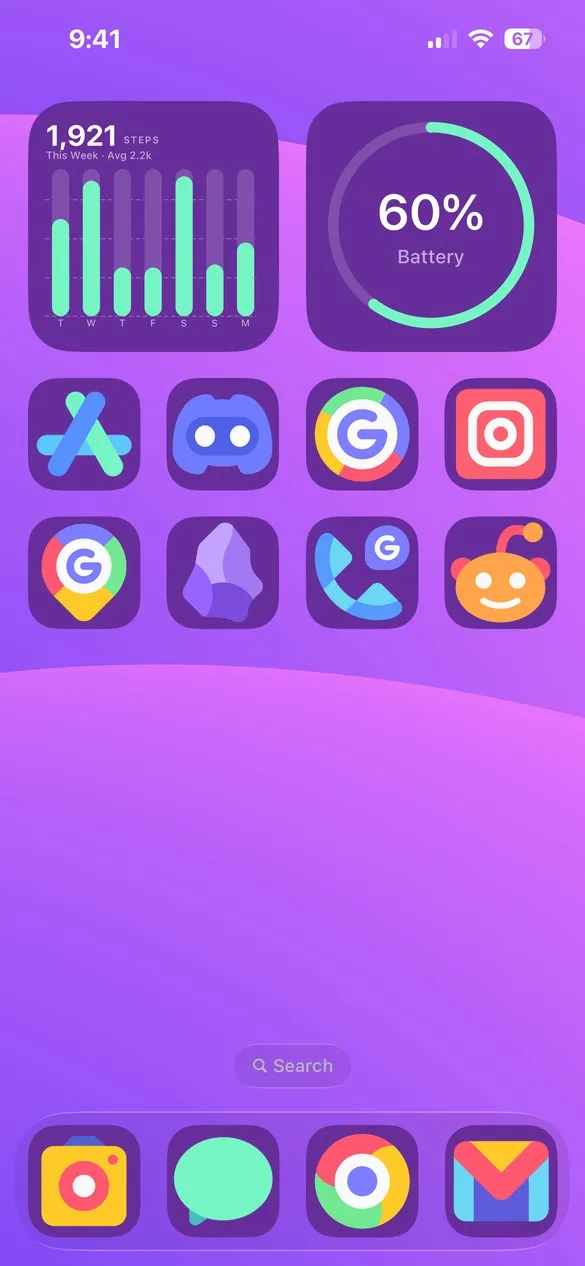 Mello 003 · code Z68S
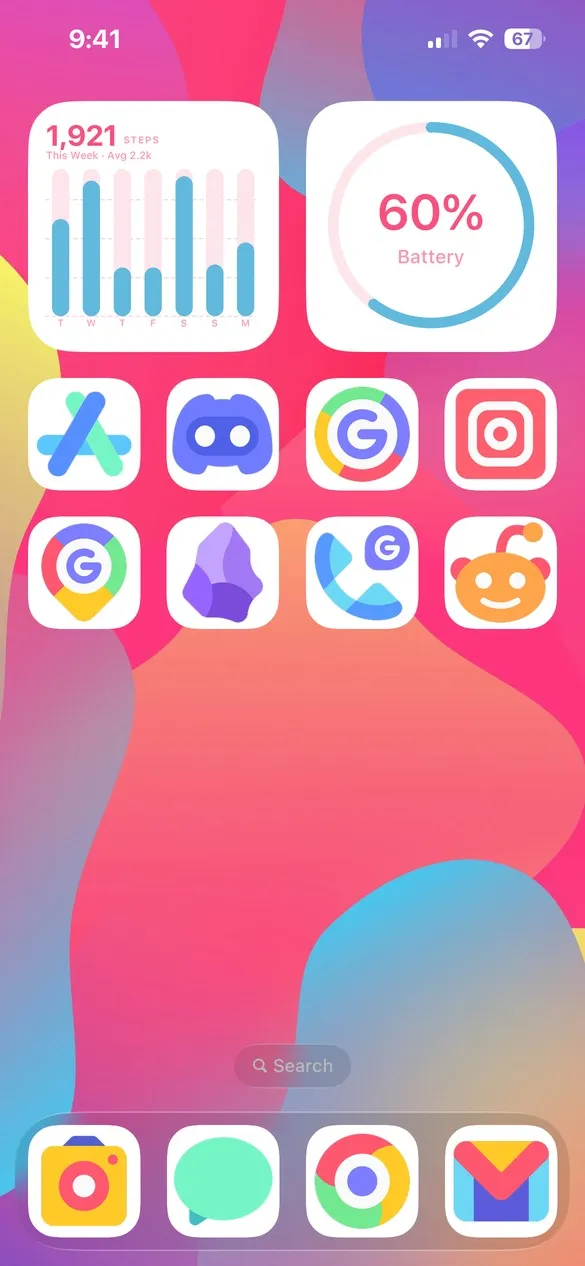 Mello Default 019 · code V79Z
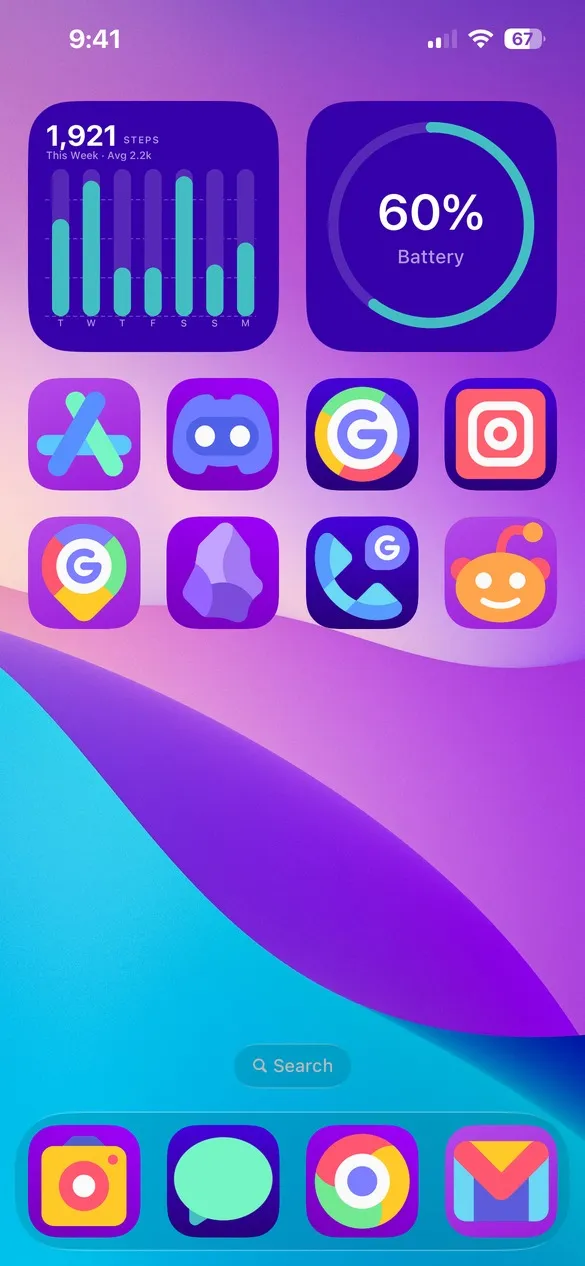 Mello Default 003 · code HQXS
Cute icons for the apps you use
Mello has its own set of icons, covering popular apps and everyday tools. You can search for any app by name in the Icons tab.


How to get Mello icons on your iPhone
- Download Theme Studio from the App Store and open the Themes tab.
- Find themes that use Mello, or type one of the codes above into the Have a theme code? box.
- Tap Apply Theme. Your icons, widgets, and wallpaper are set up together.
- Export your icons and add them to your home screen with Apple's Shortcuts app. The step-by-step guide walks through it.
Mello's colors are already bright, so pick a soft wallpaper and keep the icon backgrounds simple: white, pastel, or a light gradient.
Frequently asked questions
Is the cute icon pack free?
Theme Studio is free to download, and you can apply any Mello theme and try the icons for free. Exporting Mello icons is part of Theme Studio Pro. The Solid icon pack is free for everyone.
Does Mello have every app?
Mello has its own icon set, so some apps differ from the other packs. Search for an app in the Icons tab to check.
Does it work on iPad?
Yes. Theme Studio works on iPhone and iPad.