Solid is Theme Studio's free icon pack: clean, filled app icons that you can color any way you like, from soft pastels to bold neon. It's free for everyone, with no subscription needed to apply a theme or export the icons, so it's the easiest way to give your iPhone an aesthetic home screen.
Free aesthetic home screen ideas
These are real home screens made with the Solid icons in Theme Studio. Tap one to see the theme, or type its code into the app's Themes tab to open it.
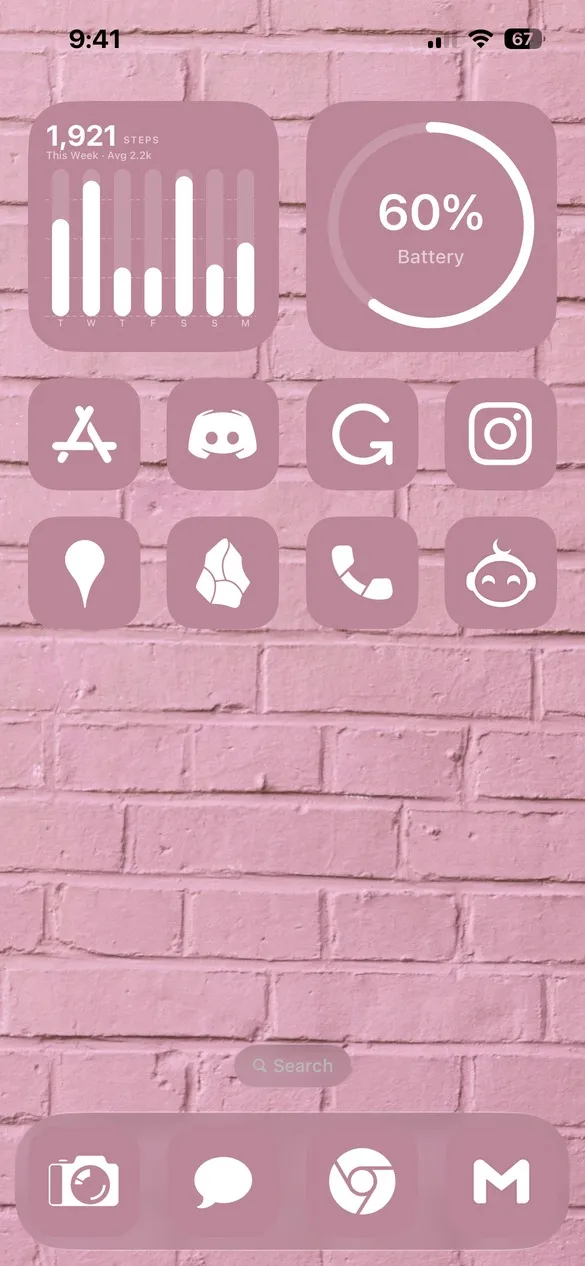 Pink 043 · code HRTX
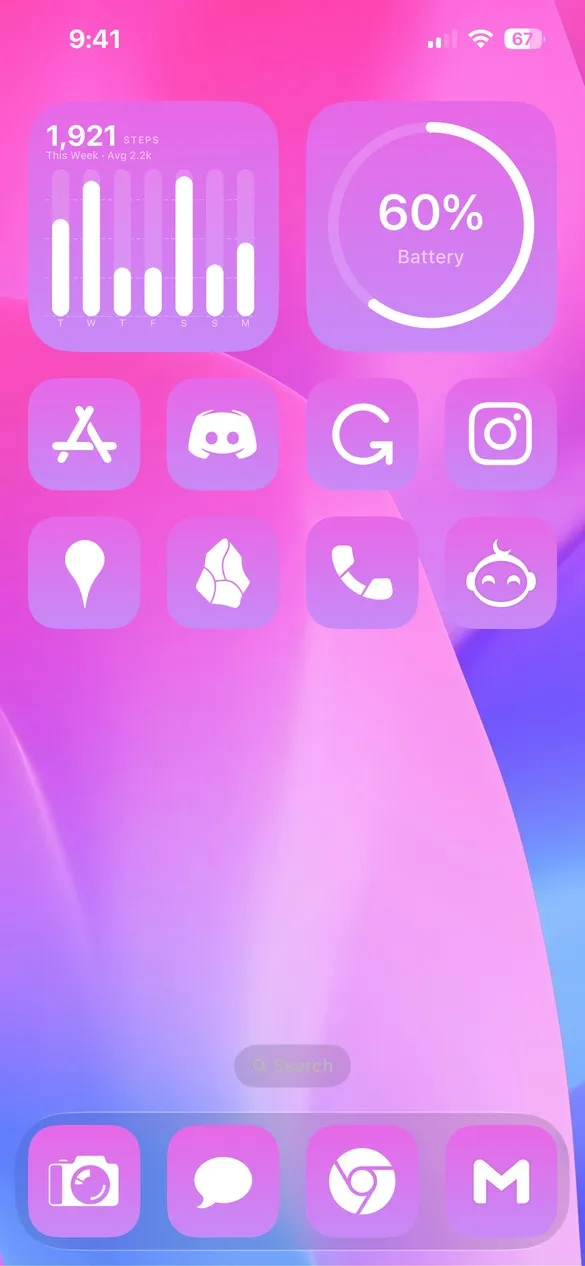 Color 028 · code HZ4Q
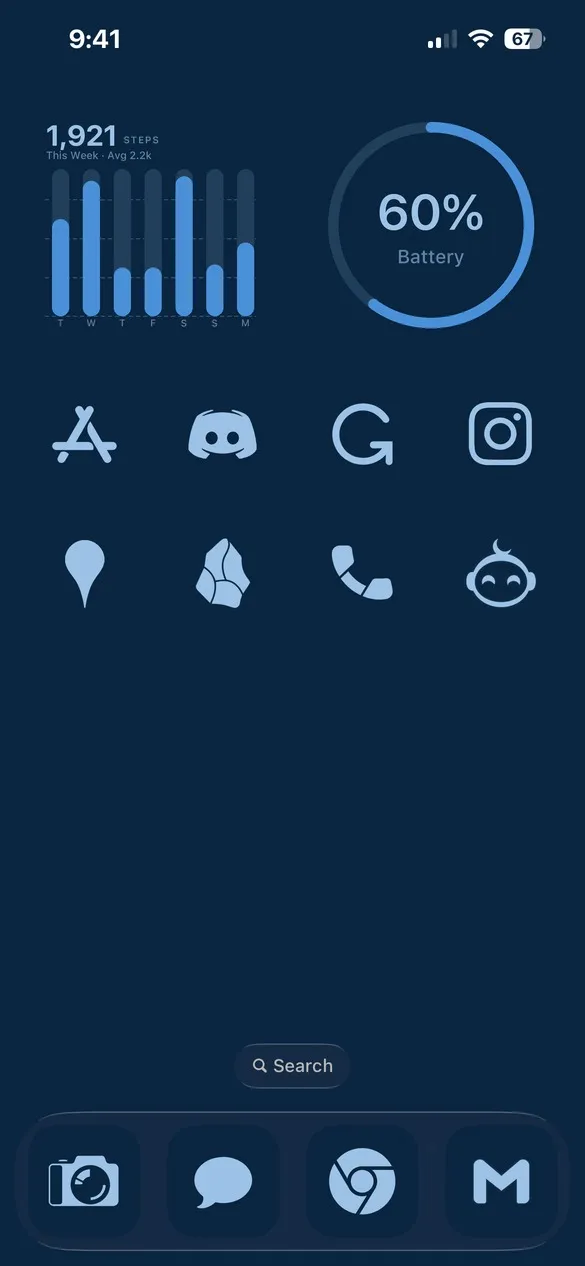 Oceanica 027 · code 2HN3
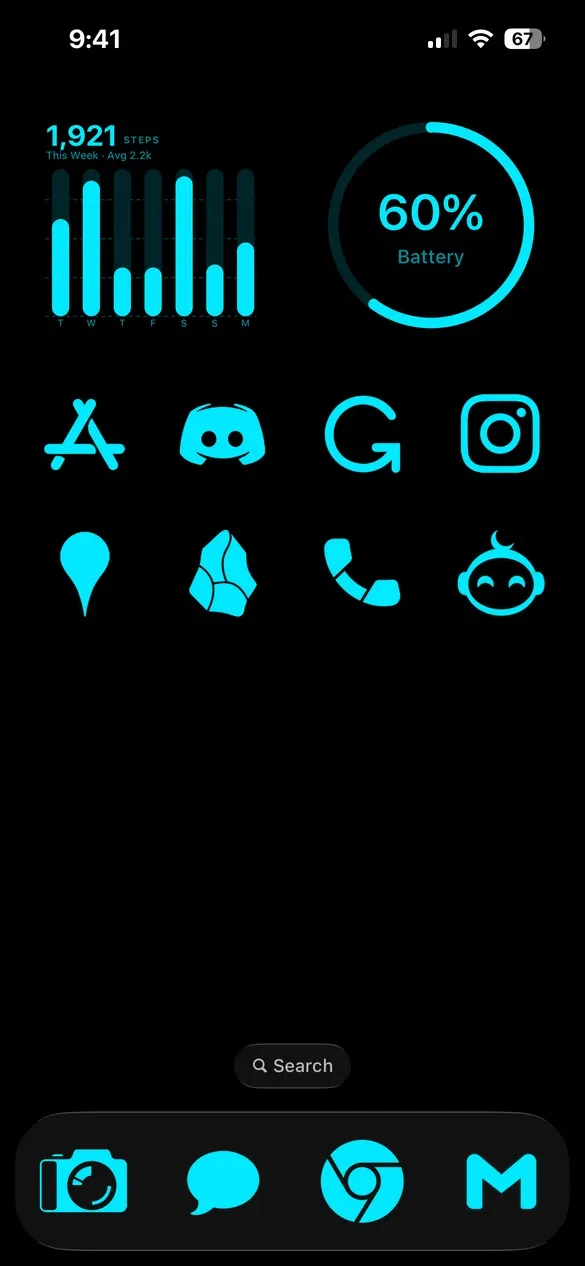 Terminal 016 · code BWN9
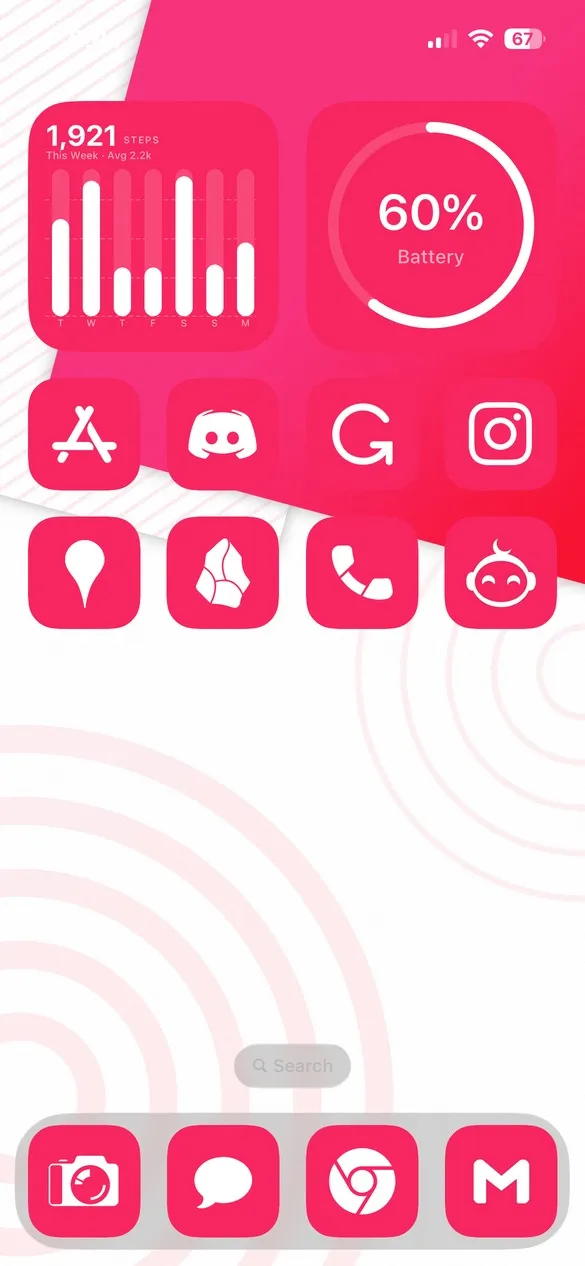 Vibrant Waves 087 · code WGR9
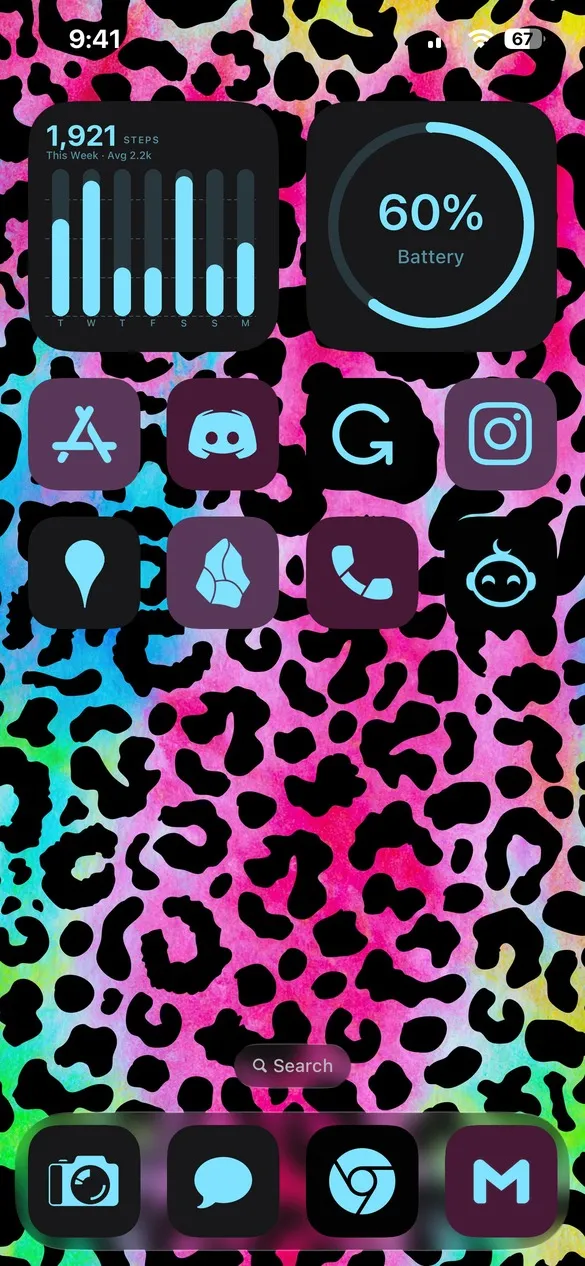 Animal Print 017 · code C53Z
Free app icons for the apps you use
Solid covers the apps people use every day, from Instagram, TikTok, and Spotify to Apple's own apps like Photos, Messages, and Settings. Every icon can take any color, background, gradient, or shadow.


How to get Solid icons on your iPhone
- Download Theme Studio from the App Store and open the Themes tab.
- Find themes that use Solid, or type one of the codes above into the Have a theme code? box.
- Tap Apply Theme. Your icons, widgets, and wallpaper are set up together.
- Export your icons and add them to your home screen with Apple's Shortcuts app. The step-by-step guide walks through it.
Because the icons are plain shapes, Solid works with every aesthetic. Pick a theme above, then change the icon color and background in the Studio tab to match your wallpaper.
Frequently asked questions
Is this icon pack really free?
Yes. Solid is free for everyone. You can apply Solid themes, change the colors, and export the icons without Theme Studio Pro.
Can I change the icon colors?
Yes. In the Studio tab you can set the icon color, the background behind it (solid, gradient, image, or blur), and add a shadow.
Does it work with iOS 26 and iPad?
Yes. Theme Studio supports iOS 26 on iPhone and iPad.