Glass Pack is a set of clear, frosted glass app icons for iPhone and iPad. Each icon looks like it was cut from a sheet of glass, so the color of your wallpaper glows through the edges. It's a natural fit next to the glassy look of iOS 26, and it works on dark, light, and colorful wallpapers alike.
Glass home screen ideas
These are real home screens made with the Glass Pack in Theme Studio. Tap one to see the theme, or type its code into the app's Themes tab to open it.
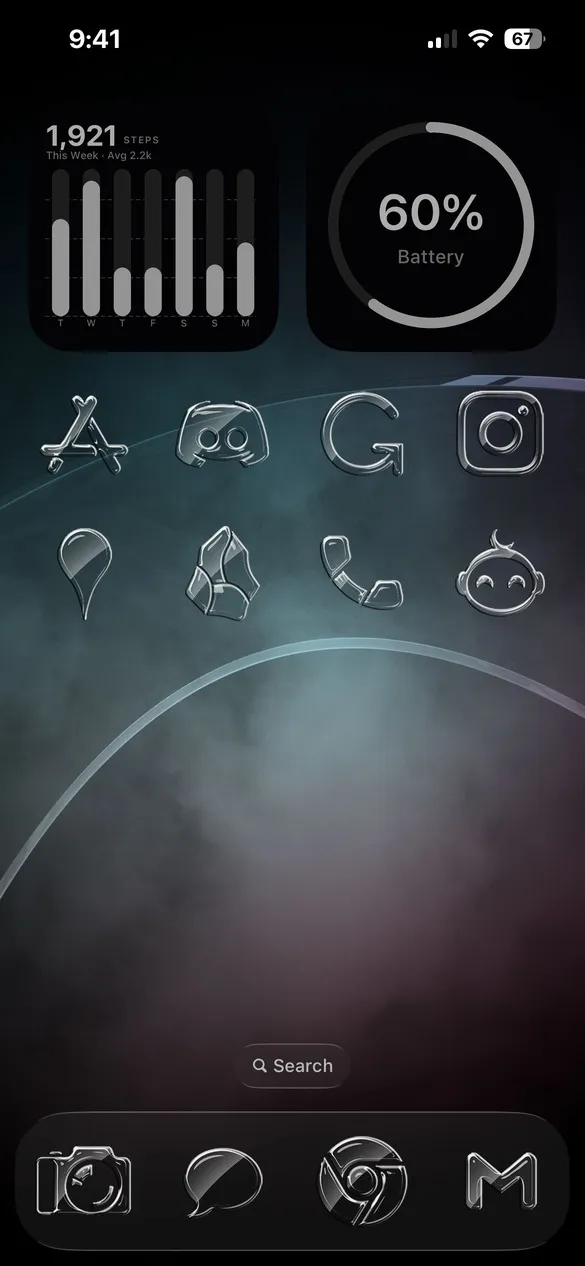 Glass Pack 003 · code HBV3
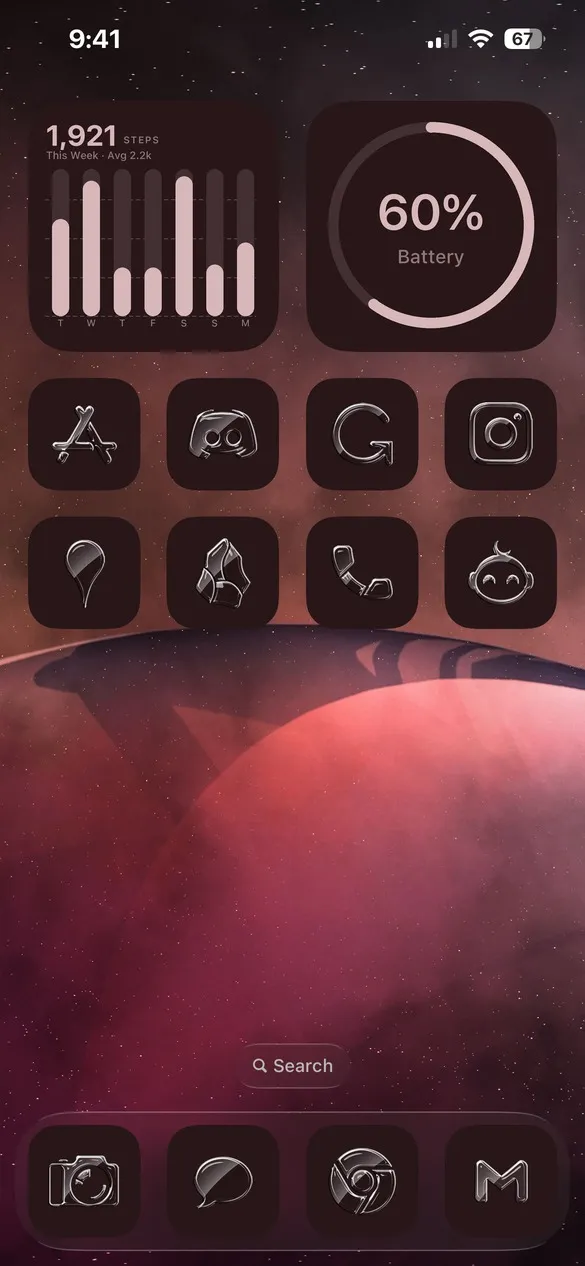 Glass Pack 004 · code X8N6
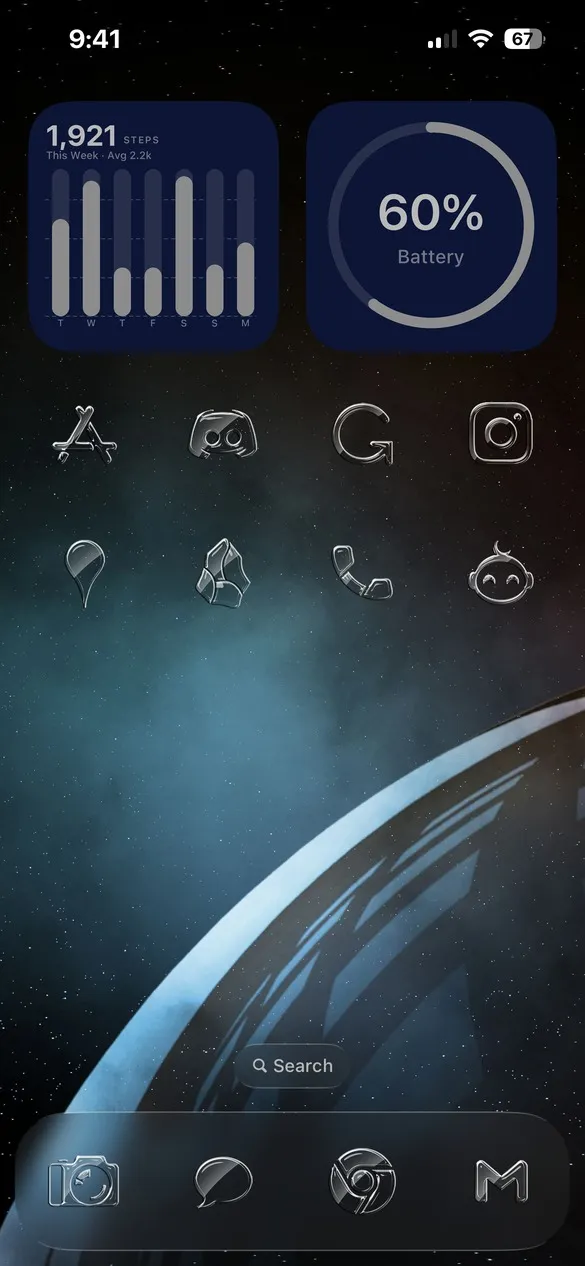 Glass Pack 007 · code FZM7
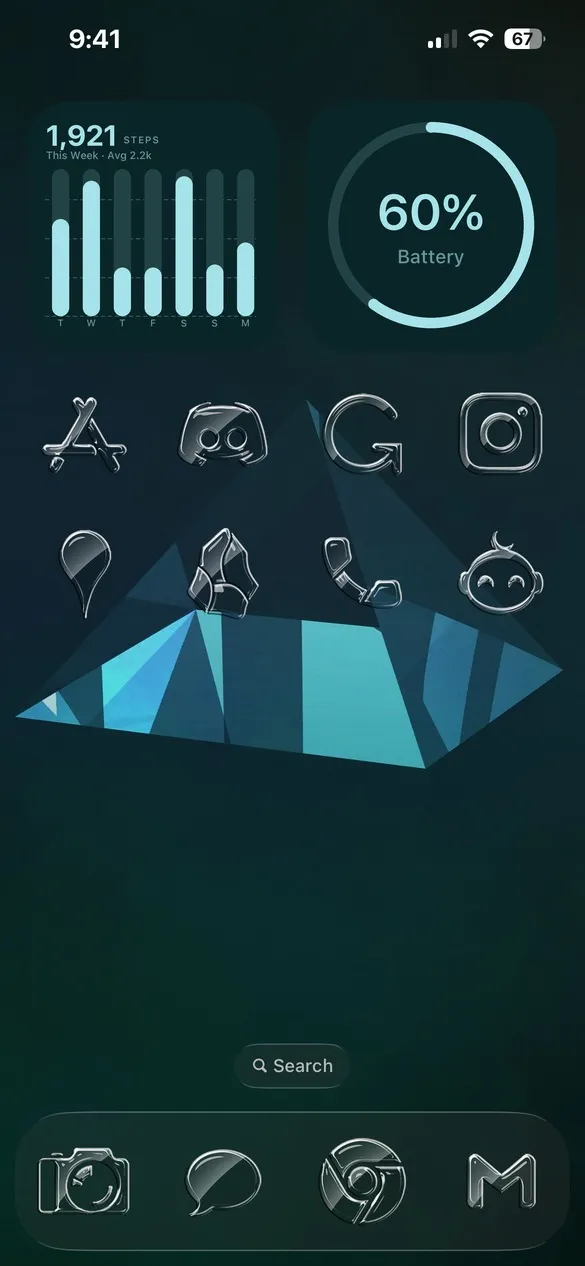 Glass Pack 010 · code GX86
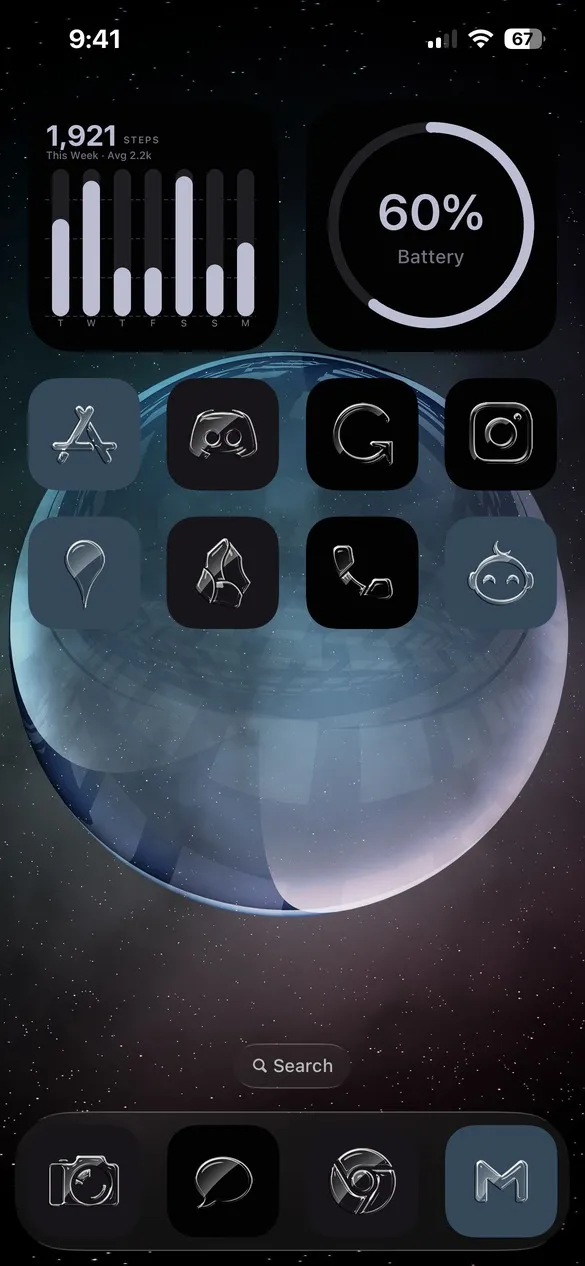 Glass Pack 014 · code RCSP
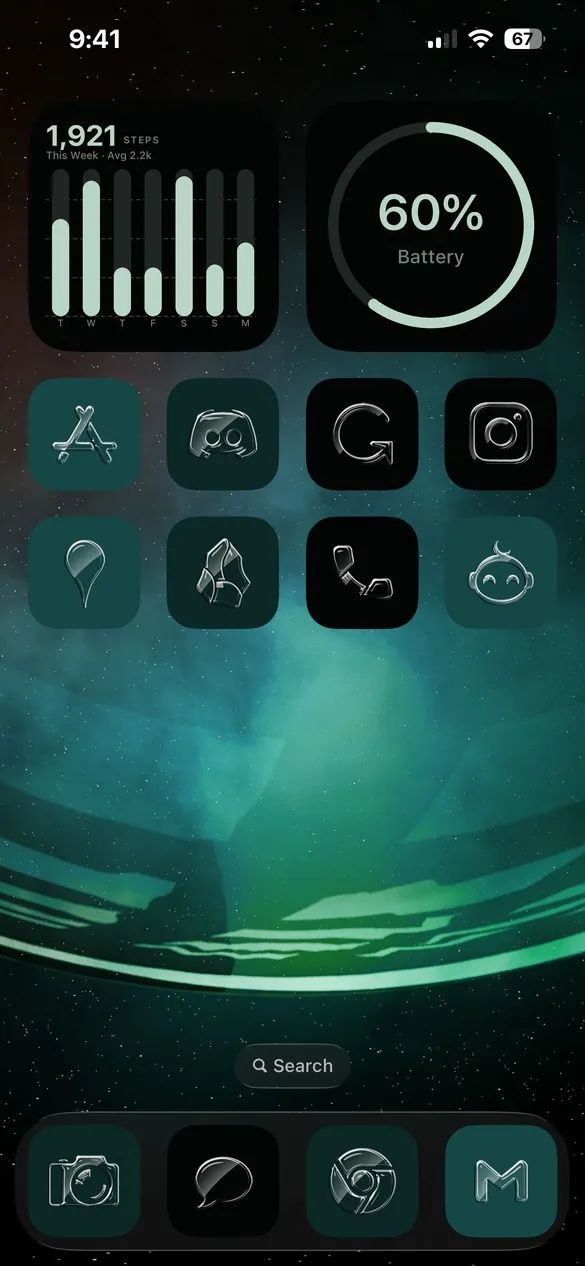 Glass Pack 018 · code HFRR
Glass app icons for the apps you use
The Glass Pack covers the apps people use every day, from Instagram, TikTok, and Spotify to Apple's own apps like Photos, Messages, and Settings. You can search for any app by name in the Icons tab.


How to get glass icons on your iPhone
- Download Theme Studio from the App Store and open the Themes tab.
- Open the Glass Pack themes, or type one of the codes above into the Have a theme code? box.
- Tap Apply Theme. Your icons, widgets, and wallpaper are set up together.
- Export your icons and add them to your home screen with Apple's Shortcuts app. The step-by-step guide walks through it.
You can also change the background behind each icon, tint the glass, or mix the Glass Pack into any other theme in the Studio tab.
Frequently asked questions
Is the glass icon pack free?
Theme Studio is free to download, and you can apply any glass theme and try the icons for free. Exporting Glass Pack icons is part of Theme Studio Pro. The Solid icon pack is free for everyone.
Does it work with iOS 26?
Yes. Theme Studio supports iOS 26 on iPhone and iPad, and the glass icons sit nicely alongside the system's glassy design.
Can I use glass icons with my own wallpaper?
Yes. Apply a glass theme, then pick any photo or one of the app's wallpapers. The frosted icons pick up the colors behind them.