Pastel themes give your iPhone a soft, dreamy look in light pink, lavender, mint, peach, and baby blue. Theme Studio's Pastel pack pairs those colors with gentle gradients, swirls, and soft photos, plus icons and widgets that stay readable without breaking the mood.
Pastel home screen ideas
These are real home screens from Theme Studio's Pastel pack. Tap one to see the theme, or type its code into the app's Themes tab to open it.
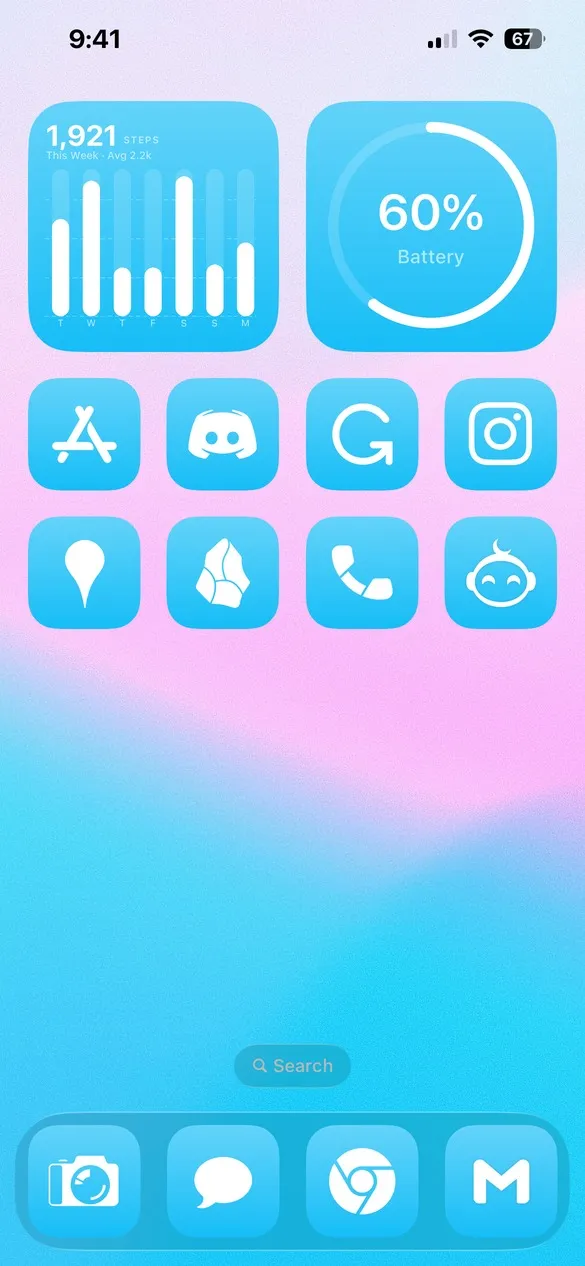 Pastel 003 · code V4D4
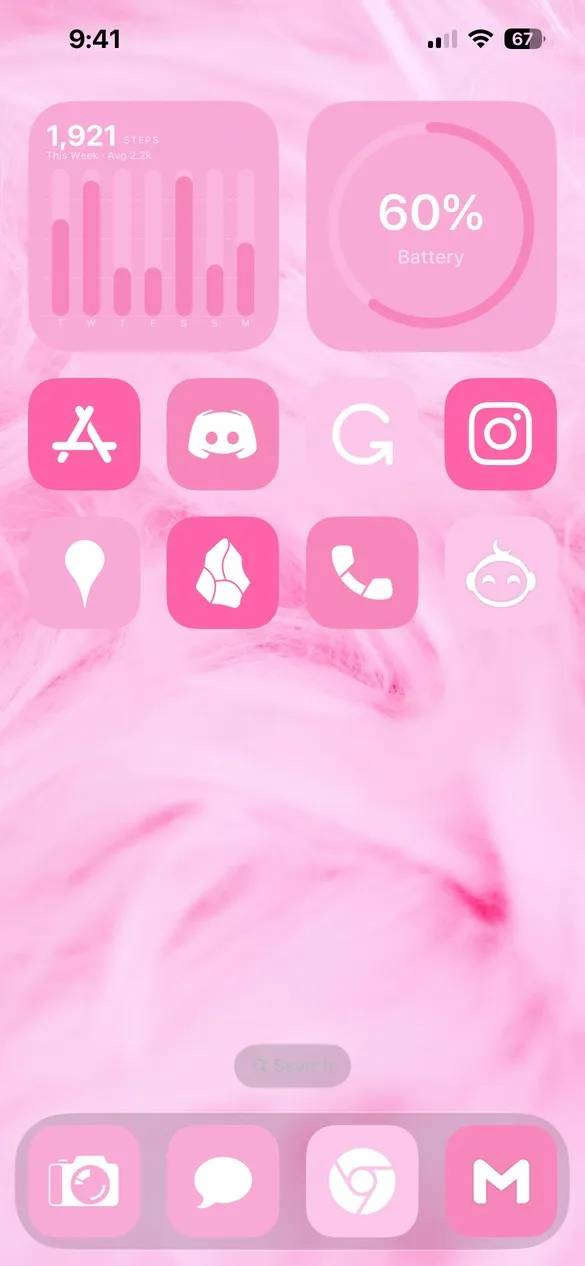 Pastel 004 · code ZPX8
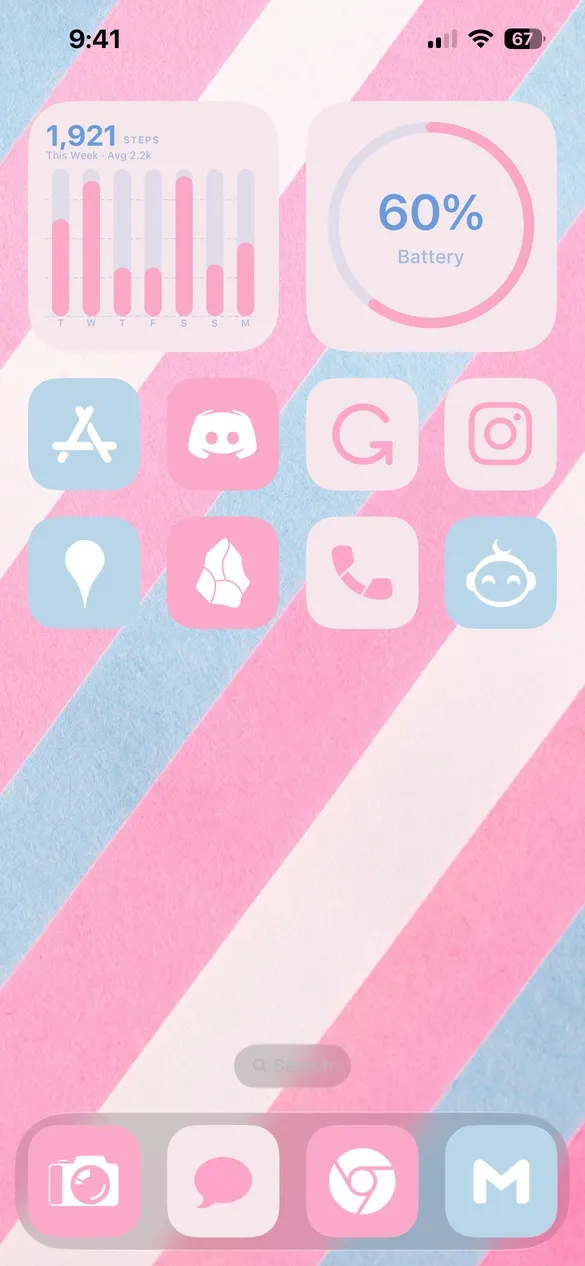 Pastel 006 · code BSWX
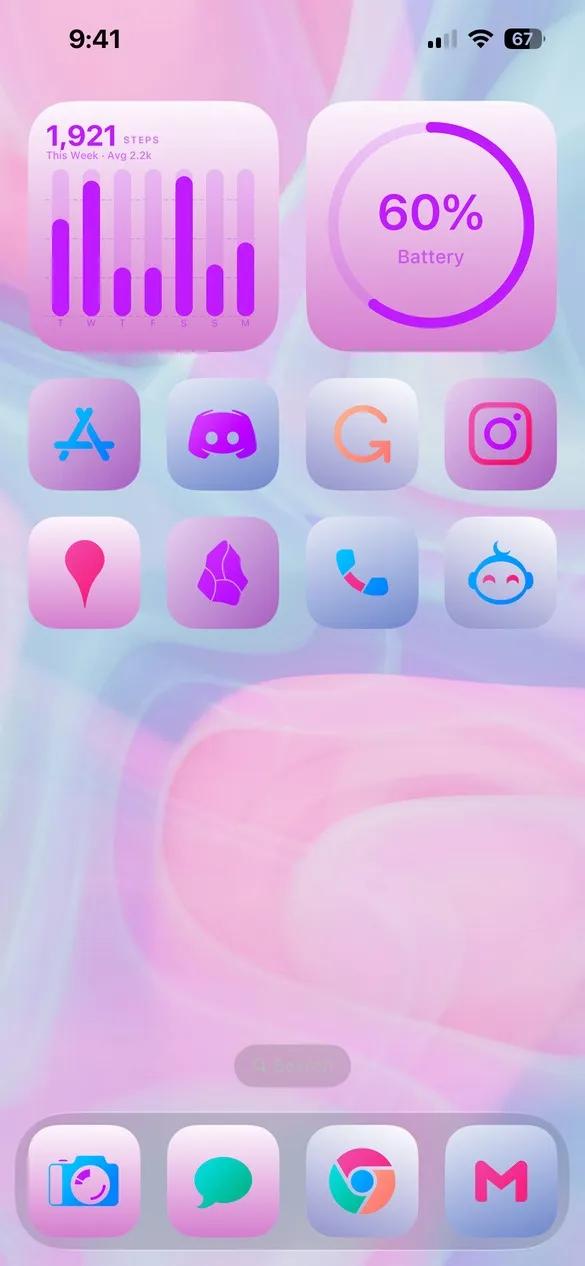 Pastel 009 · code B7QF
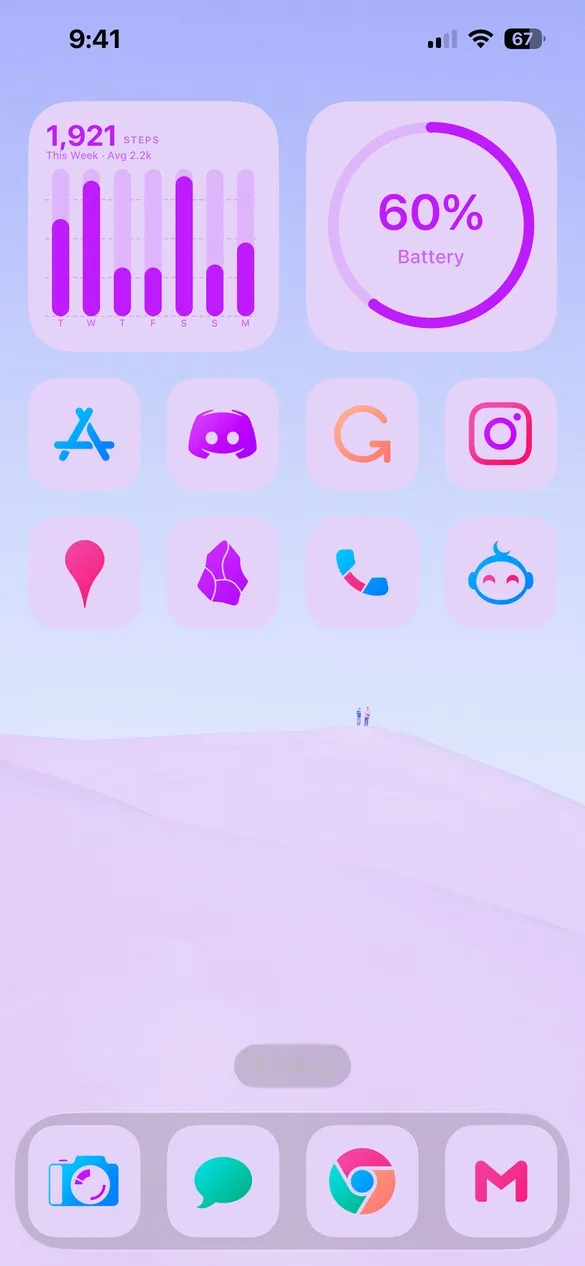 Pastel 014 · code P59N
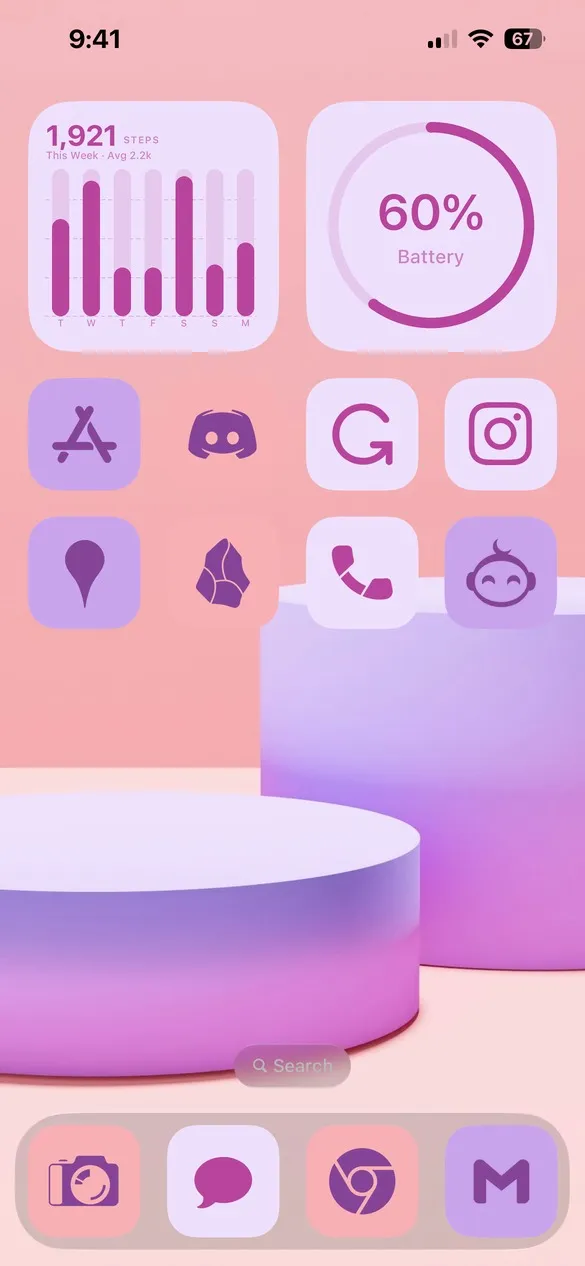 Pastel 018 · code 23VN
What makes a pastel home screen
- Light, soft colors. Pink, lavender, mint, peach, and baby blue.
- Gentle gradients. Wallpapers that fade from one pastel to another.
- Low contrast. Icons and widgets that blend in softly.
- A touch of color. Some themes add colorful or gradient icons for a little pop.
How to get a pastel theme on your iPhone
- Download Theme Studio from the App Store and open the Themes tab.
- Open the Pastel pack, or type one of the codes above into the Have a theme code? box.
- Tap Apply Theme. Your icons, widgets, and wallpaper are set up together.
- Export your icons and add them to your home screen with Apple's Shortcuts app. The step-by-step guide walks through it.
Frequently asked questions
Are the pastel themes free?
Theme Studio is free to download, and many pastel themes use the free Solid icons. Others use Pro icon packs like Chroma; the app tells you before you export, and you can switch those icons to Solid.
What wallpapers go with pastel app icons?
Soft gradients, clouds, swirls, and light photos. Every theme above includes a wallpaper, and the Walls tab has a full Pastel collection.
Does it work on iPad?
Yes. Theme Studio works on iPhone and iPad.