Beige themes are all about warm neutrals: cream, sand, tan, latte, and soft brown. Theme Studio's Beige pack pairs them with cozy photo wallpapers like coffee cups, pampas grass, linen, and sunlit hallways, for a home screen that feels clean and calm.
Beige home screen ideas
These are real home screens from Theme Studio's Beige pack. Tap one to see the theme, or type its code into the app's Themes tab to open it.
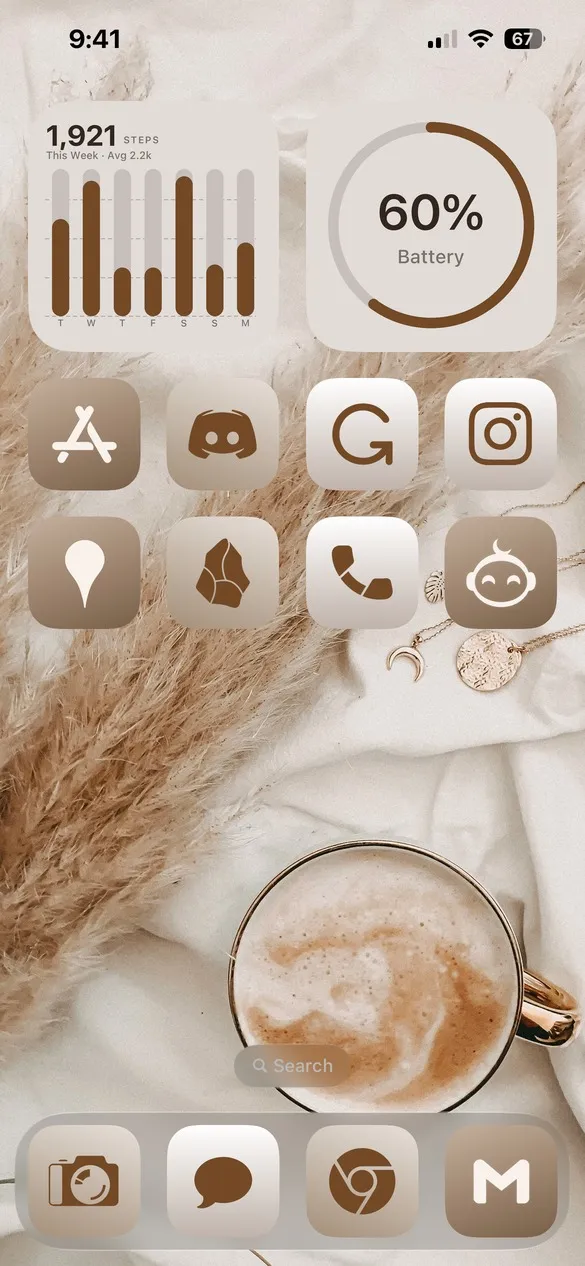 Beige 001 · code BXWZ
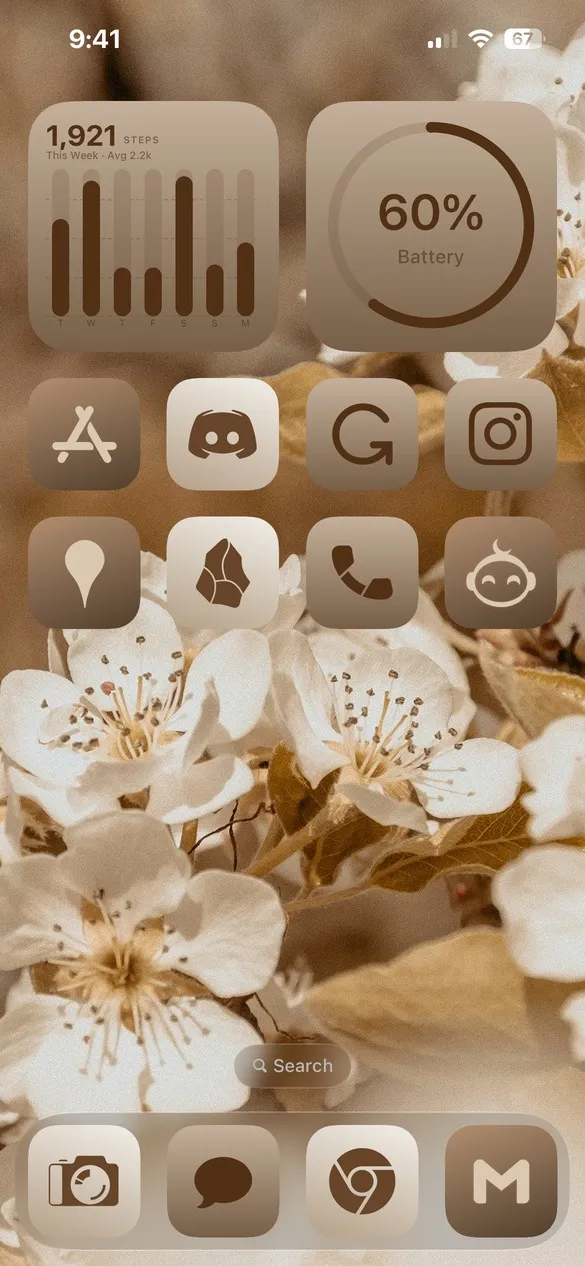 Beige 007 · code KJBQ
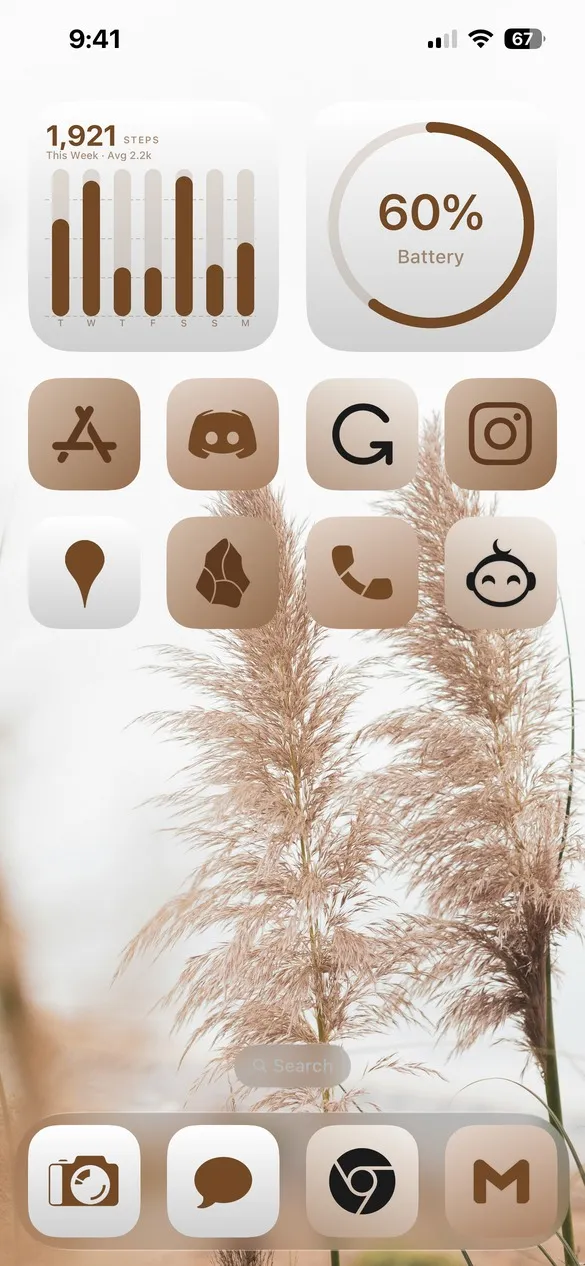 Beige 010 · code J8FP
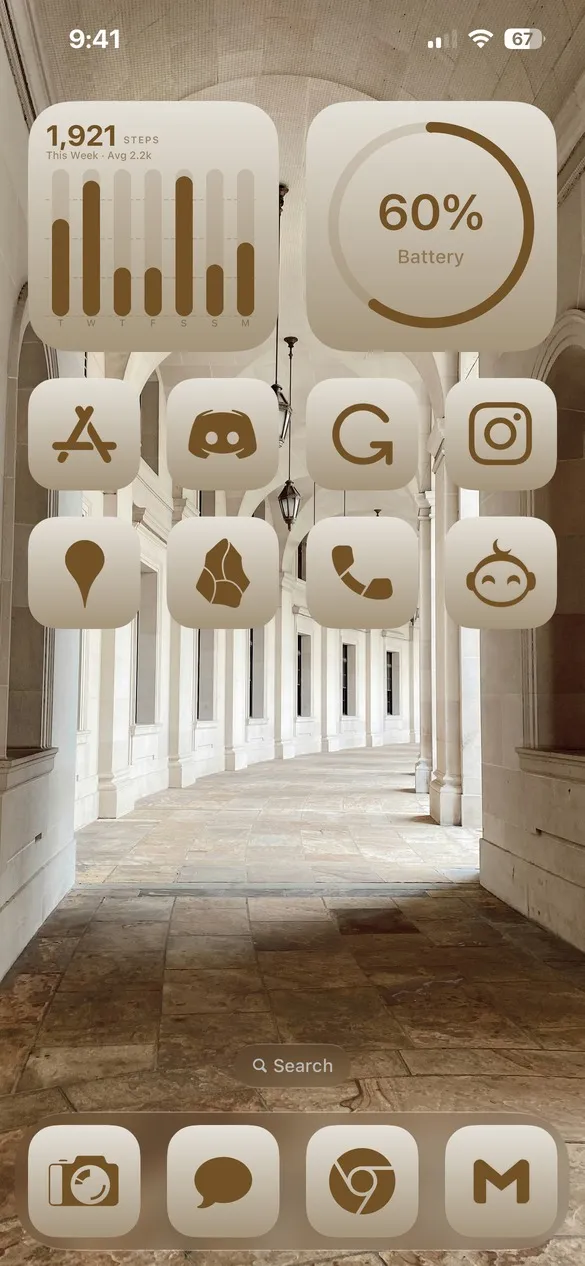 Beige 019 · code 354S
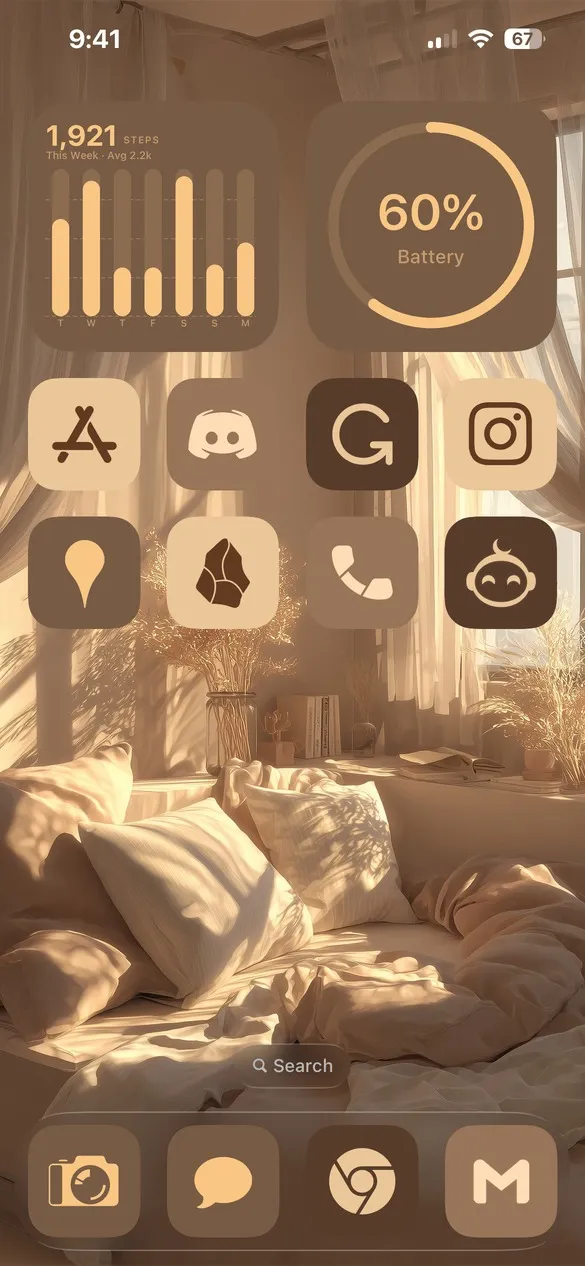 Beige 031 · code GXRF
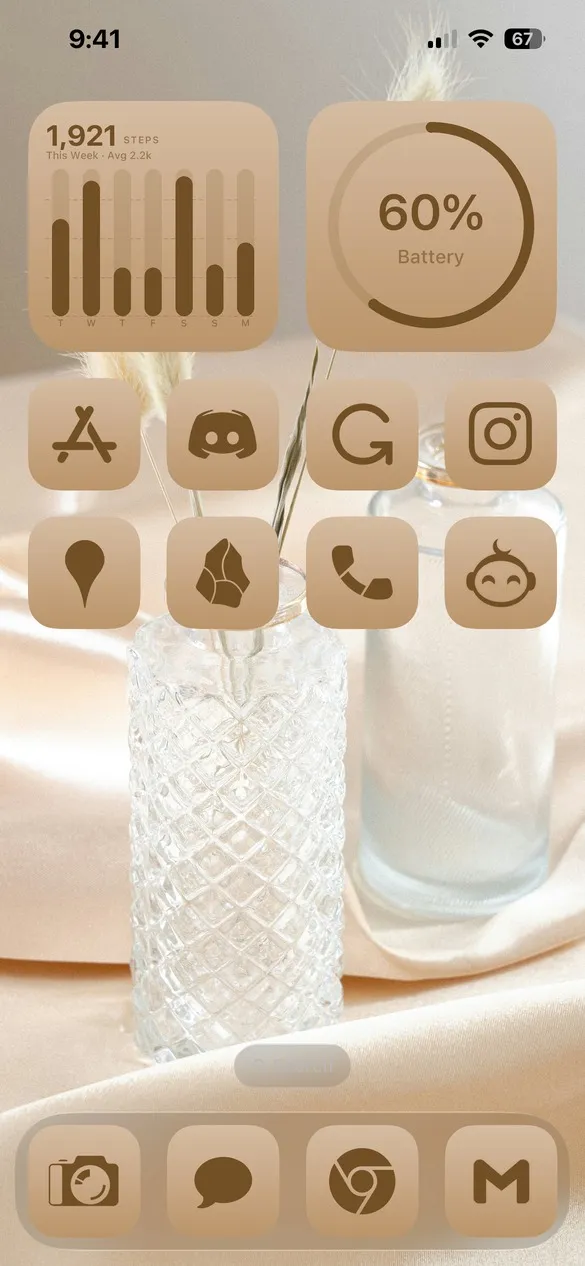 Beige 040 · code J5MD
What makes a beige home screen
- Warm neutrals. Cream, sand, tan, and coffee brown.
- Cozy photos. Coffee, dried flowers, linen, and soft light.
- Tone-on-tone icons. Icons a shade darker than the wallpaper.
- Quiet widgets. Clocks and calendars in the same neutrals.
How to get a beige theme on your iPhone
- Download Theme Studio from the App Store and open the Themes tab.
- Open the Beige pack, or type one of the codes above into the Have a theme code? box.
- Tap Apply Theme. Your icons, widgets, and wallpaper are set up together.
- Export your icons and add them to your home screen with Apple's Shortcuts app. The step-by-step guide walks through it.
Frequently asked questions
Are the beige themes free?
Theme Studio is free to download, and most beige themes use the free Solid icons, so you can use them without Pro. Some use the Lines icons, which need Pro to export, or you can switch them to Solid.
What's the difference between beige and boho themes?
Beige themes focus on clean, warm neutrals. Boho themes add more texture and earthy color, like terracotta, sage, and dried plants. See the boho iPhone themes too.
Does it work on iPad?
Yes. Theme Studio works on iPhone and iPad.