Pink themes cover every shade, from soft blush and rose to bright hot pink. Theme Studio's Pink pack matches the icons and widgets to pink wallpapers like cotton candy clouds, palm trees at sunset, flowers, and donuts, so the whole home screen feels like one look.
Pink home screen ideas
These are real home screens from Theme Studio's Pink pack. Tap one to see the theme, or type its code into the app's Themes tab to open it.
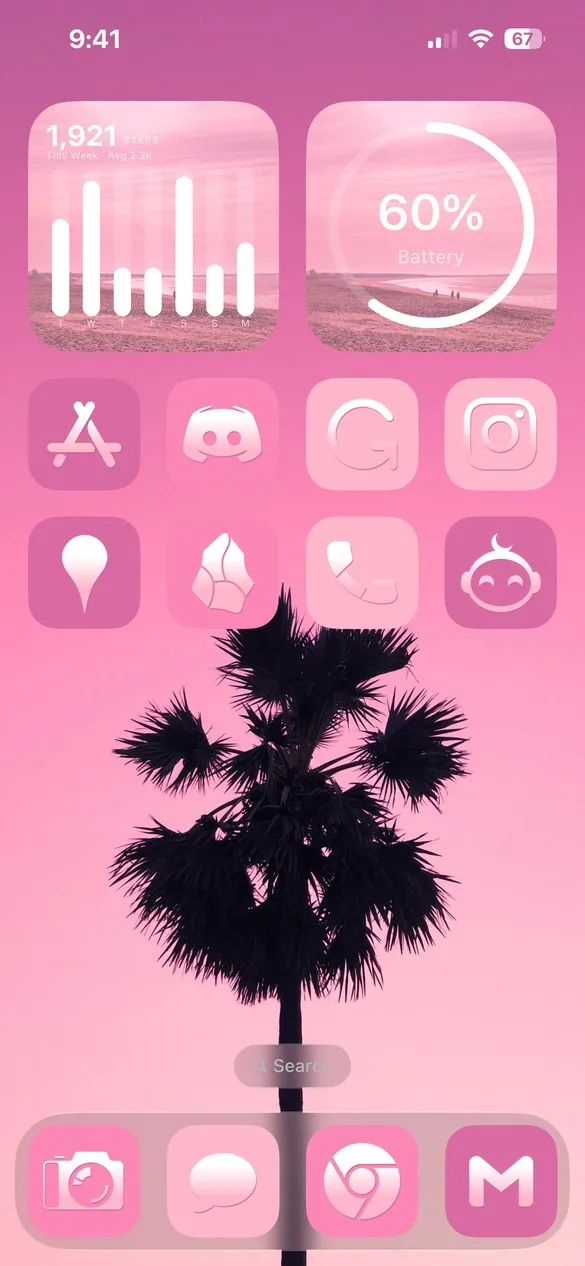 Pink 001 · code 4VGW
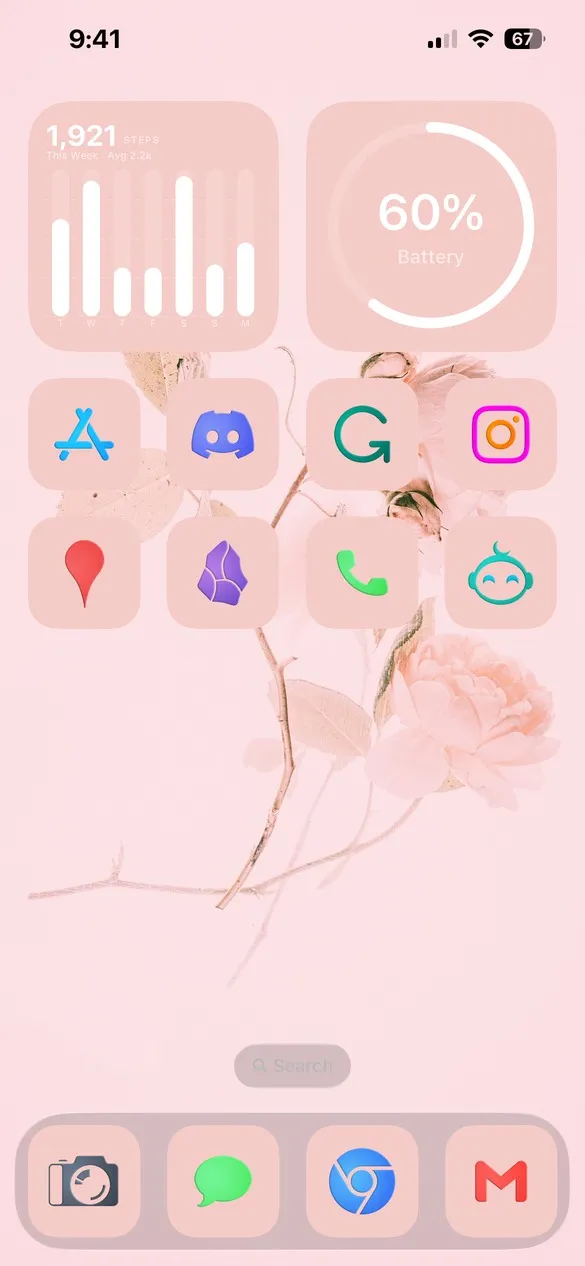 Pink 007 · code X72X
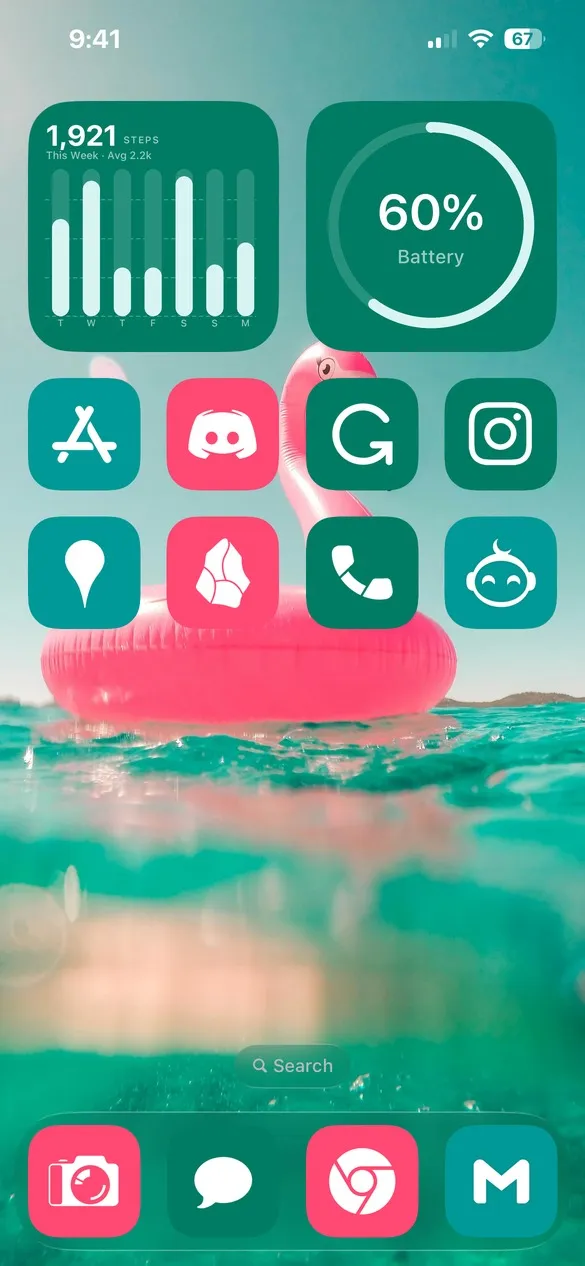 Pink 019 · code QR2K
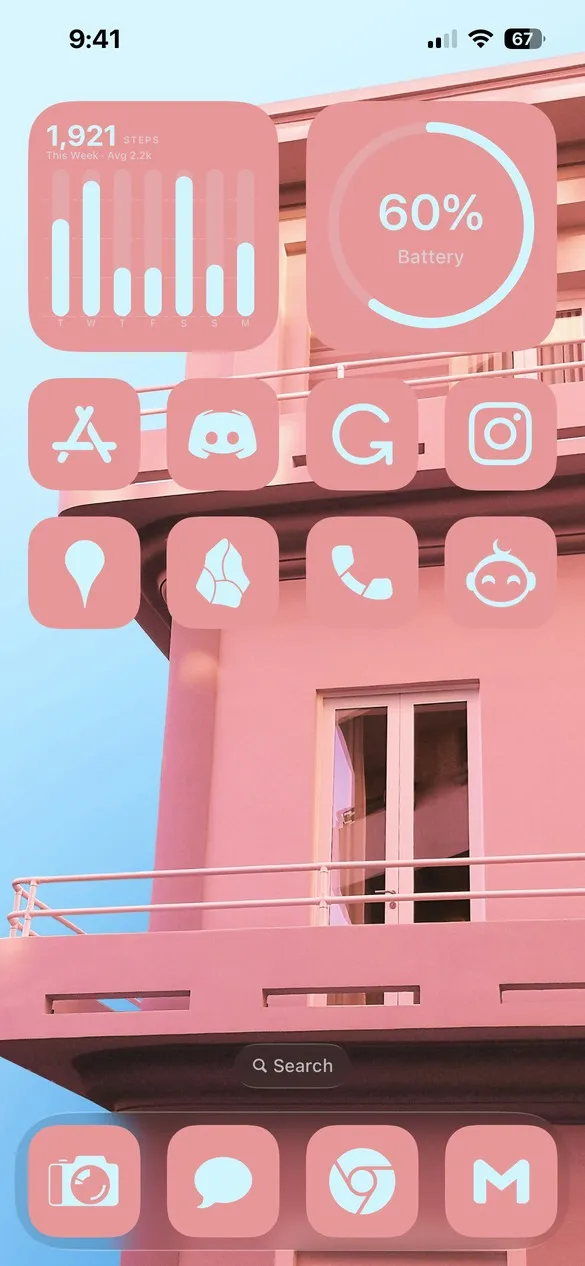 Pink 021 · code R6ZT
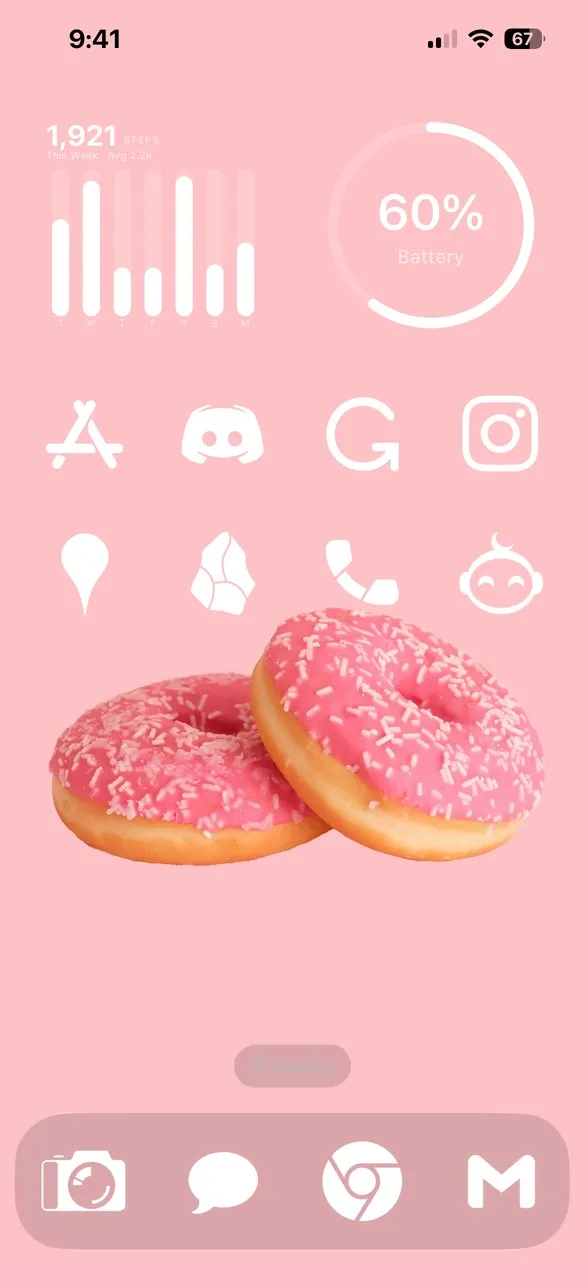 Pink 025 · code V32R
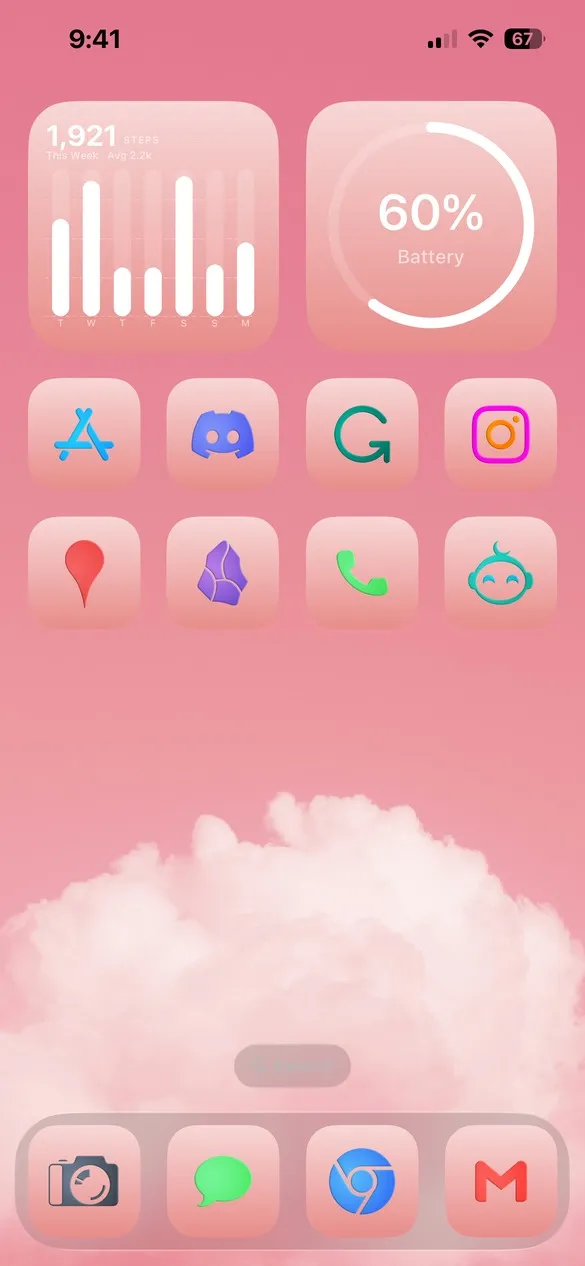 Pink 029 · code ZZDM
What makes a pink home screen
- Layered pinks. A pink wallpaper with icons a shade lighter or darker.
- Soft textures. Clouds, flowers, satin, and sweets.
- White or rose icons. Light glyphs that stay easy to read on pink.
- Matching widgets. Clocks, batteries, and calendars in the same pink tones.
How to get a pink theme on your iPhone
- Download Theme Studio from the App Store and open the Themes tab.
- Open the Pink pack, or type one of the codes above into the Have a theme code? box.
- Tap Apply Theme. Your icons, widgets, and wallpaper are set up together.
- Export your icons and add them to your home screen with Apple's Shortcuts app. The step-by-step guide walks through it.
Frequently asked questions
Are the pink themes free?
Theme Studio is free to download, and most pink themes use the free Solid icons. A few use Pro icon packs; the app tells you before you export, and you can switch those icons to Solid.
Can I make my own pink theme?
Yes. Start from any pink theme and change the shade of the icons and widgets in the Studio tab, or pick a wallpaper from the Walls tab's Pink collection.
Does it work on iPad?
Yes. Theme Studio works on iPhone and iPad.