Angelcore is a soft, ethereal aesthetic built around angels: marble statues, white feathers, glowing wings, and pastel skies. Theme Studio's Angelcore pack turns that dreamy mood into complete iPhone themes, with matching icons, widgets, and wallpapers.
Angelcore home screen ideas
These are real home screens from Theme Studio's Angelcore pack. Tap one to see the theme, or type its code into the app's Themes tab to open it.
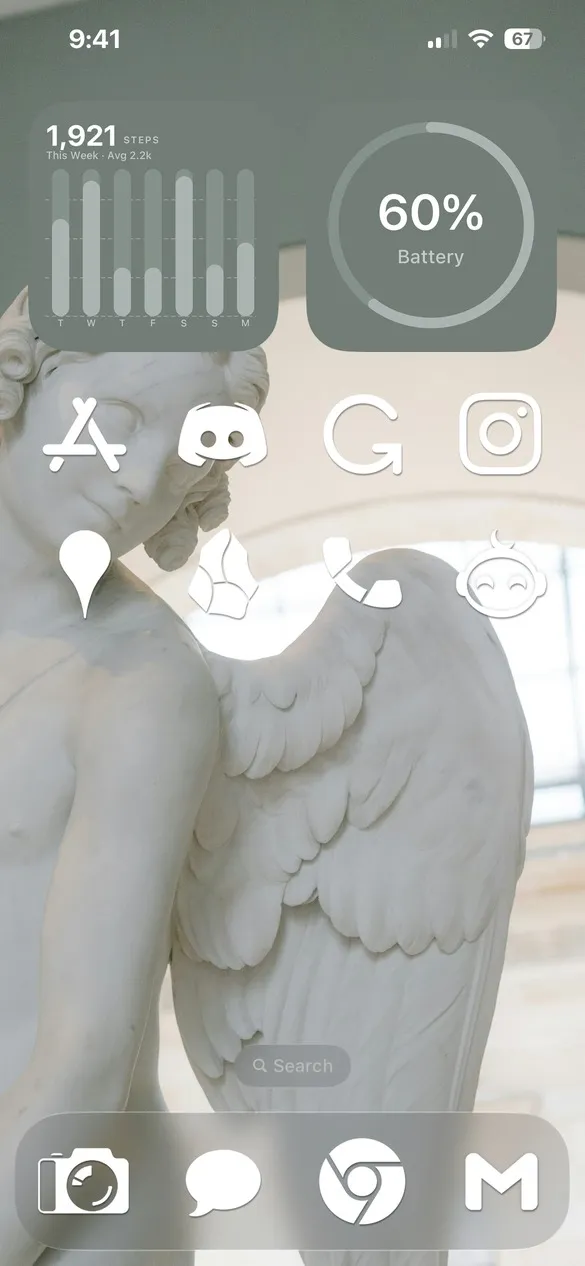 Angelcore 005 · code F4N8
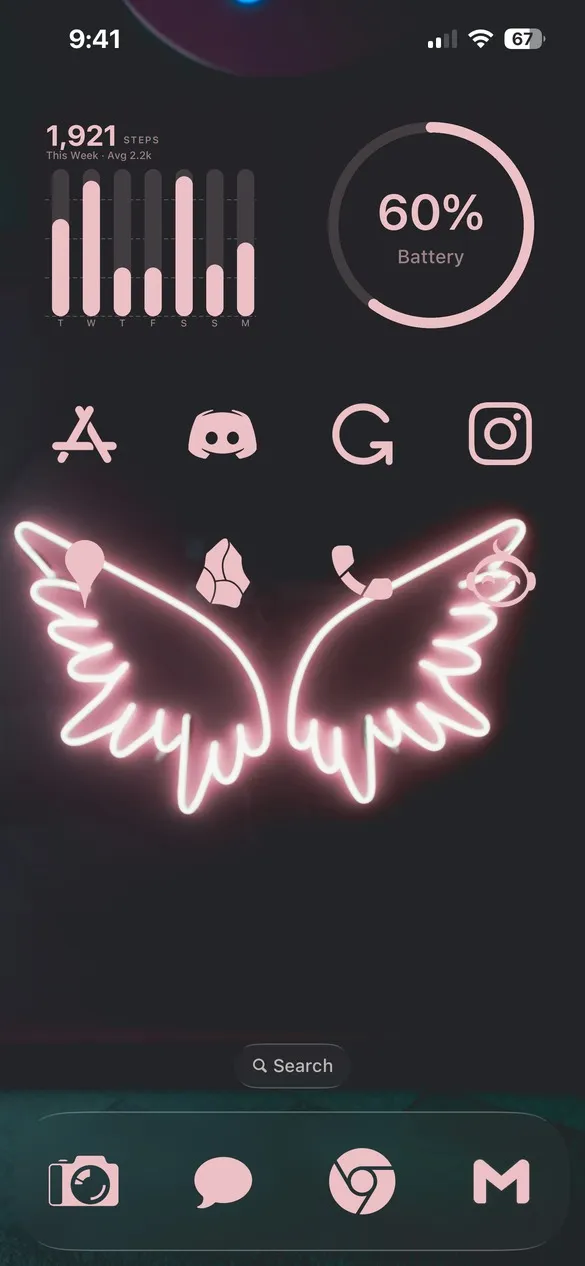 Angelcore 011 · code GW9C
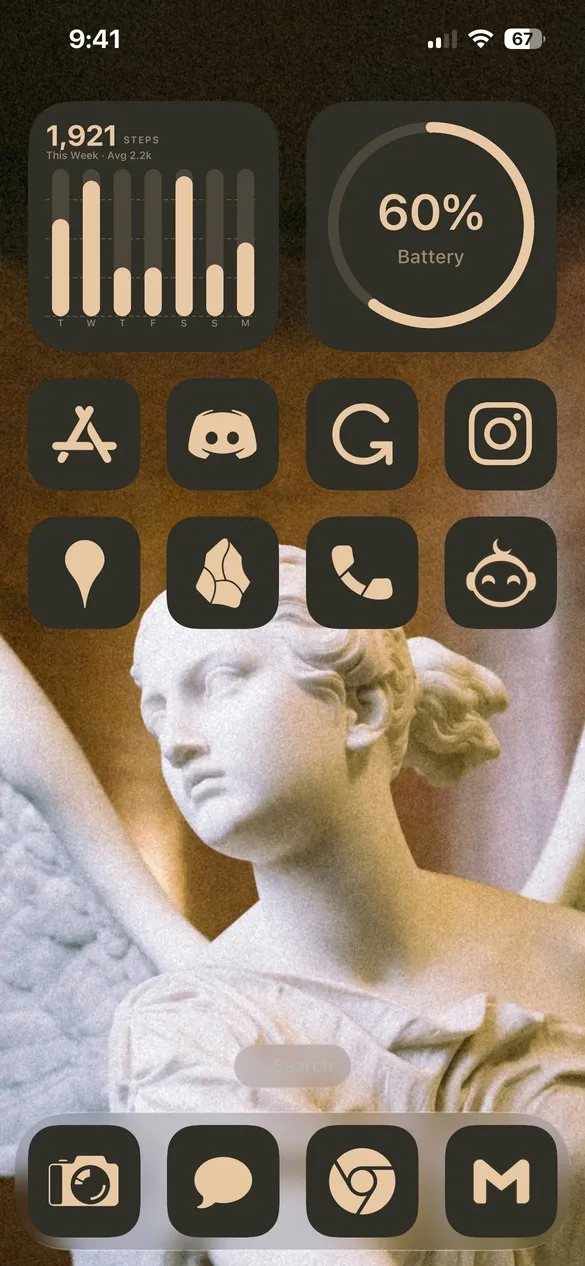 Angelcore 017 · code HFCH
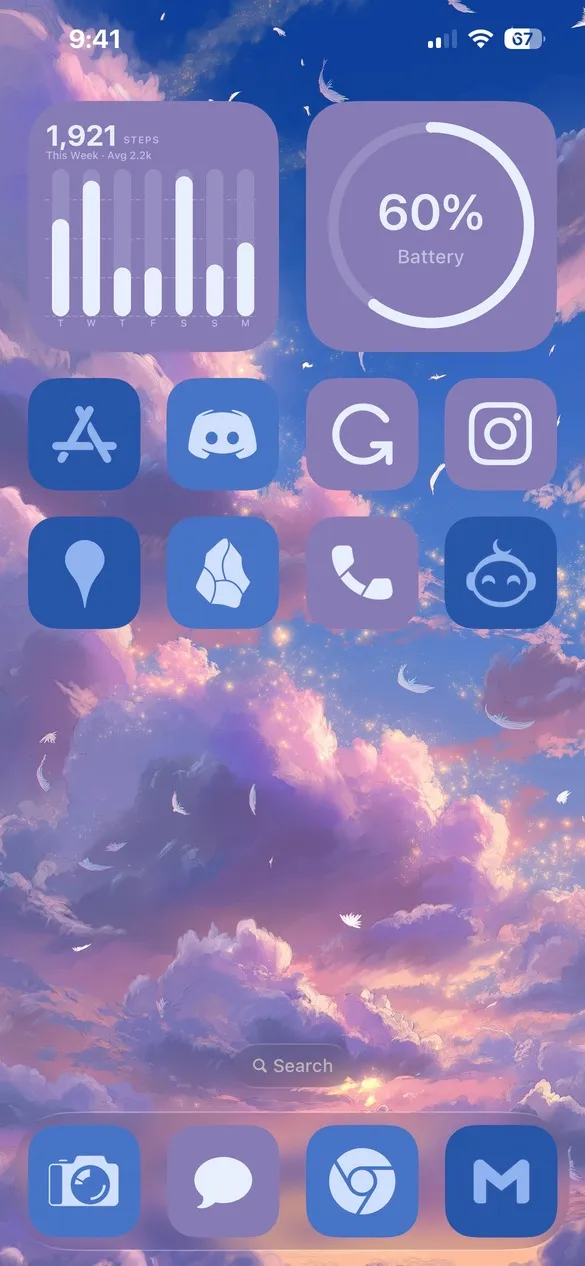 Angelcore 023 · code VTFZ
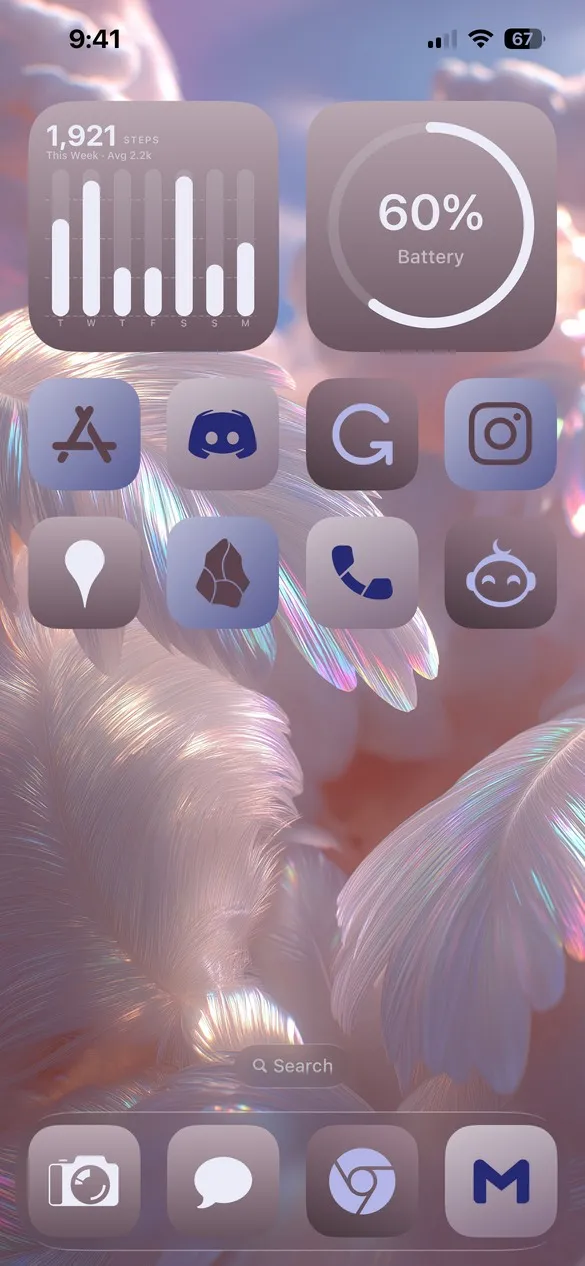 Angelcore 027 · code K3C7
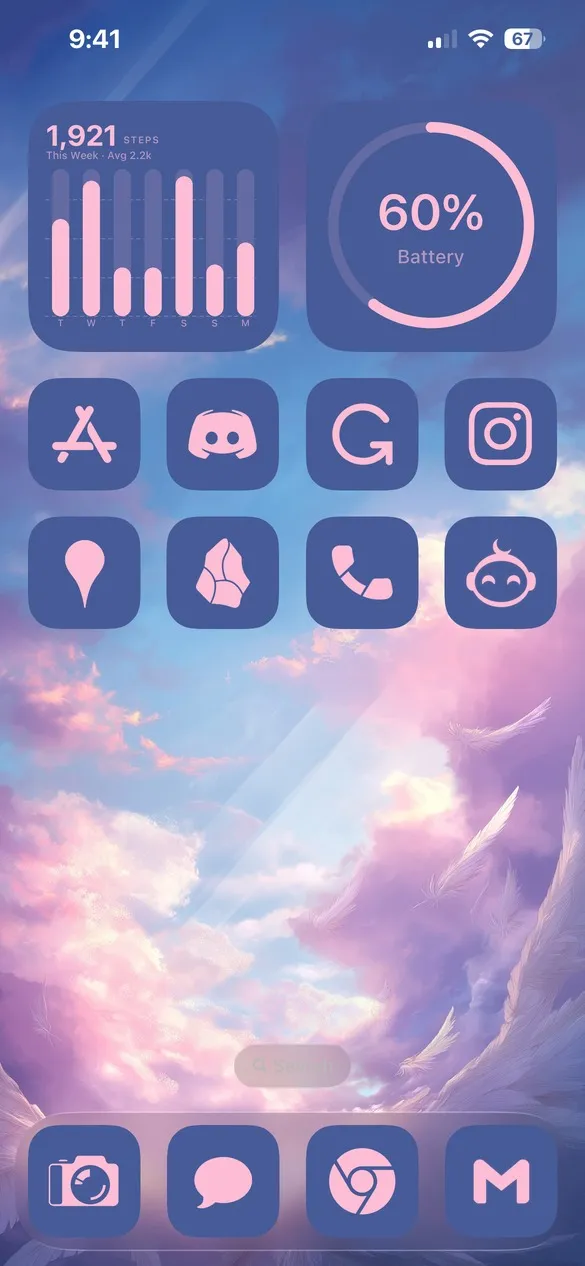 Angelcore 033 · code NJQ7
What makes a angelcore home screen
- Heavenly imagery. Angel statues, wings, feathers, and clouds.
- Soft, light colors. White, cream, pearl, lavender, and blush.
- A little glow. Neon wings and golden light for a magical touch.
- Gentle icons. Light glyphs that let the wallpaper shine.
How to get a angelcore theme on your iPhone
- Download Theme Studio from the App Store and open the Themes tab.
- Open the Angelcore pack, or type one of the codes above into the Have a theme code? box.
- Tap Apply Theme. Your icons, widgets, and wallpaper are set up together.
- Export your icons and add them to your home screen with Apple's Shortcuts app. The step-by-step guide walks through it.
Frequently asked questions
Are the angelcore themes free?
Theme Studio is free to download, and nearly all of the angelcore themes use the free Solid icons, so you can use them without Pro.
What's the difference between angelcore and royalcore?
Angelcore is soft and heavenly, with feathers and clouds. Royalcore is grand and ornate, with palaces and gold. See the royalcore iPhone themes too.
Does it work on iPad?
Yes. Theme Studio works on iPhone and iPad.