Dark academia is all about old libraries, worn leather books, typewriters, classical statues, and candlelit study halls. Theme Studio's Dark Academia pack turns that mood into complete iPhone themes, with app icons, widgets, and wallpapers in deep browns, warm creams, and touches of gold.
Dark academia home screen ideas
These are real home screens from Theme Studio's Dark Academia pack. Tap one to see the theme, or type its code into the app's Themes tab to open it.
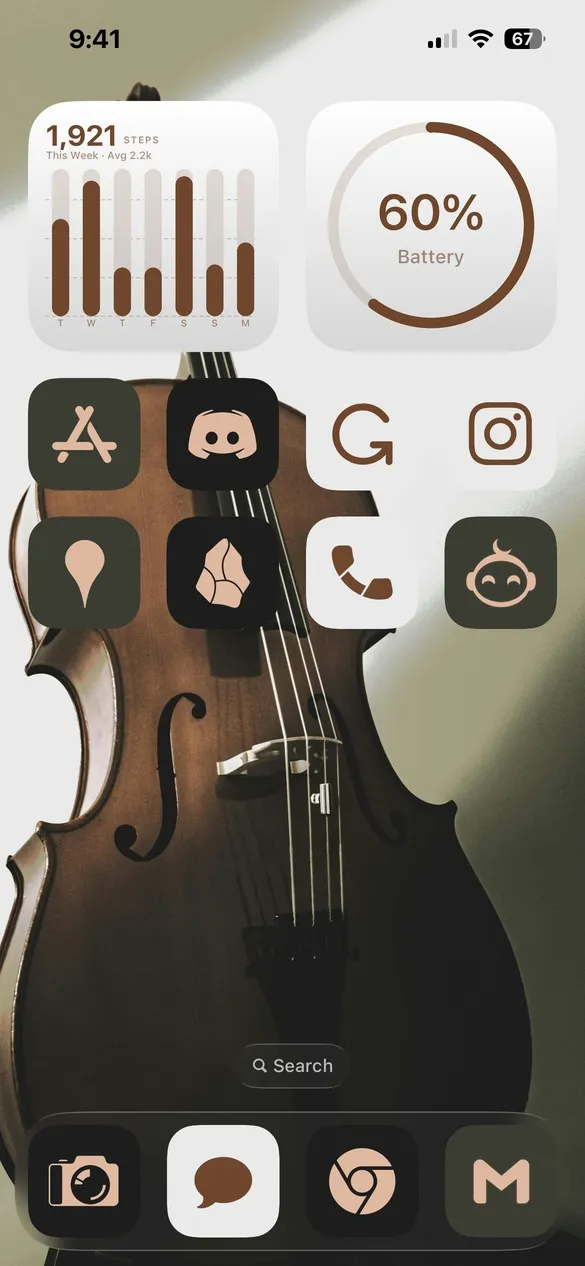 Dark Academia 001 · code 48RQ
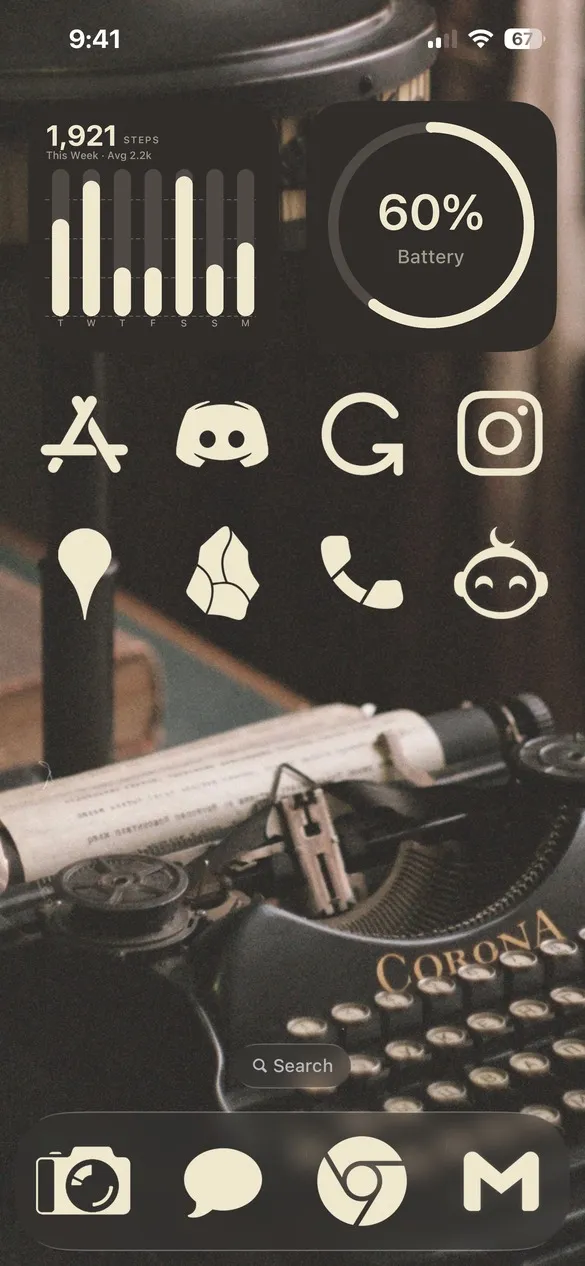 Dark Academia 002 · code 8GDF
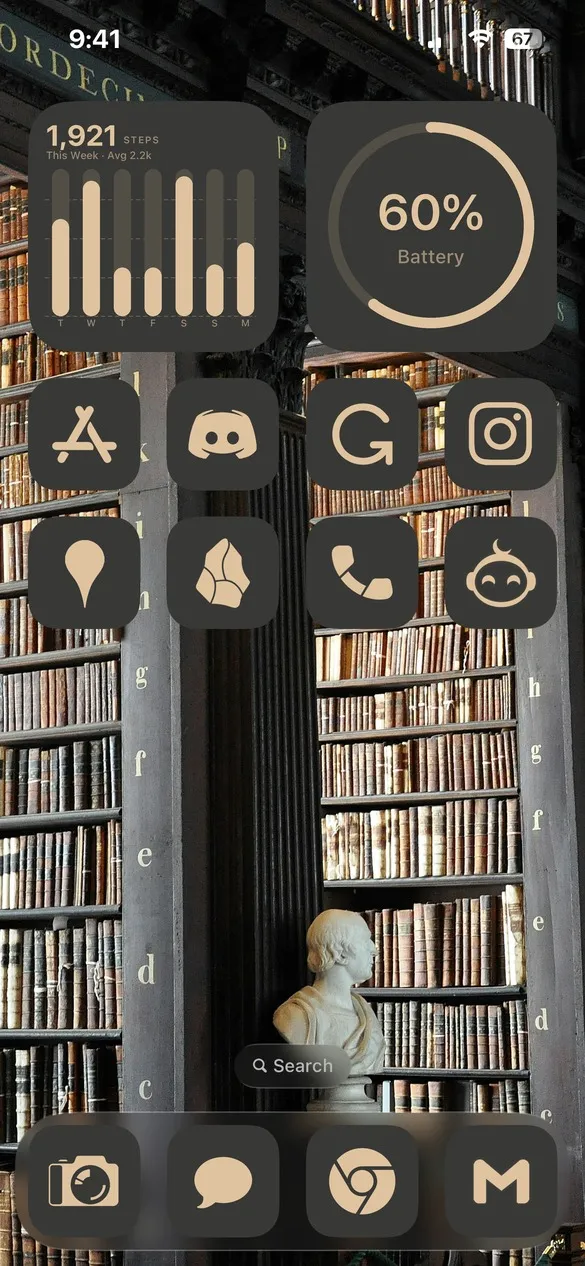 Dark Academia 005 · code 9BQ4
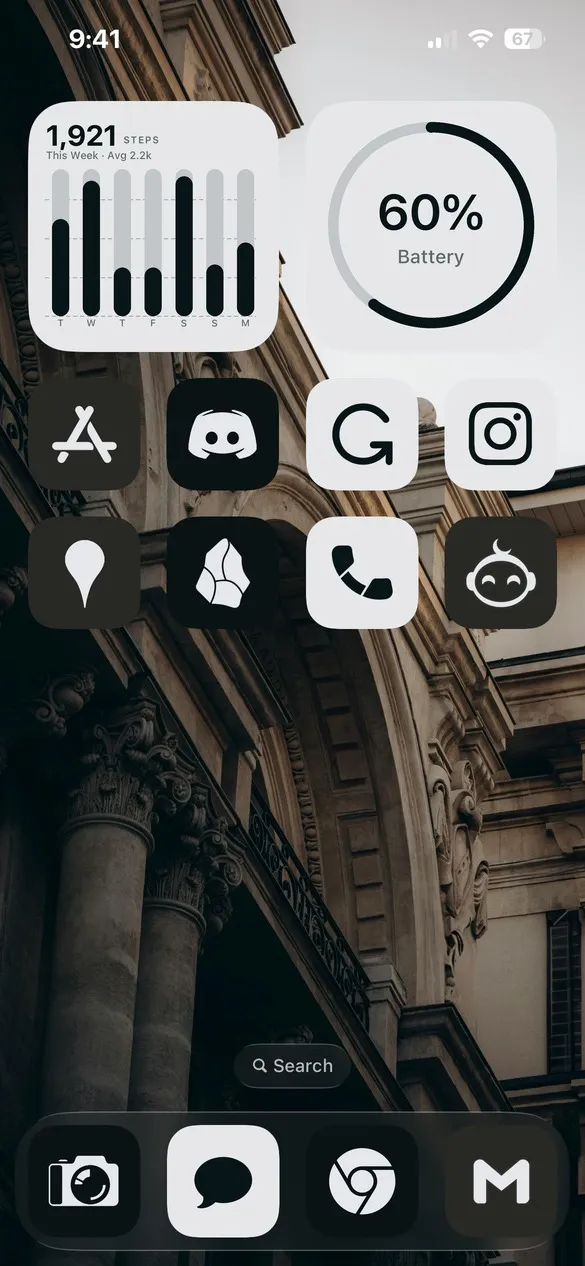 Dark Academia 004 · code D87R
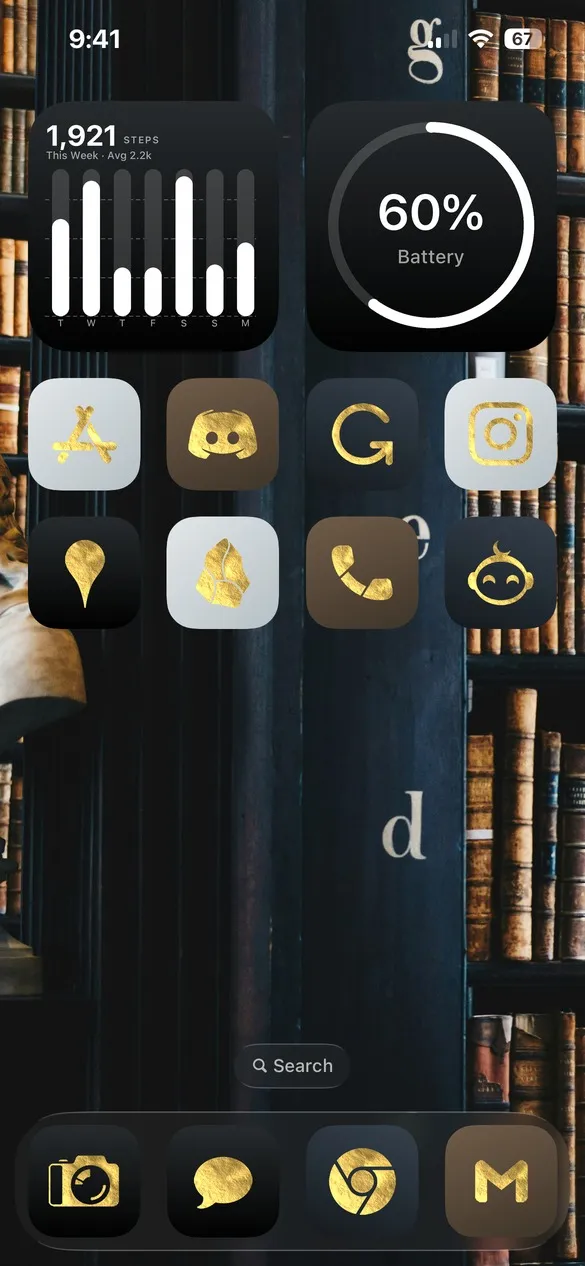 Dark Academia 014 · code 5GRM
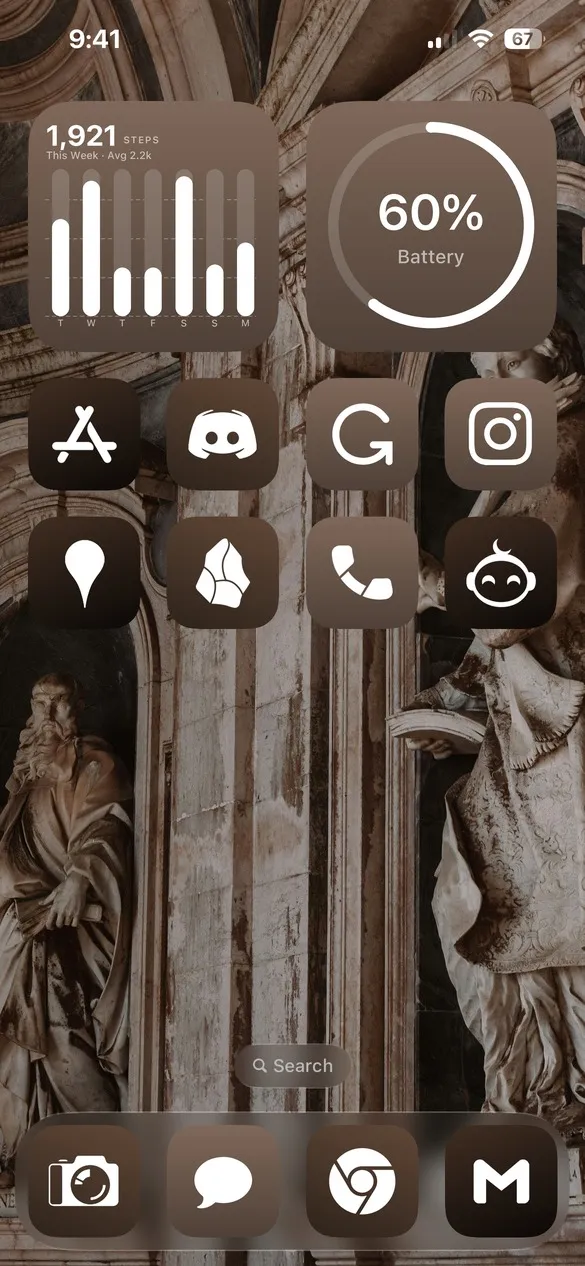 Dark Academia 018 · code 7DTQ
What makes a dark academia home screen
- Moody, warm colors. Espresso brown, ink black, parchment cream, and antique gold.
- Scholarly wallpapers. Library stacks, gothic arches, violins, typewriters, and marble statues.
- Gold accents. Some themes use the Gold Leaf icons for an old-book-spine shine.
- Quiet widgets. A clock and a calendar in the same muted tones, so nothing feels too bright.
How to get a dark academia theme on your iPhone
- Download Theme Studio from the App Store and open the Themes tab.
- Open the Dark Academia pack, or type one of the codes above into the Have a theme code? box.
- Tap Apply Theme. Your icons, widgets, and wallpaper are set up together.
- Export your icons and add them to your home screen with Apple's Shortcuts app. The step-by-step guide walks through it.
Frequently asked questions
Are the dark academia themes free?
Theme Studio is free to download, and most of the dark academia themes use the free Solid icons, so you can use them without Pro. Themes with Gold Leaf icons need Pro to export those icons, or you can switch them to Solid.
Can I make my own dark academia theme?
Yes. Start from any theme in the pack and change the wallpaper, icon colors, and widgets in the Studio tab, or pick a wallpaper from the Walls tab's Dark Academia collection.
Does it work on iPad?
Yes. Theme Studio works on iPhone and iPad.