Retro themes bring back the look of old tech and music: cassette tapes, vinyl records, boomboxes, VHS tapes, and 70s rainbow stripes. Theme Studio's Retro pack pairs those wallpapers with matching icons and widgets, including some in the shiny chrome Rad Pack style.
Retro home screen ideas
These are real home screens from Theme Studio's Retro pack. Tap one to see the theme, or type its code into the app's Themes tab to open it.
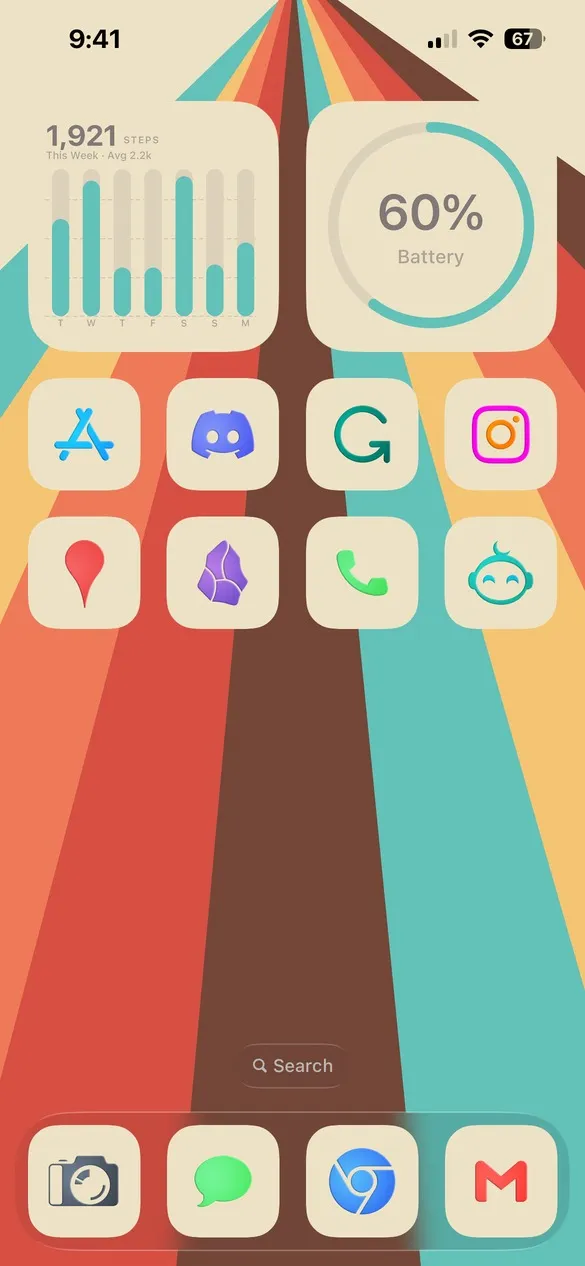 Retro 002 · code B7RG
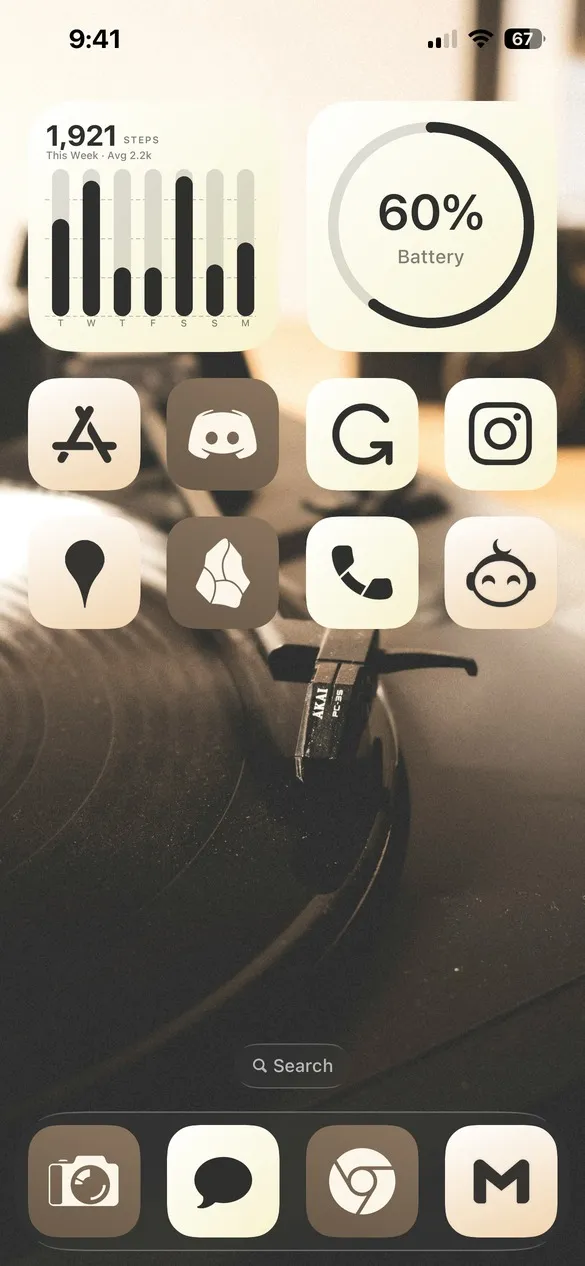 Retro 003 · code 4ZW8
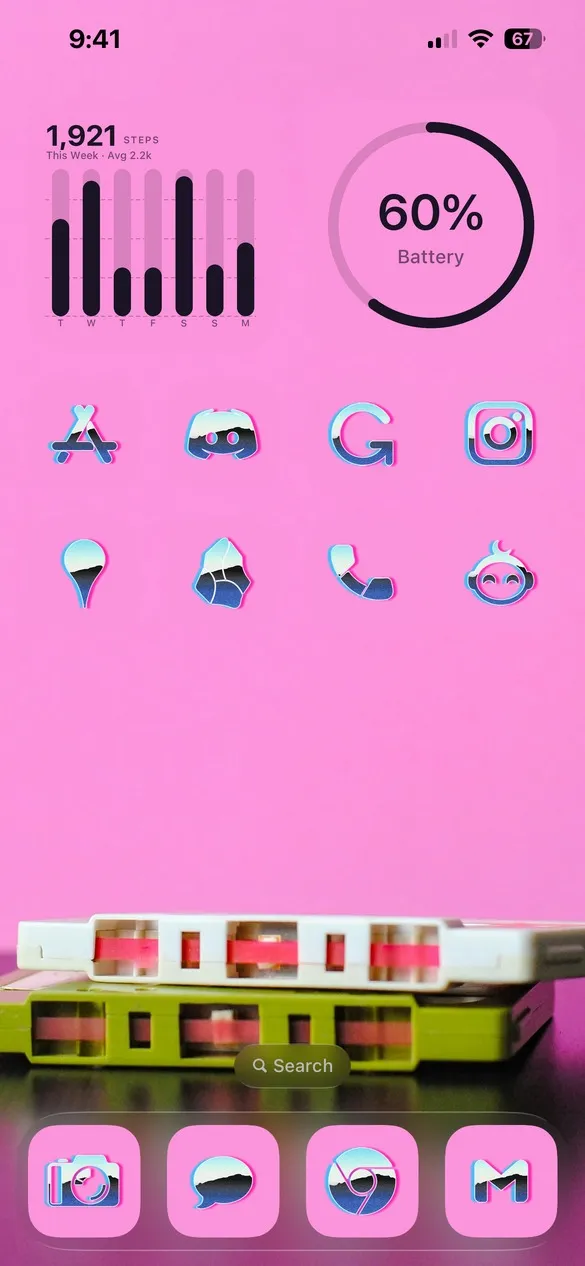 Retro 005 · code JW6C
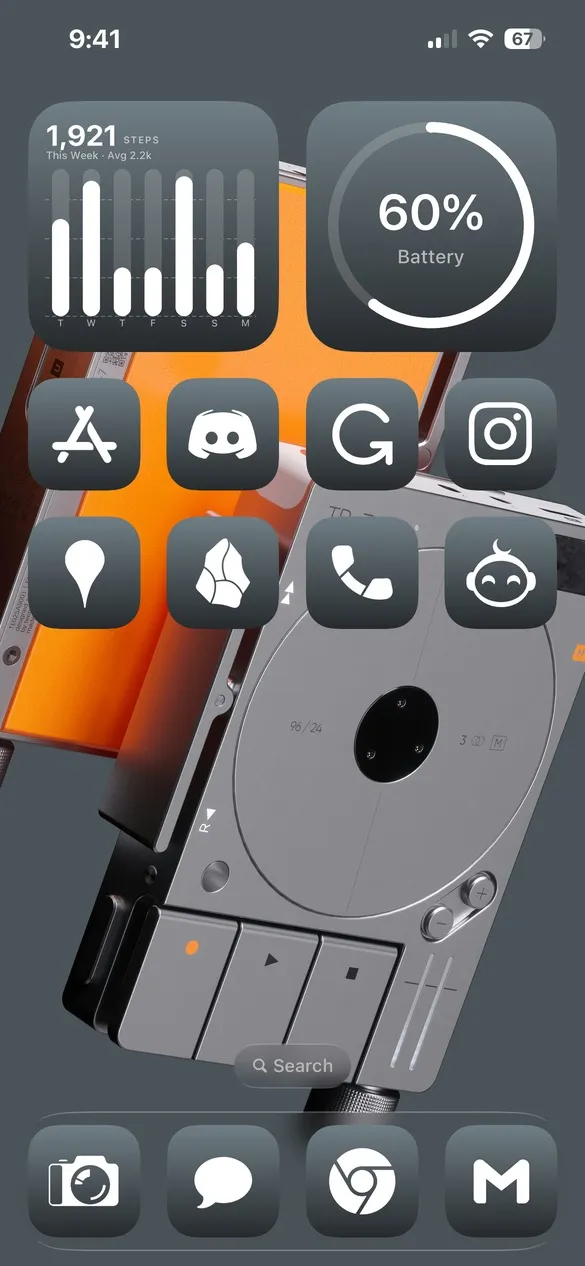 Retro 008 · code Q6JC
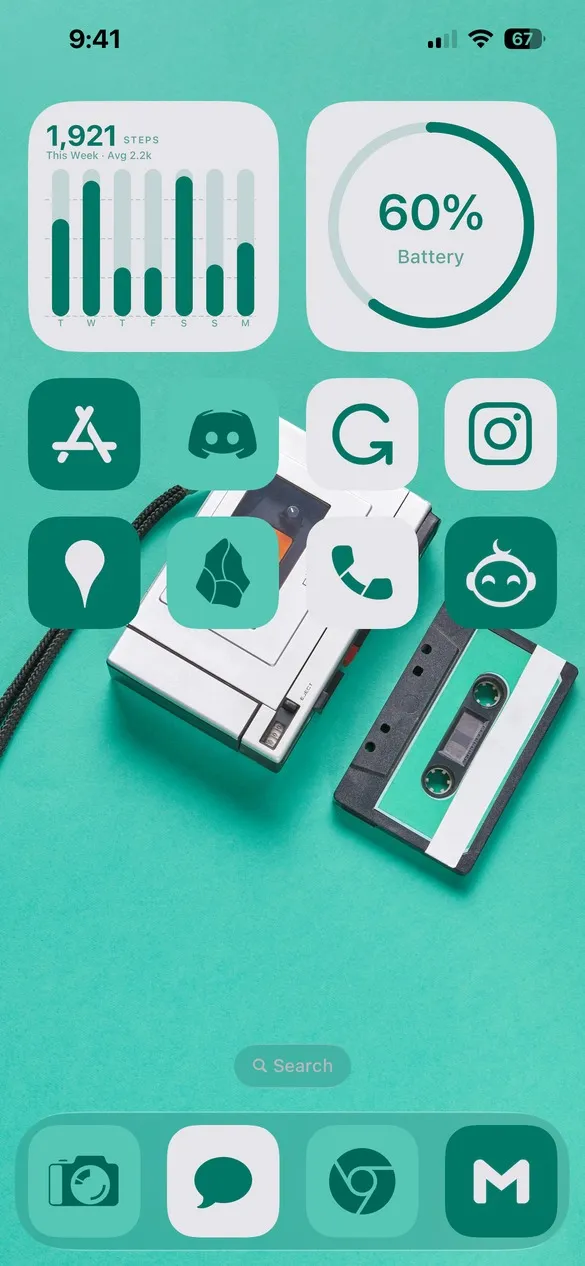 Retro 014 · code 35JD
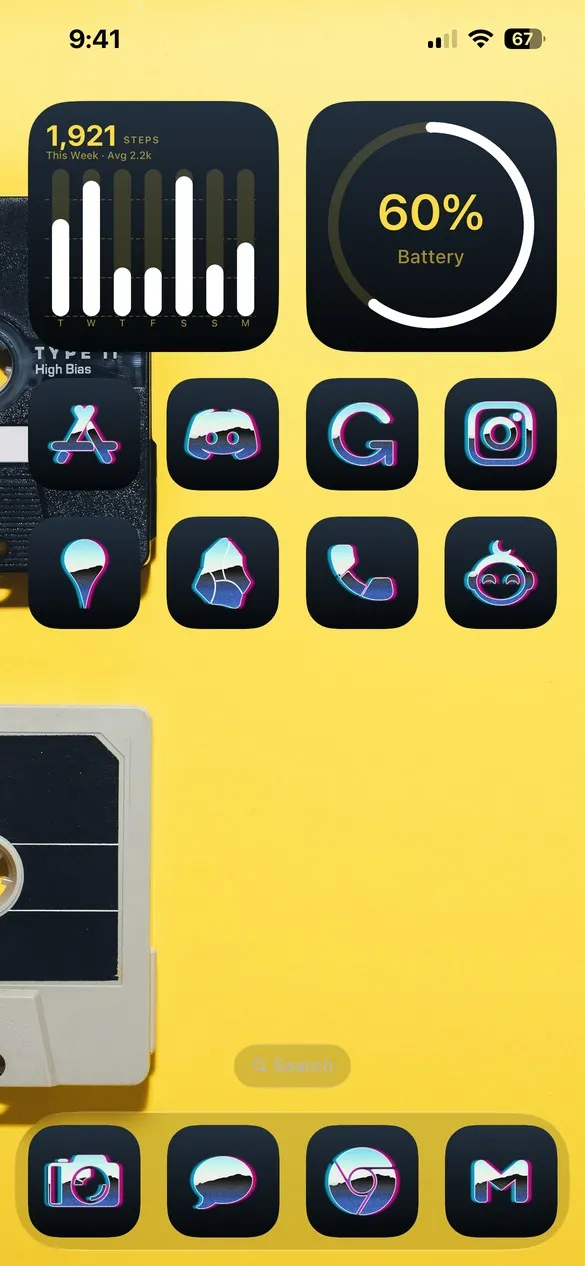 Retro 015 · code M9FM
What makes a retro home screen
- Vintage tech. Cassettes, turntables, boomboxes, and old cameras.
- Warm, faded colors. Mustard, teal, orange, and cream.
- Bold accents. A pop of hot pink or yellow on some themes.
- Chrome icons. Some themes use the 80s Rad Pack icons.
How to get a retro theme on your iPhone
- Download Theme Studio from the App Store and open the Themes tab.
- Open the Retro pack, or type one of the codes above into the Have a theme code? box.
- Tap Apply Theme. Your icons, widgets, and wallpaper are set up together.
- Export your icons and add them to your home screen with Apple's Shortcuts app. The step-by-step guide walks through it.
Frequently asked questions
Are the retro themes free?
Theme Studio is free to download, and some retro themes use the free Solid icons. Others use Pro icon packs like Rad Pack and Color; the app tells you before you export, and you can switch those icons to Solid.
Do you have 80s synthwave themes too?
Yes. See the 80s retro icon pack for iPhone for chrome icons and synthwave wallpapers.
Does it work on iPad?
Yes. Theme Studio works on iPhone and iPad.