Fall themes bring autumn to your iPhone: red maple leaves, golden forests, winding mountain roads, and cozy rainy days. Theme Studio's Autumn pack matches the icons and widgets to each photo, in warm oranges, rusts, browns, and creams.
Fall home screen ideas
These are real home screens from Theme Studio's Autumn pack. Tap one to see the theme, or type its code into the app's Themes tab to open it.
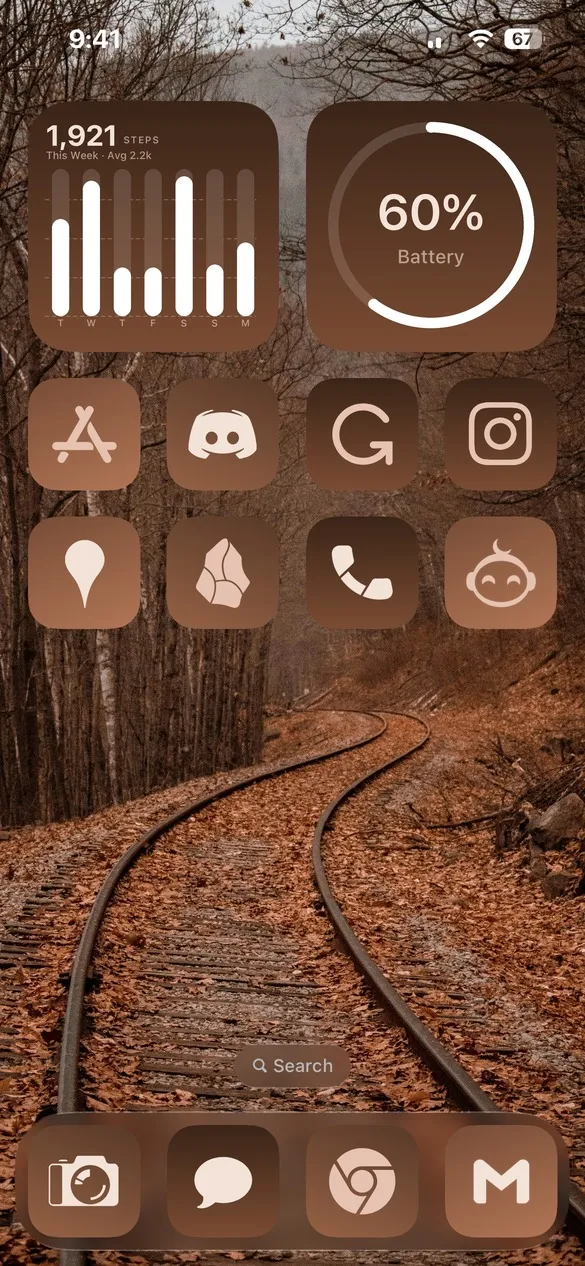 Autumn 002 · code SW3Z
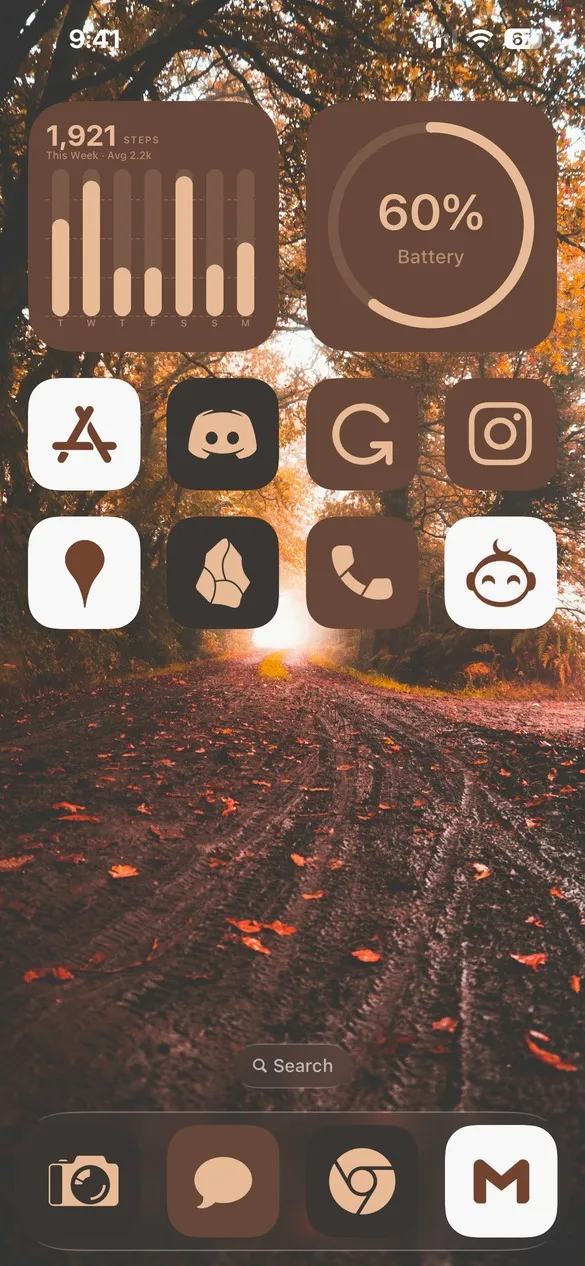 Autumn 004 · code 6VCS
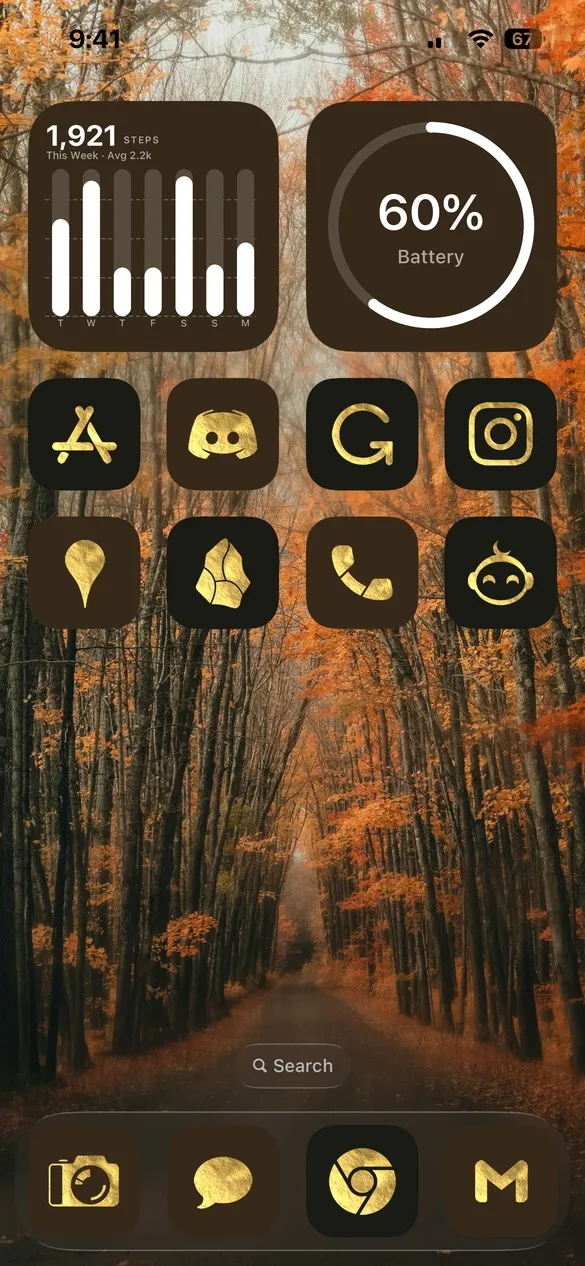 Autumn 007 · code CV7B
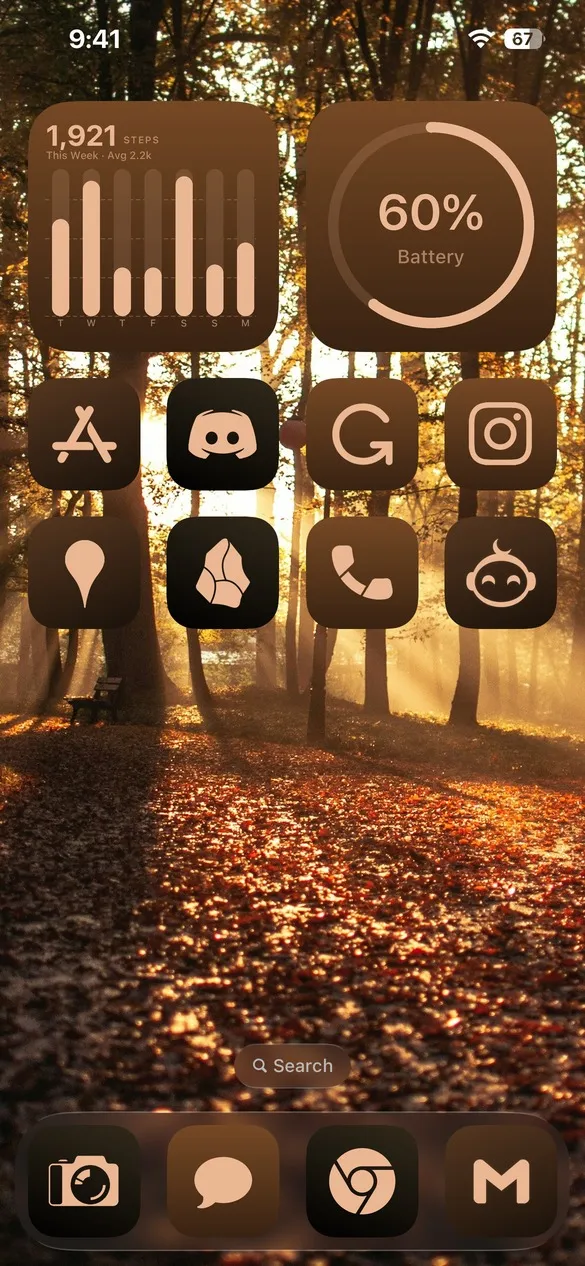 Autumn 009 · code 3TC6
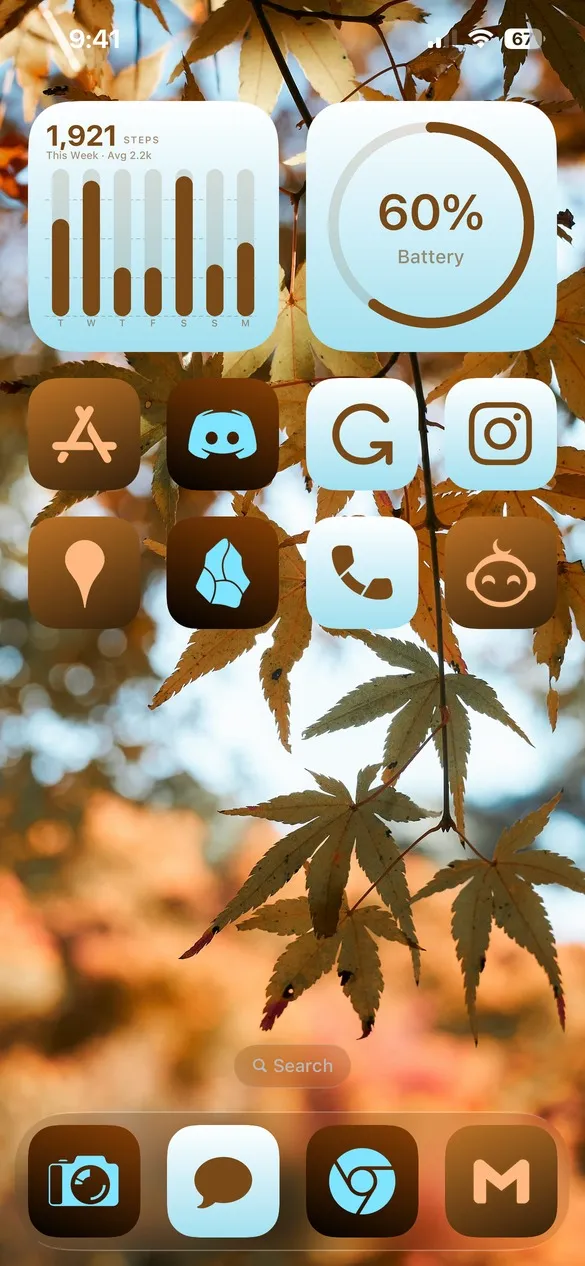 Autumn 013 · code FMDS
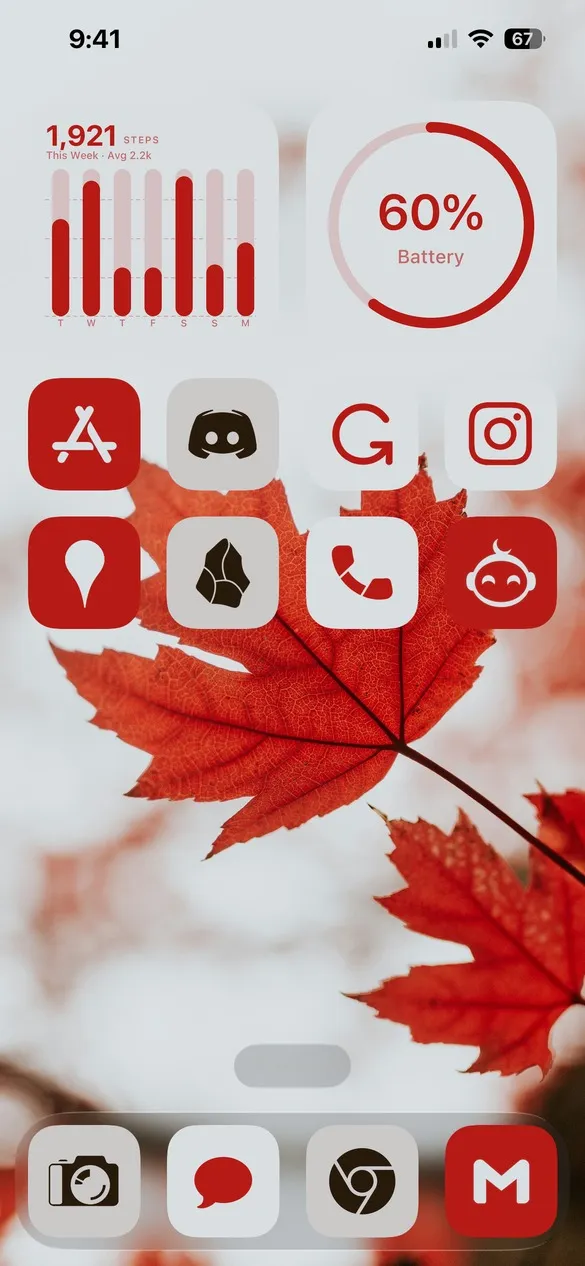 Autumn 015 · code R9CS
What makes a fall home screen
- Warm autumn colors. Orange, rust, gold, and chocolate brown.
- Nature photos. Falling leaves, forests, and quiet roads.
- Cozy contrast. Cream or dark icons that stay easy to read.
- A touch of gold. Some themes use the Gold Leaf icons.
How to get a fall theme on your iPhone
- Download Theme Studio from the App Store and open the Themes tab.
- Open the Autumn pack, or type one of the codes above into the Have a theme code? box.
- Tap Apply Theme. Your icons, widgets, and wallpaper are set up together.
- Export your icons and add them to your home screen with Apple's Shortcuts app. The step-by-step guide walks through it.
Frequently asked questions
Are the fall themes free?
Theme Studio is free to download, and most fall themes use the free Solid icons, so you can use them without Pro. A few use Gold Leaf icons, which need Pro to export.
Do you have Halloween themes too?
Yes. See the free Halloween iPhone themes for spooky October looks.
Does it work on iPad?
Yes. Theme Studio works on iPhone and iPad.