Theme Studio's Halloween pack has 18 spooky iPhone themes, and every one of them is free. They're built around glowing jack-o'-lanterns, pumpkin patches, ghosts, spider webs, and foggy forests, with icons and widgets in pumpkin orange, deep purple, and slime green.
Halloween home screen ideas
These are real home screens from Theme Studio's Halloween pack. Tap one to see the theme, or type its code into the app's Themes tab to open it.
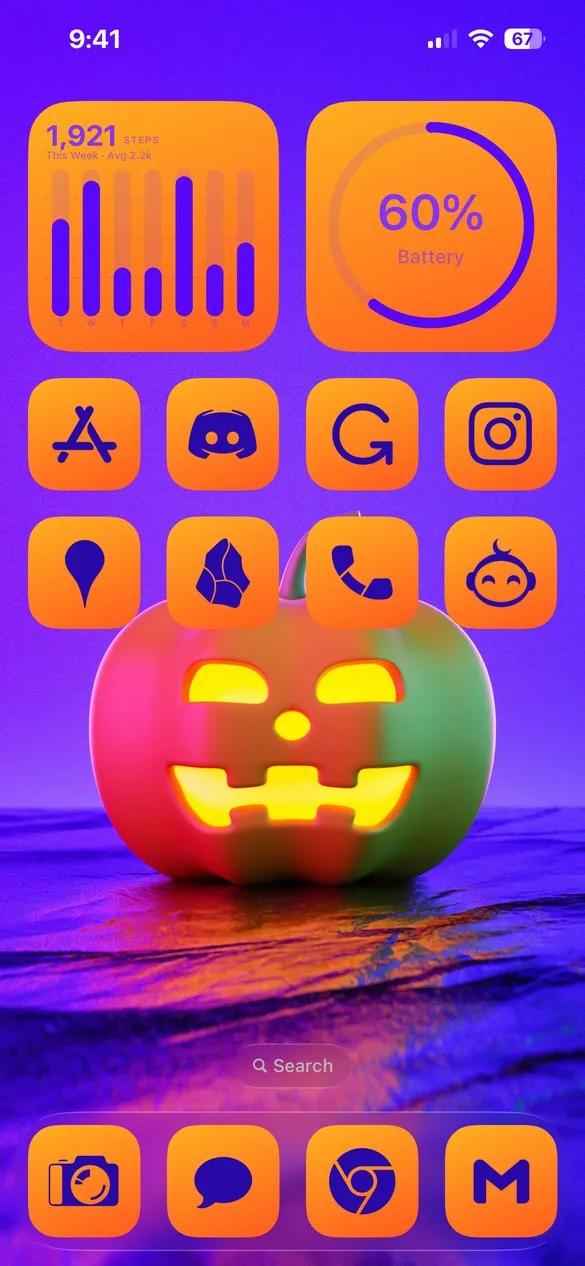 Halloween 002 · code 4MZF
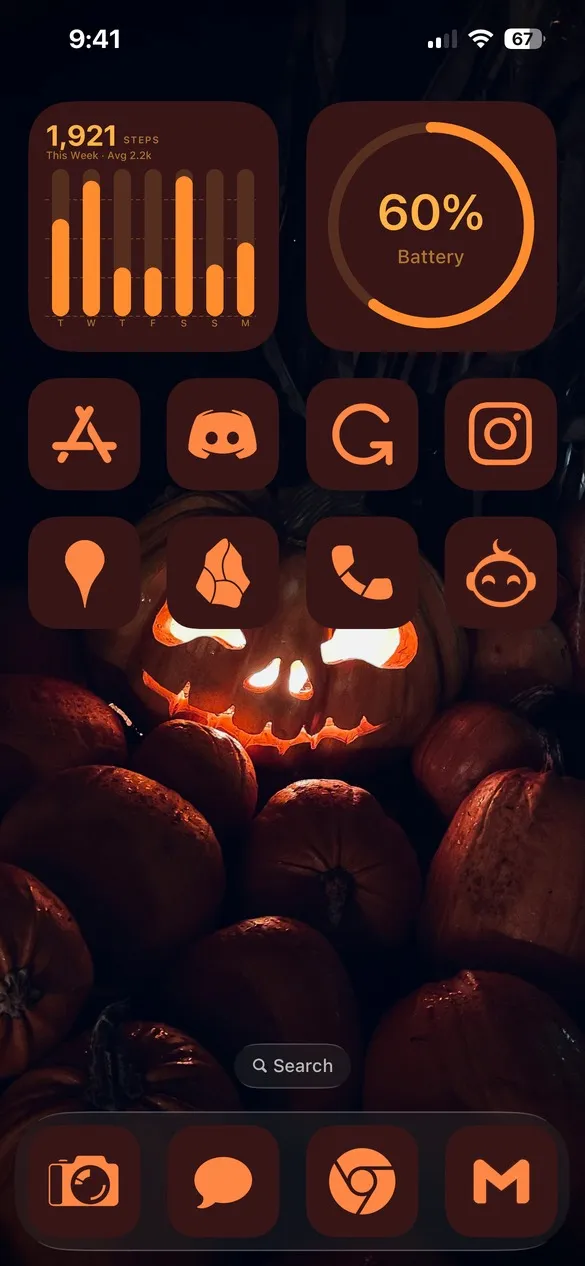 Halloween 003 · code 2H6T
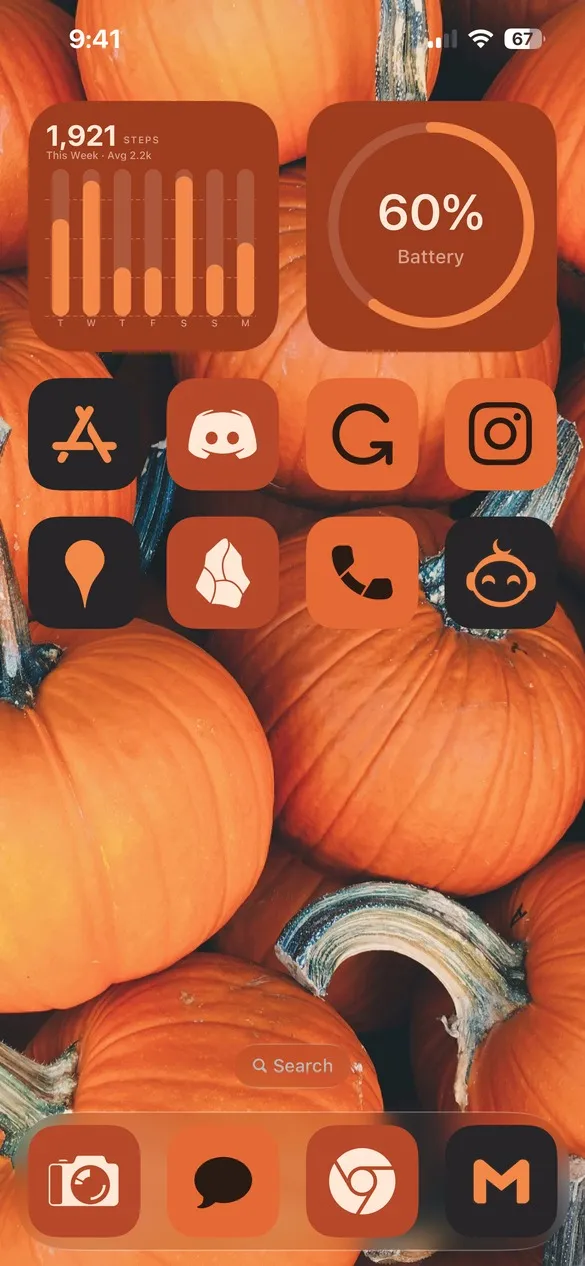 Halloween 005 · code FZ5G
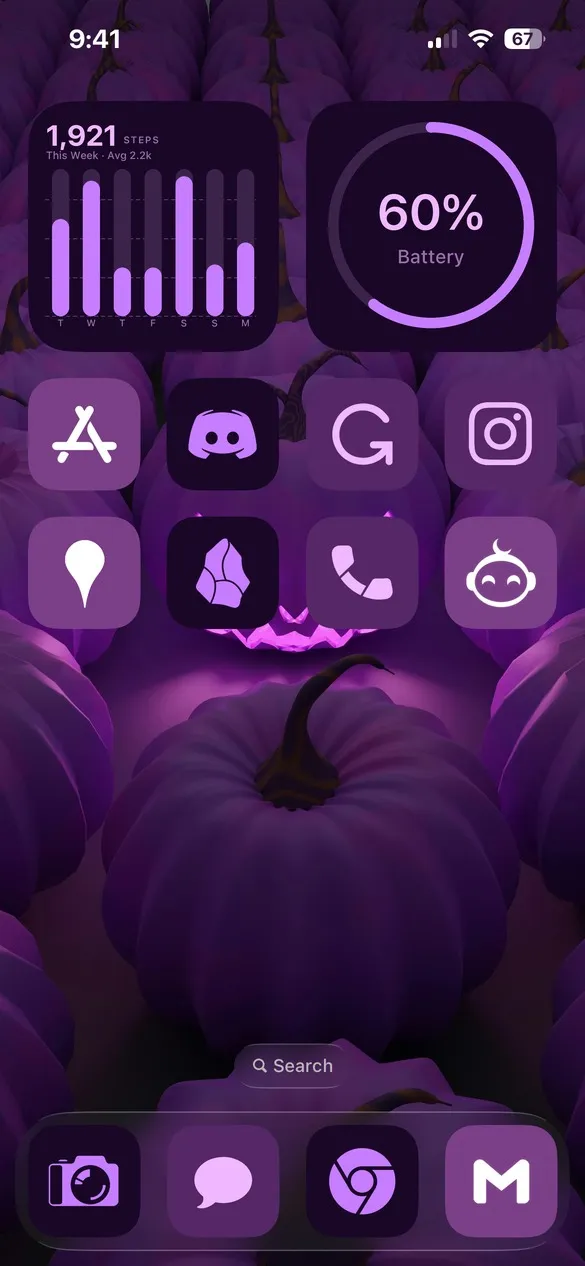 Halloween 007 · code GVTG
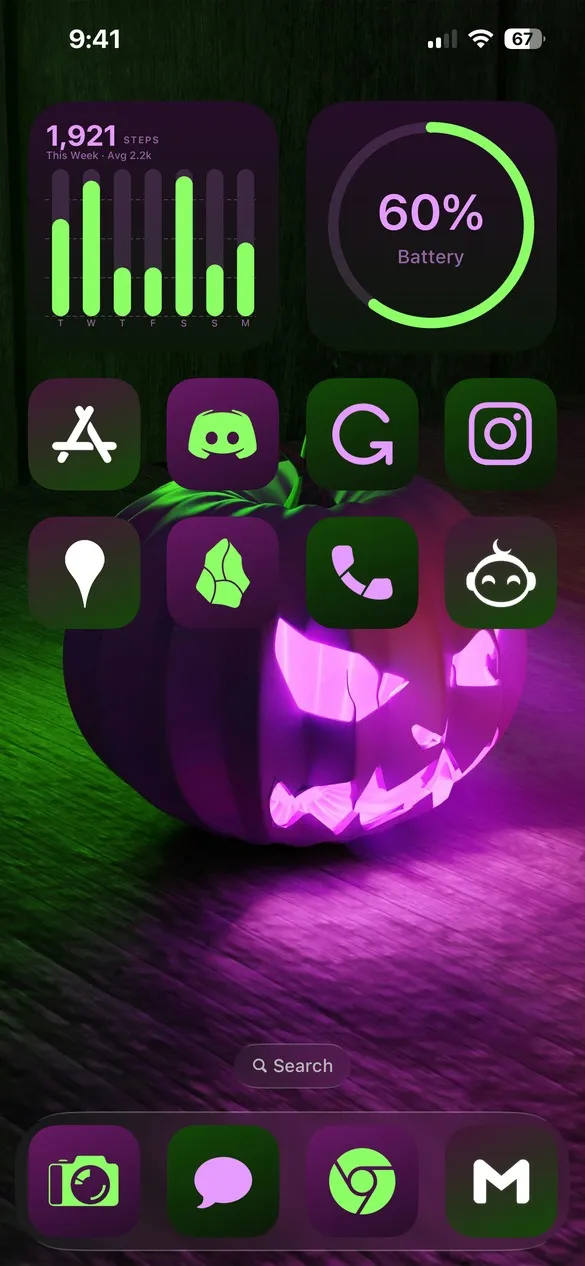 Halloween 009 · code 9BDP
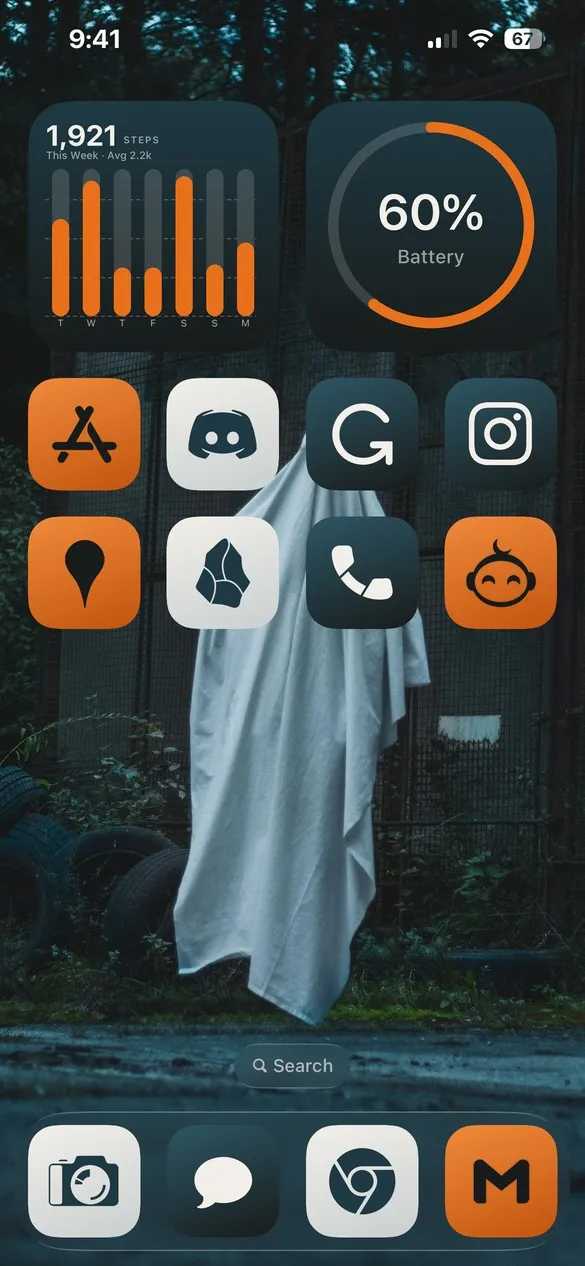 Halloween 014 · code PHMF
What makes a halloween home screen
- Pumpkin orange and black. The classic Halloween pair.
- Spooky wallpapers. Jack-o'-lanterns, ghosts, moons, and webs.
- Purple and green accents. For a witchy, glowing look.
- Matching widgets. Clocks and batteries in the same colors.
How to get a halloween theme on your iPhone
- Download Theme Studio from the App Store and open the Themes tab.
- Open the Halloween pack, or type one of the codes above into the Have a theme code? box.
- Tap Apply Theme. Your icons, widgets, and wallpaper are set up together.
- Export your icons and add them to your home screen with Apple's Shortcuts app. The step-by-step guide walks through it.
Frequently asked questions
Are the halloween themes free?
Yes. The whole Halloween pack is free for everyone, and every theme uses the free Solid icons, so you can apply and export them without Pro.
Will the Halloween themes come back every year?
Yes. The Halloween pack stays in the Themes tab, so you can switch to it every October.
Does it work on iPad?
Yes. Theme Studio works on iPhone and iPad.