Aesthetic themes for iPhone and iPad
Try on a new home screen.
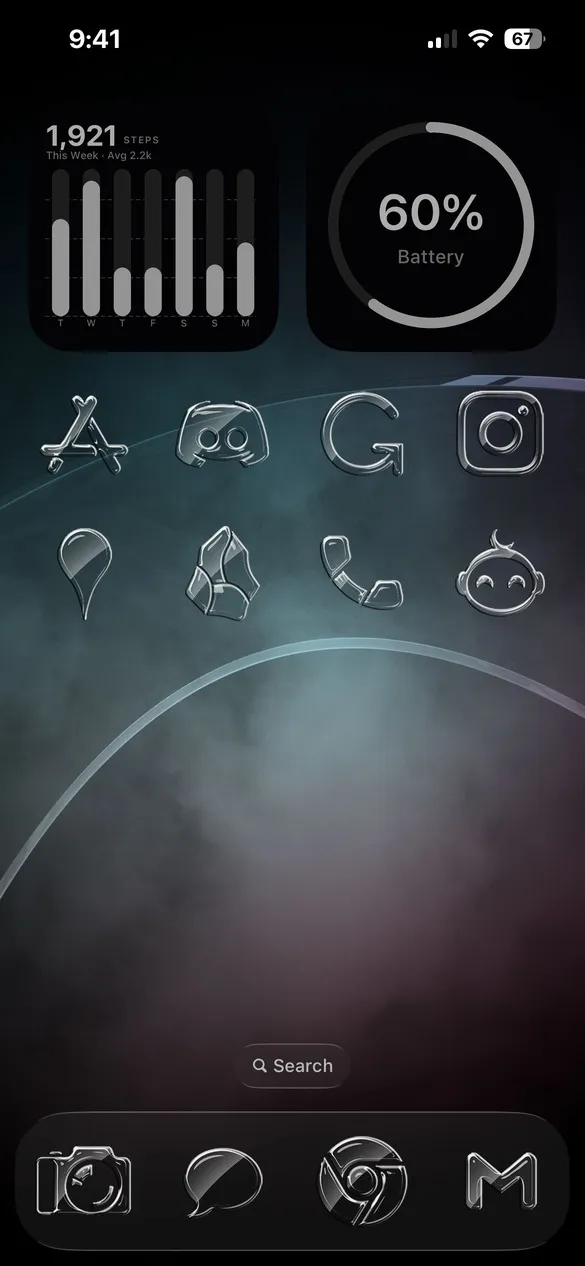
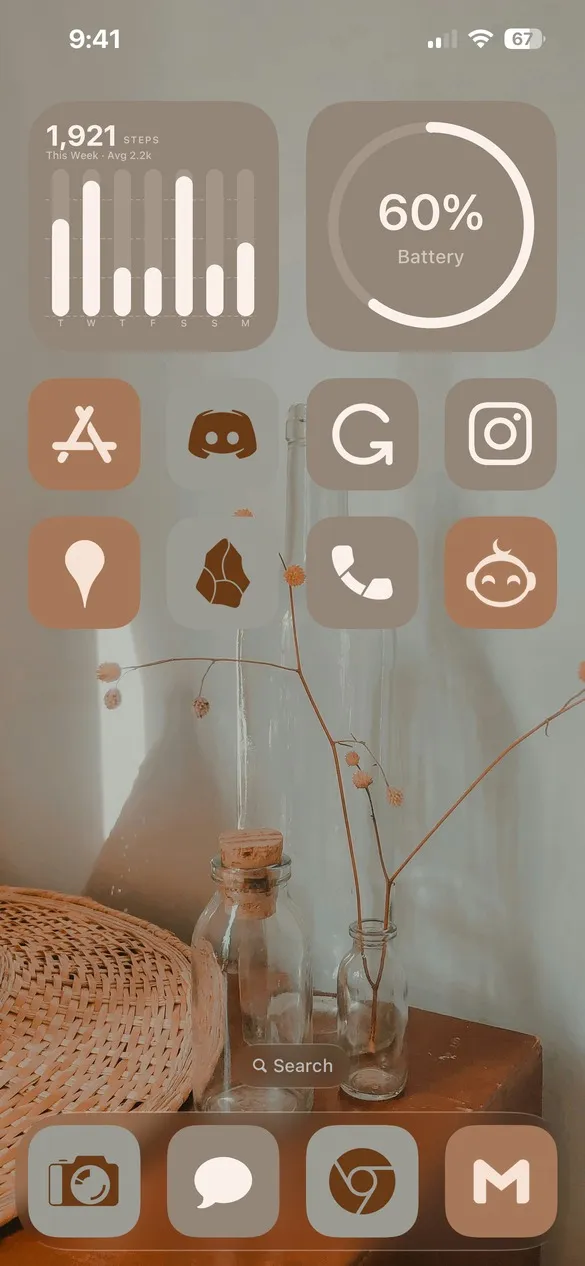
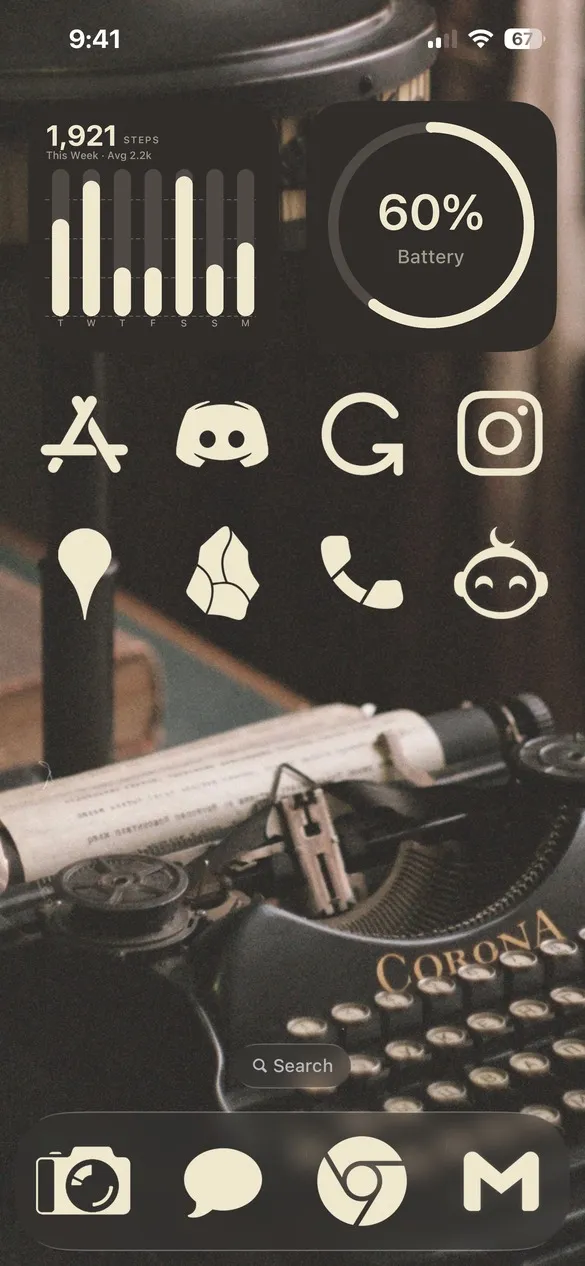
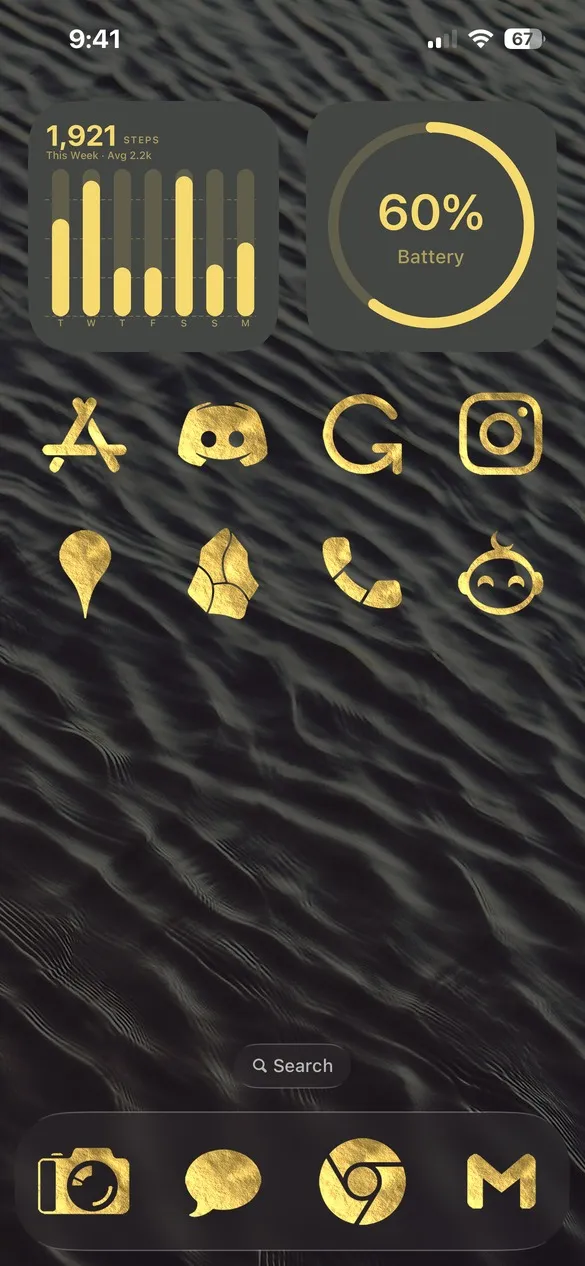
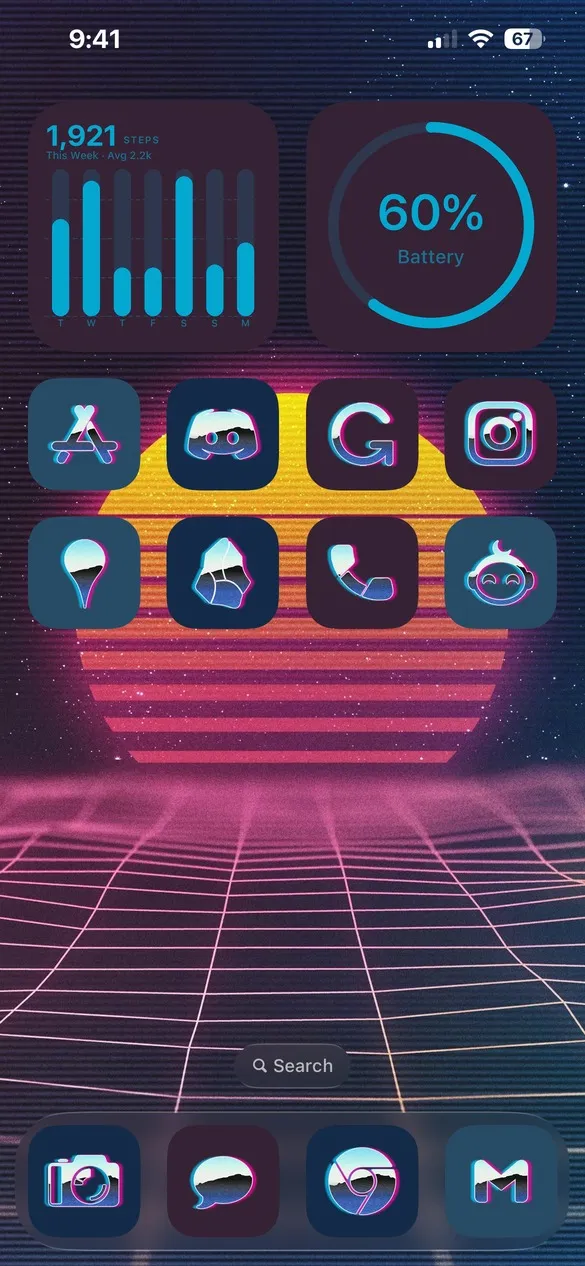
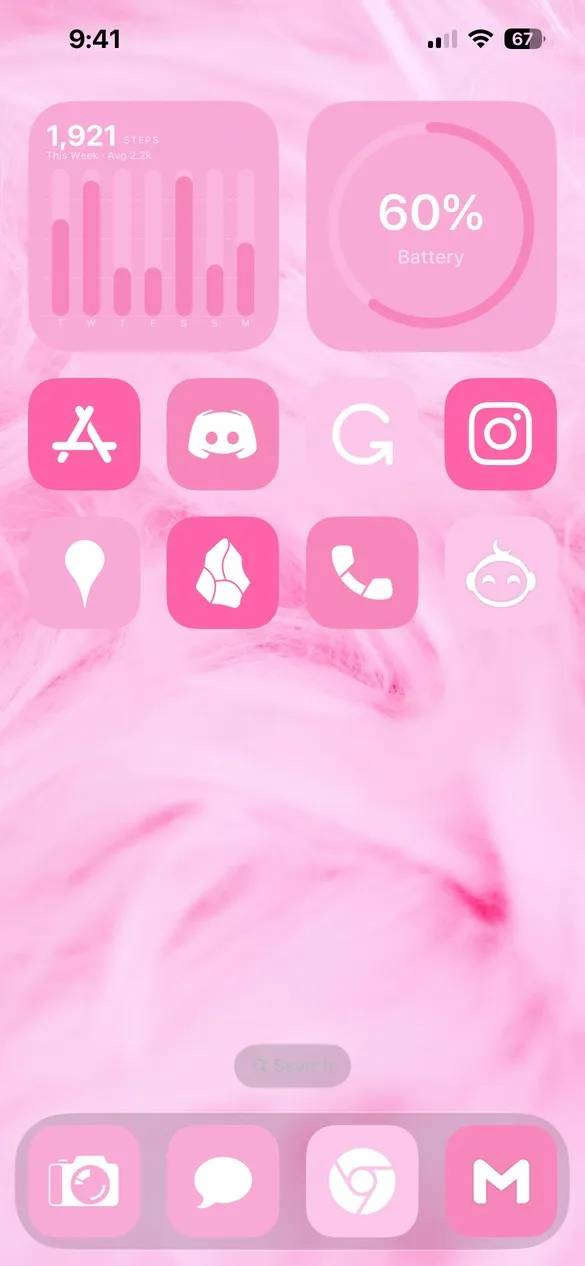
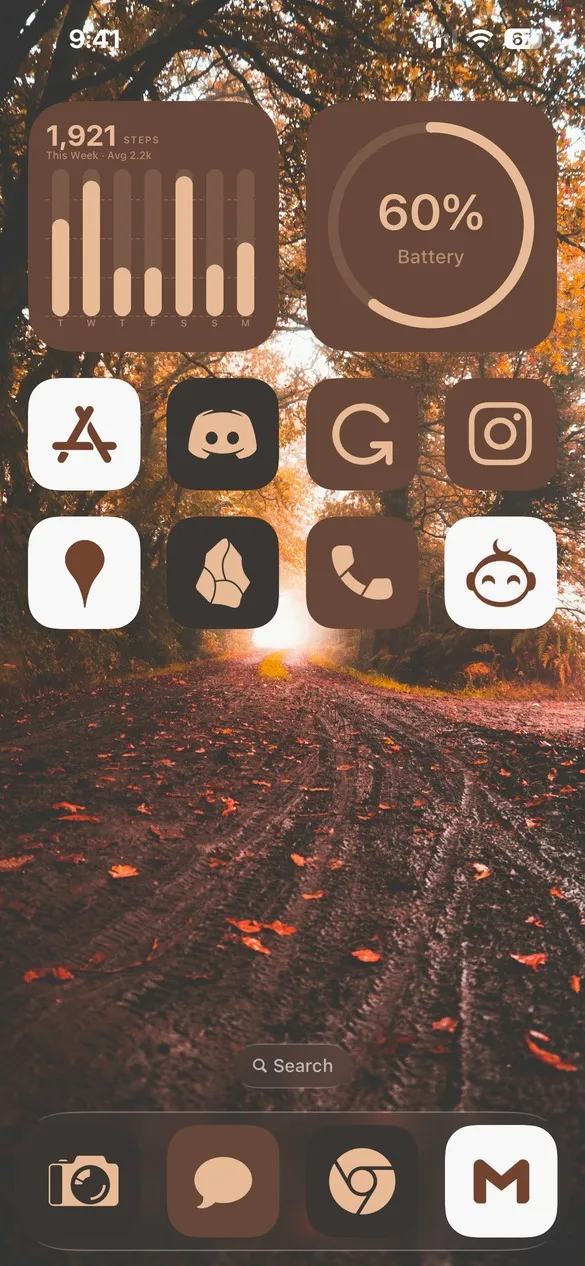
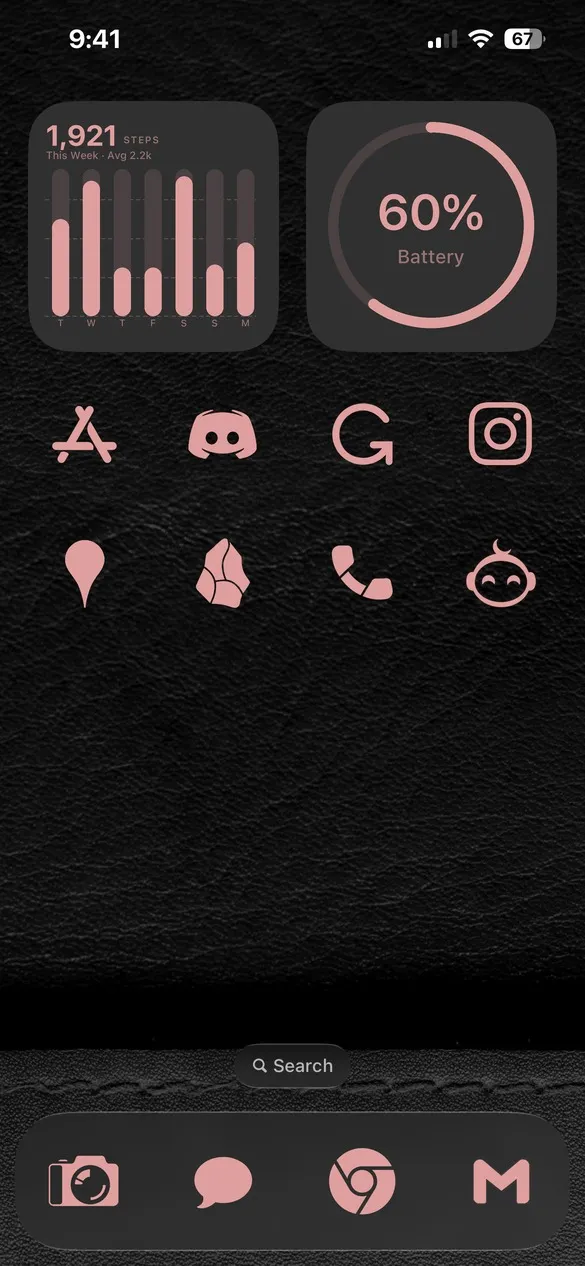
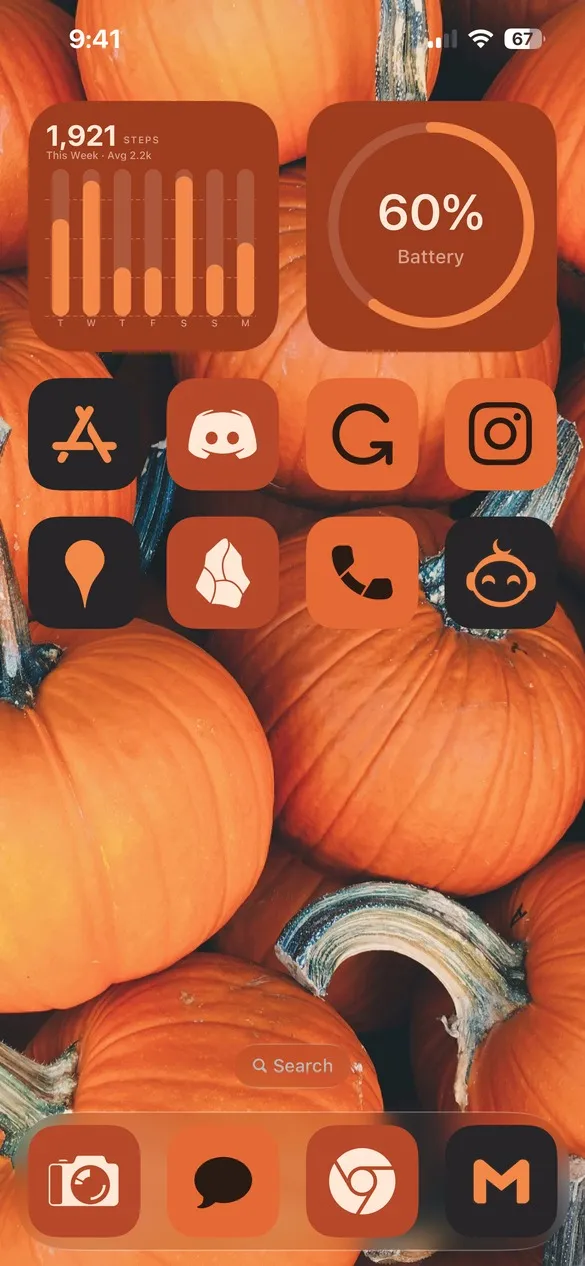
Tap a look to preview it. 2,500+ themes and nearly 6,000 app icons in ten styles, with matching widgets and wallpapers, ready to apply in Theme Studio.

Free to download. You add icons to your Home Screen with Apple's Shortcuts app, and Theme Studio shows you how.
Nearly 6,000 app icons in every style.
Most icon packs cover around 100 apps in a single style. Theme Studio's packs each cover nearly 6,000 apps, so every icon on your Home Screen matches, even the obscure ones. Pick from ten styles, then put any color, gradient, or photo behind them.


Mello is a separate style with its own set of 3,300 icons.
Plus about 40 widget types, including clocks, calendars, weather, photos, graphs, and steps, and thousands of wallpapers.
Pick a look
Every theme has a short code. See one you like? Type the code in the app's Themes tab and it's ready to apply.
How it works
No jailbreak and no tricks. Theme Studio makes the icons and widgets, and Apple's own apps put them on your Home Screen.
Pick a theme
Browse by aesthetic, or type a code you saw in one of our videos.
Tap Apply
Your icons, widgets, and wallpaper are set up together.
Add to Home Screen
Follow the in-app guide to add your icons with the Shortcuts app.
Free to start
Apply any theme for free. The Solid icon pack is free forever. Pro unlocks every icon pack, custom icons, and Pro widgets.
Or $39.99 once for lifetime Pro. Prices may vary by region.
Questions
How do the icons get on my Home Screen?
Theme Studio exports your icons, and you add them with Apple's Shortcuts app. The app walks you through each step.
What's a theme code?
A short code like HBV3. Type it in the Themes tab under "Have a theme code?" to open that exact theme.
Does it work on iPad?
Yes, Theme Studio works on iPhone and iPad.
Can I design on my computer?
Yes, with the free web editor. Build a theme, then scan a QR code to send it to your phone.
New here? Watch the quick guide.
Pick a theme or make your own, then apply your icons, widgets, and wallpaper.
Design on your computer
The free web editor runs in your browser, no sign-in needed. Build a theme, then send it to your phone.
 Open the web editor
New themes every week
Follow @themestudioapp on Instagram, TikTok, and YouTube, or get the occasional email about new packs and features. No spam, unsubscribe anytime.